
Last updated: October 31, 2026 · Reviewed by export engineering
This page exists to stop a buyer from reading six pages to answer one question. Find the row that matches the building, read the constraint in the fourth column, follow the single link in the fifth. That is the three minutes. What comes out is one page to read, not five, and a shortlist of doors instead of a wish list of features.
Start here
How to use this index in three minutes
The index is written from the door outward, not from the product inward.
A scenario does not select a lock. The opening, the credential and the one constraint that cannot be traded away select it. A 200-bed student housing block and a 200-room serviced apartment building look similar in a photograph and end up with different hardware, because one is decided by a term calendar and the other by a weekly turnover. If you start from the product catalogue you will spend a week comparing finishes. If you start from the row, you will know in three minutes which question has to be answered before anybody quotes anything.
Three steps. First, match the building type, not the buyer's job title; a facilities manager and a landlord can be looking at the same door. Second, read the constraint column and ask whether it applies to your site at full strength or only partly. Third, open the linked page and check the two numbers it asks for: the door thickness and the number of controlled doors. Everything else on that page follows from those two.
If your building is not in the list, read the section on scenarios this catalogue does not cover before you go looking for a row that fits badly. A wrong row produces a confident quotation for the wrong door, which is the most expensive outcome on this page.
 Solution sets by building type and access model
 Senior living and care access
 Self-storage and locker units
 Clinics and dental practices
The table
Thirty-two scenarios, four columns
Four columns describe the row. A fifth hands you to the page that continues it.
Each row carries the scenario, the opening the lock sits on, the lock family that fits it, and the constraint that decides the specification. Door thickness ranges in the second column are the leaves we size against during a survey, not universal door standards; a leaf outside the range is a different product question. Model names are the families that appear in most projects of that type, never the only option.
| Scenario | Typical opening | Lock family | The constraint that decides the spec | Read next |
|---|---|---|---|---|
| Multifamily housing | Unit entry, timber 38–55 mm; shared lobby glass | Card or code on unit doors; SLK-G200 on lobby glass | Turnover done from a desk, not by visiting the door | multifamily housing |
| Student housing | Dorm room, timber 38–55 mm | SLK-2020 class card lock | Term dates: expiry is written once per intake | student housing |
| University campus | Five zone types: timber, steel, glass | Card on rooms; keypad plus card on labs; SLK-G200 on glass | Fire doors and escape routes decide what cannot be fitted | university campus |
| K-12 schools | Classroom timber 35–50 mm; office steel | SLK-509 keypad and card | Staff-only groups; no student card on a teaching door | K-12 schools |
| Serviced apartments | Unit entry; communal corridor | Card and code; gateway optional | Cleaner windows inside a stay, without a new key | serviced apartments |
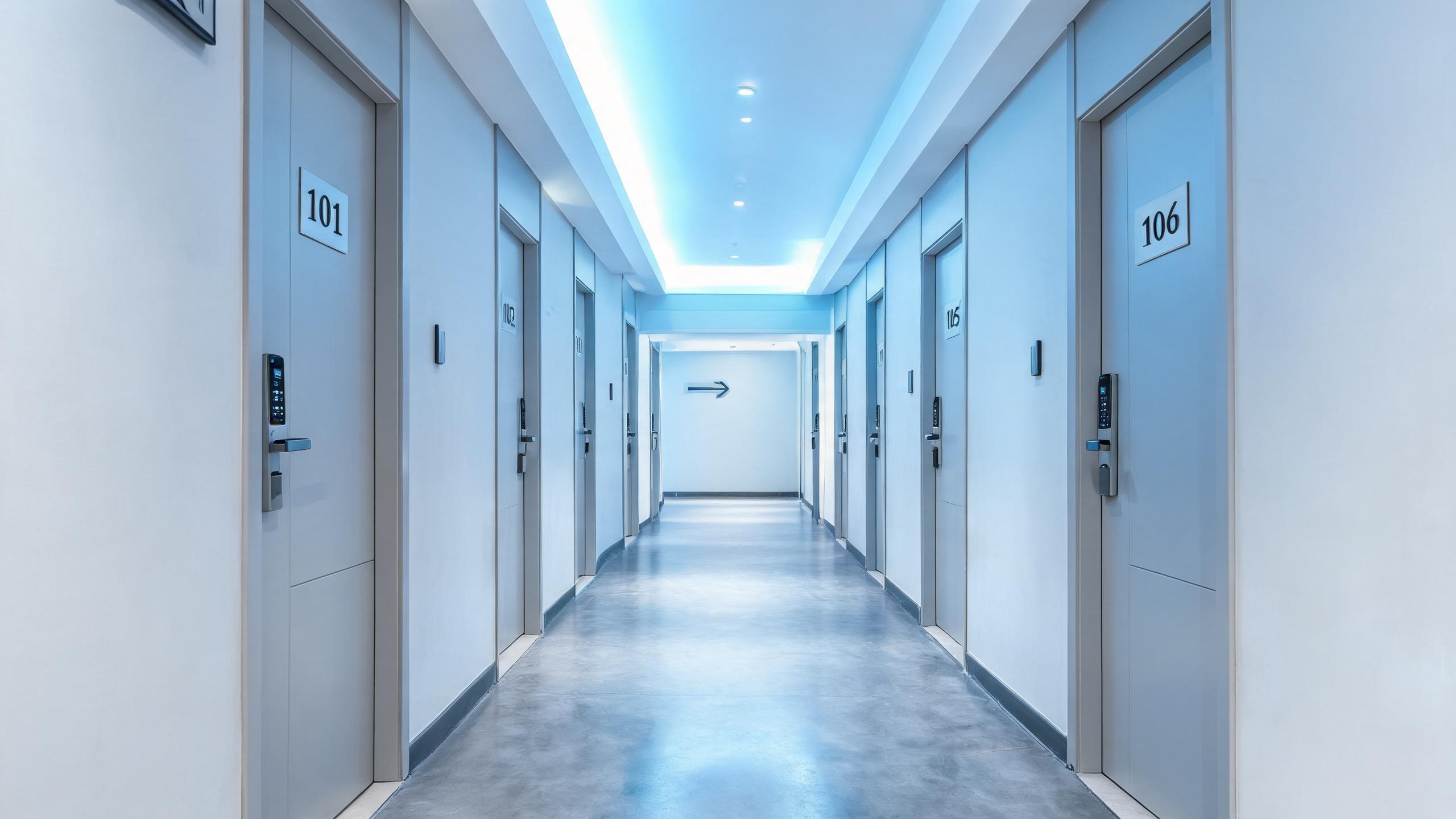
| Hostels | Private room; shared bathroom on a slim leaf | Keypad or card; SLK-230 where the leaf is narrow | Short stays and a high card loss rate | hostels |
| Bed and breakfast | Front door plus 3–10 room doors | Keypad code, offline | No staff member awake at 22:00 to re-encode a card | bed and breakfast |
| Villas and vacation homes | Gate and villa entry, aluminum | SLK-D11, SLK-D12, SLK-D15 weatherproof | Remote arrival with no local manager on site | villas and vacation homes |
| Tiny homes and modular | 35–45 mm lightweight leaf | SLK-Y22 fingerprint; SLK-509 keypad | The leaf is too light for a full mortise body | tiny homes and modular |
| RV parks and mobile homes | Aluminum and composite doors | SLK-D series weatherproof; keypad | Neither mains power nor a network can be assumed | RV parks and mobile homes |
| Marinas and boatyards | Pontoon gates and aluminum hatches | SLK-D12, SLK-D15; keypad | Salt and humidity decide the finish before the credential | marinas and boatyards |
| Self-storage | Steel unit doors and a shared gate | Keypad on units; hub at the gate | One tenant, one unit, and a gate that hundreds share | self storage |
| Data centers | Steel cage and rack room doors, 40–50 mm | Card plus PIN, with audit download | Two-person rule and an audit trail, not convenience | data centers |
| Banks and financial | Vault room, teller area, steel doors | Card plus PIN, with audit | Dual control and a written log for every entry | banks and financial |
| Government buildings | Steel and timber; public counters | Card readers using Wiegand 26/34 or OSDP to an existing panel | The building already has a panel, and it has to keep working | government buildings |
| Embassies and consulates | Perimeter doors, steel, high security | Card plus PIN, offline, with audit | Independence from any local network or cloud account | embassies and consulates |
| Museums and cultural | Gallery doors and glass vitrines | SLK-G200 on frameless glass; card elsewhere | After-hours traffic and a shift handover every evening | museums and cultural |
| Libraries and archives | Reading room; archive store, steel | Card with audit download | An audit that can be exported, not a log that stays in the lock | libraries and archives |
| Laboratories | Steel 40–50 mm, solid core | Card plus PIN; audit | Sample custody: who entered, when, and with whom | laboratories |
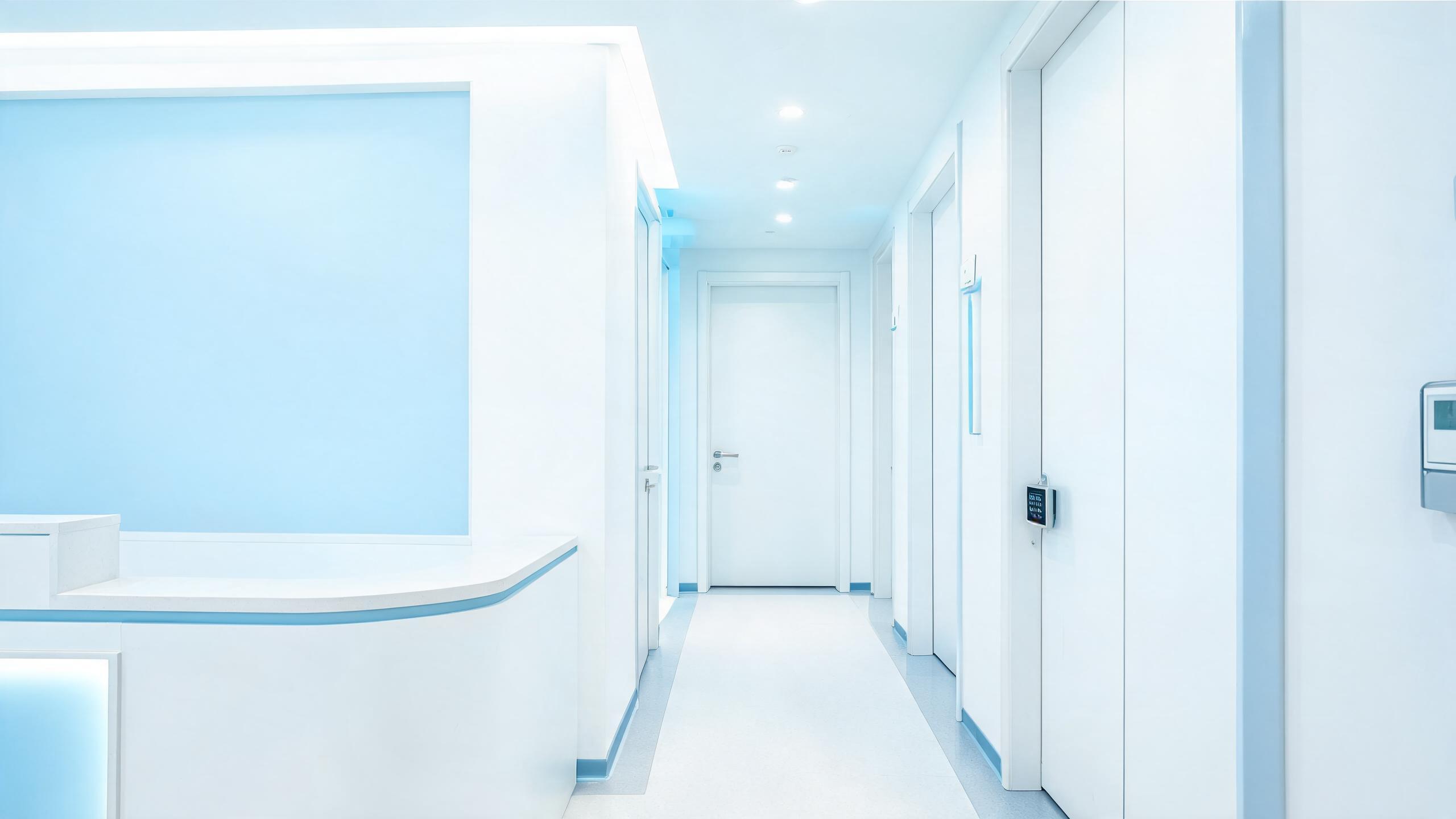
| Clinics and dental | Treatment room; drug cabinet, steel | Card and keypad on the room; cabinet lock on the store | Patient privacy plus a staff change every shift | clinics and dental |
| Veterinary clinics | Recovery room; small drug cabinet | Keypad on small-format doors | Emergency access out of hours, by people who are not on the roster | veterinary clinics |
| Senior living | Resident room timber; common area | Card and code with mechanical override | Staff entry without locking a resident inside | senior living |
| Co-living | Shared unit with private rooms | Code or app; gateway where the building allows it | Members change monthly and share one front door | co-living |
| Construction sites | Container doors and site office, steel | Keypad; SLK-4G cellular | No mains, no network, and a workforce that changes weekly | construction sites |
| Telecom and remote sites | Cabinet and hut doors, steel | Keypad; SLK-4G cellular | One visit per year, so credentials must be managed remotely | telecom and remote sites |
| Solar and wind farms | Inverter container doors, steel | Keypad; SLK-4G cellular | Contractors from several firms, each needing a dated code | solar and wind farms |
| EV charging | Charging cabinet and pedestal doors | Keypad; SLK-4G cellular | Payment and authorization are separate from the lock | EV charging |
| Cold storage and food | Freezer room doors, insulated steel | Keypad on cabinet lock hardware | Condensation and ice, not the credential, decide the hardware | cold storage and food |
| Stadiums and arenas | Turnstiles and back-of-house doors | Card; hub where the site allows it | Match-day peaks: 30 minutes of heavy traffic, then silence | stadiums and arenas |
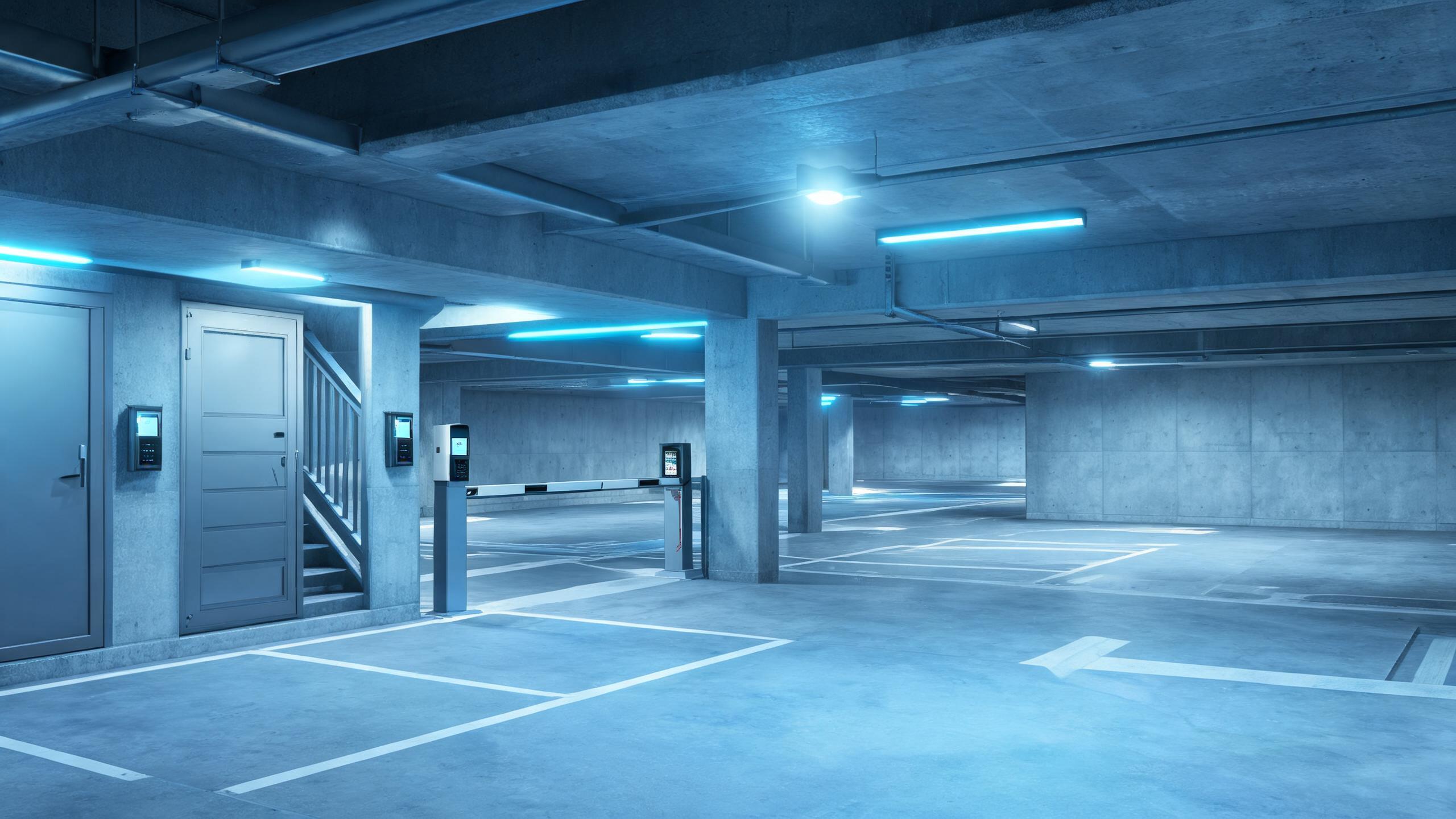
| Parking facilities | Barrier gates and cash office | Card for the office; the barrier stays a barrier | The gate operator is not a lock and cannot be quoted as one | parking facilities |
| Smart lockers | Locker bank, steel cabinet | Cabinet lock with keypad or app control | One controller per bank, not one reader per door | smart lockers |
| Bike storage | Rack room, steel frame and glass panel | SLK-G200 on glass; keypad on the steel door | Hundreds of users and low value per user, so cost per door dominates | bike storage |
If two rows seem to fit, choose the row with the stricter constraint. The stricter page always tells you what the looser page leaves out, and it usually costs less than buying the wrong hardware twice.
Size
Choose by door count: five size bands
Door count changes the management, not the lock body. The same SLK-2020 sits on door 3 and door 300.
| Band | Controlled doors | What changes inside the band | Where the risk sits |
|---|---|---|---|
| A | 1–10 doors | One reader type, one operator, no software beyond the lock itself | The single operator. One person away and nobody can add a credential. |
| B | 11–50 doors | A written credential list, a spare lock, and a second person trained | Lost credentials, because nobody walks 50 doors on the day they are reported |
| C | 51–200 doors | Groups or zones, an audit routine, and a named person for battery service | Group design: a permission given to the wrong group is invisible until it is used |
| D | 201–500 doors | Batch writing, read-back checks, a site spare pool and a generation number per building | Mixed firmware generations and a batch that reached most doors but not all |
| E | 500+ doors | Multiple buildings, delegated administrators, and a documented change process | Change control. Two administrators editing the same group without a record. |
Band A is where most buyers start and where most mistakes are made, because nothing forces a written list. A single reader on a single door still needs a record of who holds a credential, and a plan for the day that credential is lost. Band D is where hardware stops being the problem: 300 doors and two generations of firmware will produce a card that works in one wing and fails in the next, and no amount of buying will fix a batch that was never read back.
Credential
Choose by credential, not by building type
Building type tells you what the door is made of. Credential tells you how the site will be run.
Two buildings of the same type can need different systems because of the people moving through them. A 40-room hostel and a 40-room care home share a door schedule and share almost nothing else: the hostel needs cheap reissuing at a desk, the care home needs staff entry that a resident cannot be locked out of. The credential is the decision that survives the building.
Card. MIFARE Classic is the common choice for high-volume, low-cost credentials; MIFARE DESFire EV2 suits sites that want stronger protection or already hold that stock. Both sit on ISO/IEC 14443A and work across the hotel and access families. Card is the right default above 50 doors, because a card is cheap to reissue and easy to expire.
Code. Keypad models such as SLK-509, SLK-818 and SLK-8831 remove the card entirely. Codes are the fastest route for a site with no desk, no printer and no staff at 22:00, which is why bed and breakfast, construction and remote sites end up here. The cost is that a shared code cannot be traced to a person.
Fingerprint and face. SLK-Y22 is the indoor wooden-door fingerprint lock; SLK-B09 is the face recognition reader used on double glass office doors. These remove the credential handover problem, and they add an enrolment step that somebody on site has to own.
Cellular. The SLK-4G lock needs no Wi-Fi and no local network. At a remote site with one visit a year, that is the only way to revoke a credential without sending a person.
Mechanical override. Every model above carries a mechanical key path. It is not a backup feature to be admired; it is the thing that decides what happens at 02:00 when a battery is flat, and it belongs in the site procedure, not in the brochure.
 Government and public buildings
 Libraries and archives
 Parking and gated facilities
 Hostels and short-stay accommodation
Boundary
Scenarios this catalogue does not cover
Saying no early is cheaper than a quotation that has to be withdrawn.
- Vehicle barriers, toll lanes and parking gates. A barrier operator is a machine with its own controller; we do not supply or integrate it, and a lock is not a substitute.
- Turnstiles and speed gates. These need a pedestrian controller and a fire release of their own. A reader may feed them, but the lane is not ours.
- Vault doors and safe locks. Combination and time-delay hardware sits outside this range of products; a card reader on a vault is a different discipline.
- Lift and elevator control. Floor restriction is a controller function. Some of our readers can feed a panel, but the lift interface is the lift supplier's scope.
- Payment and ticketing. Charging, fares and refunds are not access data. EV charging rows in the table stop at the cabinet door.
- Fire alarm release. Not covered on any page of this catalogue. The interface belongs to the fire contractor and is tested as part of the fire system.
- A single door with no room for a body. A 30 mm hollow leaf, a heritage frame or a door that cannot take a mortise is a different product, and the answer is often a different door.
What does apply to almost every row is the survey. Thickness, core, handing and the frame member behind each fixing point decide whether a model fits at all, and none of them can be read from a photograph.
Continuation
Where each scenario continues
Five solution pages carry the detail. Every other row continues into a product family or a worked project.
The five hub pages are written for a buyer who has already chosen a scenario and now needs the quantity rules: hotels and resorts by room count, rental apartments by unit count, residential homes by door type, schools and campuses by term calendar, and office buildings by zone. A row for a clinic, a laboratory or a stadium usually continues into the same zone logic as the office page, with the audit requirement added.
Where the row is about a door rather than a building, the product families carry the detail: hotel door locks, RFID door locks, fingerprint door locks, glass door locks and outdoor door locks. Where the row is about a finished project, the case studies show the same arithmetic at a stated door count, from 200 school doors to 200 storage units.
The link column is checked against the site, not against an old spreadsheet. If a scenario page is merged, the row moves with it in the same revision, because a dead link in an index is worse than a missing row: the buyer assumes the product is gone.
Limits
What this index does not decide
- It does not price anything. There is no price column because a price depends on the door schedule, the finish, the credential count and the destination, and it is issued in writing per order.
- It does not set MOQ or lead time. Both are quoted per order; the current MOQ policy is confirmed in writing with each quotation.
- It does not certify a model. The document pack for the specific SKU states what is held, and the certificate belongs to the model, not to the factory.
- It does not clear a fire door. A row can tell you the question; it cannot tell you the answer, because that answer belongs to the door assembly and the fire strategy.
- It does not replace a survey. Thickness, core and handing are measured on site. A row plus a photo is a hypothesis, not a door schedule.
- It does not cover installation. We do not install abroad; the route is described on installation support.
Maintenance
How the index stays current
An index is a maintenance commitment, not a launch asset.
The page is reviewed on a fixed schedule and after any of four events: a model is discontinued, a model is added, a scenario page is merged or split, or a quotation reveals that a row is misleading buyers into the wrong door. Each review produces the same two outputs: a revised row and a new date on this page. The date at the top is the date of the last review, not the date the page was first written.
Every link in the fifth column is opened by a person before the revision is published. That is the only check that catches a redirect that still resolves but now lands on a different scenario. Where a row is retired, the replacement is named in the same row rather than deleted silently, so a buyer with an old printout can still see where the scenario moved.
The evidence for a revision is kept: the review note lists the rows changed, the person who changed them and the reason. Buyers evaluating this page as a supplier document can ask for that note, and it is supplied the same way a model document pack is supplied.
Answers
Application questions buyers send before a shortlist
My building is not in the table. What do I do?
Send the building type, the door count and one photograph of a typical door. Most buildings that are not named here map to a row by door type and credential rather than by industry, and the reply names the row we would use and why. If nothing fits, you get that in writing too, rather than a quotation for the nearest page.
Two rows fit my project. Which do I follow?
Follow the stricter one. The stricter page states what the looser page leaves out, and buying to the stricter requirement once usually costs less than replacing hardware after the first inspection. If the extra requirement turns out not to apply, it is dropped in the quotation with a note, not by choosing a different page.
Does the lock family column mean I must buy that model?
No. It names the family that appears in most projects of that type. A row for a 40-room hostel points at the hotel card family because card reissue at a desk is the practical choice, but a keypad model on the same door is a legitimate alternative if nobody is at the desk in the evening.
How many doors can one system cover?
There is no fixed ceiling, but the management changes at the bands on this page. Above 200 doors the work becomes batch writing, read-back checks and a generation number per building. Above 500 doors it becomes change control between administrators, which is a process problem before it is a product problem.
Do all these scenarios work offline?
Most do. Card and keypad locks in this range store the access list on board and run their own clock, so a corridor keeps working when the network does not. The exceptions are the rows where remote revocation is the point, such as construction, telecom and solar sites, and those use the cellular model instead.
Can I mix credential types in one building?
Yes, and most large sites do. A card on the front door, a keypad on the plant room and a fingerprint lock on the server rack can coexist as long as each door's record is kept in one list. What must not happen is two separate lists that nobody reconciles.
What does the index prove about the factory?
It proves that the scenarios are mapped and that the links resolve to pages with quantities, boundaries and document expectations. It does not prove a test result. Model claims are verified through the document pack and the test report route described on the linked pages, not through a table row.
Send the building type and the door count
Two lines are enough to start: what the building is, and how many doors are controlled. Add the door thickness if you have it, and the credential you already use if there is one. The reply names the row we would follow, the models that fit it, and the document pack for each model. If you have not read the hub pages yet, start with hotels, apartments or offices.
Request a scenario quotationRequest the catalog