
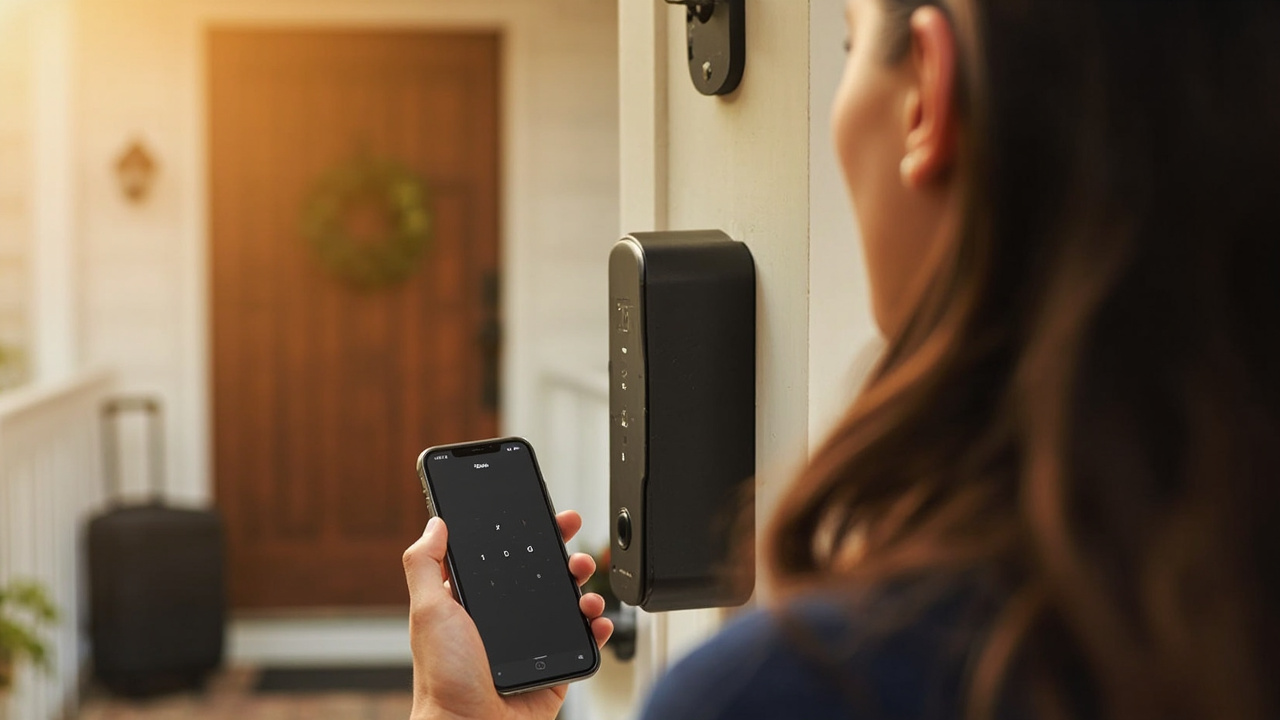
Smart lock solution for Airbnb & vacation rentals
True self check-in, from booking message to checkout
Guests arrive at any hour with a code you send by message — no lockbox, no meeting, no key collection — and access deletes itself when their stay ends.
The guest journey, fully unattended
How a self check-in stay actually runs
The same flow repeats for every booking, even when you are in another country.
Booking arrivesYou issue a codeCreate a time-limited code in the Tuya or TTLOCK app and include it in your check-in message.
Arrival, any timeGuest taps it inEarly flights, late drives — the code works from check-in time without anyone on site.
During the stayCleaners get windowsSeparate codes open the door only during scheduled cleaning or linen visits.
Checkout dayCode dies on scheduleAccess ends automatically at checkout time, ready for the next booking.
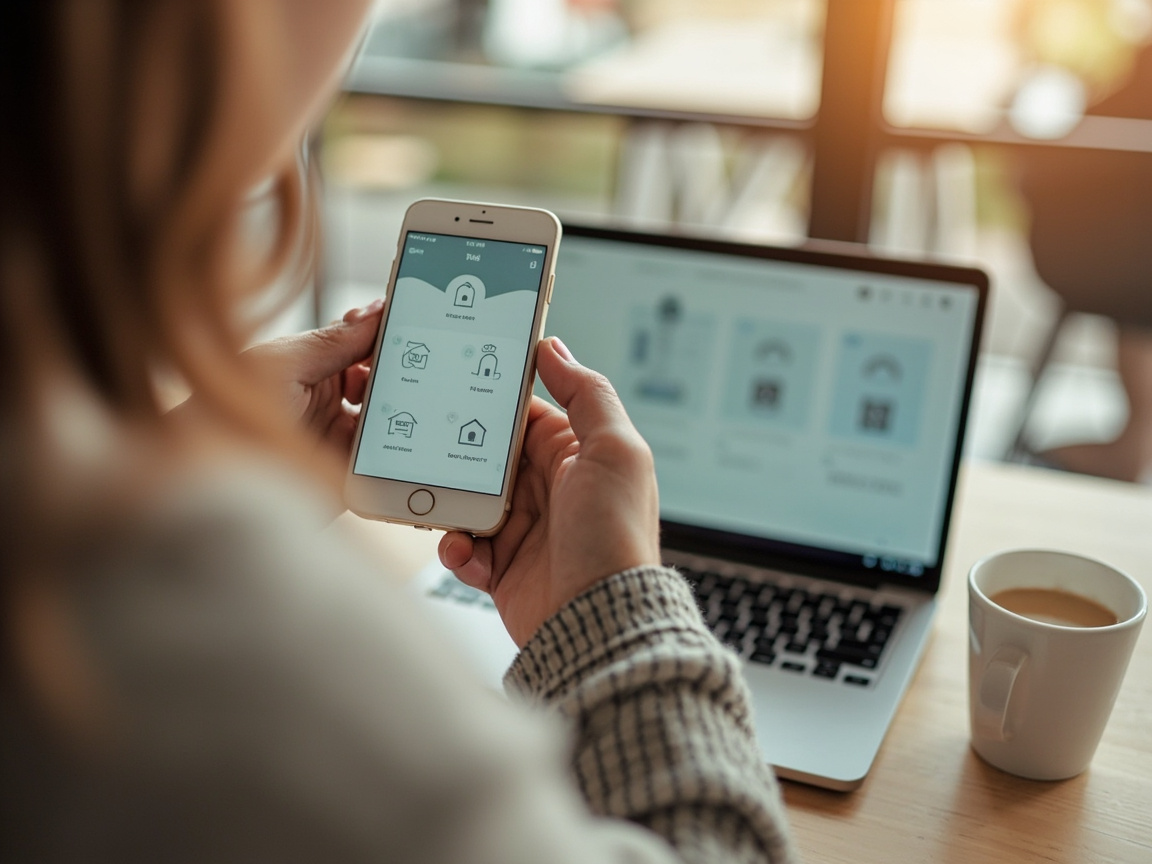
Run a cottage, flat or whole portfolio from one app — no on-site presence required
Built for hosts, not hotels
Everything a short-term host needs from a lock
Holiday rentals differ from hotels: guests expect instructions in a messaging app, properties often have no reception, and cottages may have weak internet. The hardware is chosen around those realities.
- Time-limited codes per booking, sendable directly in Airbnb or Vrbo messages
- No app needed by guests — just a keypad code and optional backup card
- Wi-Fi and 4G models for city flats and remote cottages alike
- Offline backup codes for properties with unreliable connectivity
- Cleaner and co-host access with separate scheduled credentials
- Entry records to confirm check-in and cleaning visits remotely
Tuya / TTLOCK Wi-Fi & 4G Booking-timed codes Mechanical backup
Why hosts switch
Lockboxes and hidden keys vs smart codes
Lockboxes & key swaps
- Guests fumble with boxes in the dark or lose the code slip
- Copied keys circulate between guests with no audit trail
- Every turnover needs someone to collect and replace keys
- Codes can be shared onward long after the booking ends
- One jammed lockbox means an emergency trip to the property
Booking-timed smart codes
- Clear instructions and a backlit keypad, day or night
- Every credential is named, dated and recorded
- Fully remote turnover across back-to-back bookings
- Access expires automatically at checkout time
- Backup codes, cards and mechanical keys cover every failure mode
The details that make unattended hosting work
Back-to-back bookings
New code per guest in under a minute, with cleaning windows placed between stays.
Check-in confirmation
Unlock activity lets you see that guests arrived and cleaners completed their visits.
Co-hosts & teams
Give co-hosts and cleaning managers managed access without sharing your account.
Remote management
Host multiple properties or entire portfolios from one phone, anywhere.
No guest app
Keypad codes mean no app downloads, accounts or tech support for holidaymakers.
Reliable entry
Offline codes, low-battery alerts and mechanical backup protect every stay.
Recommended models
Self check-in locks hosts use now
Real, orderable models for city flats, remote cottages and multi-property hosts.
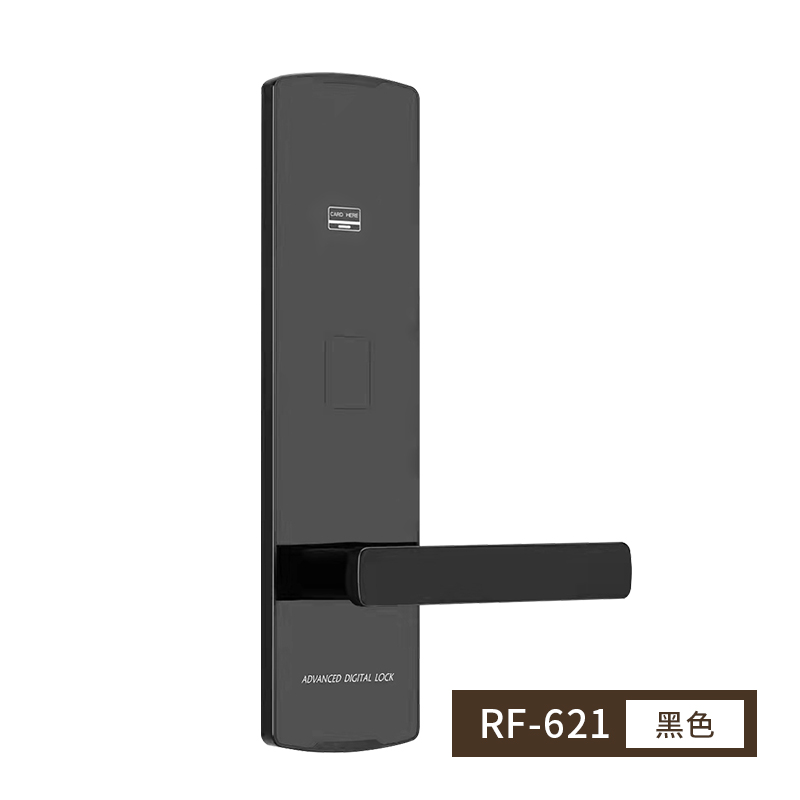
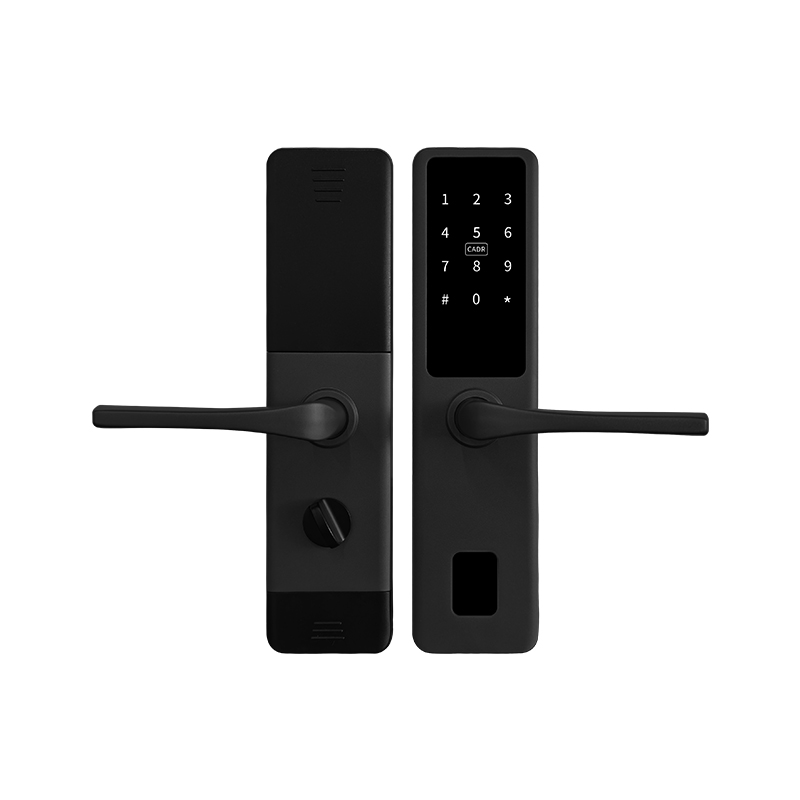
SLK-005 fingerprint lock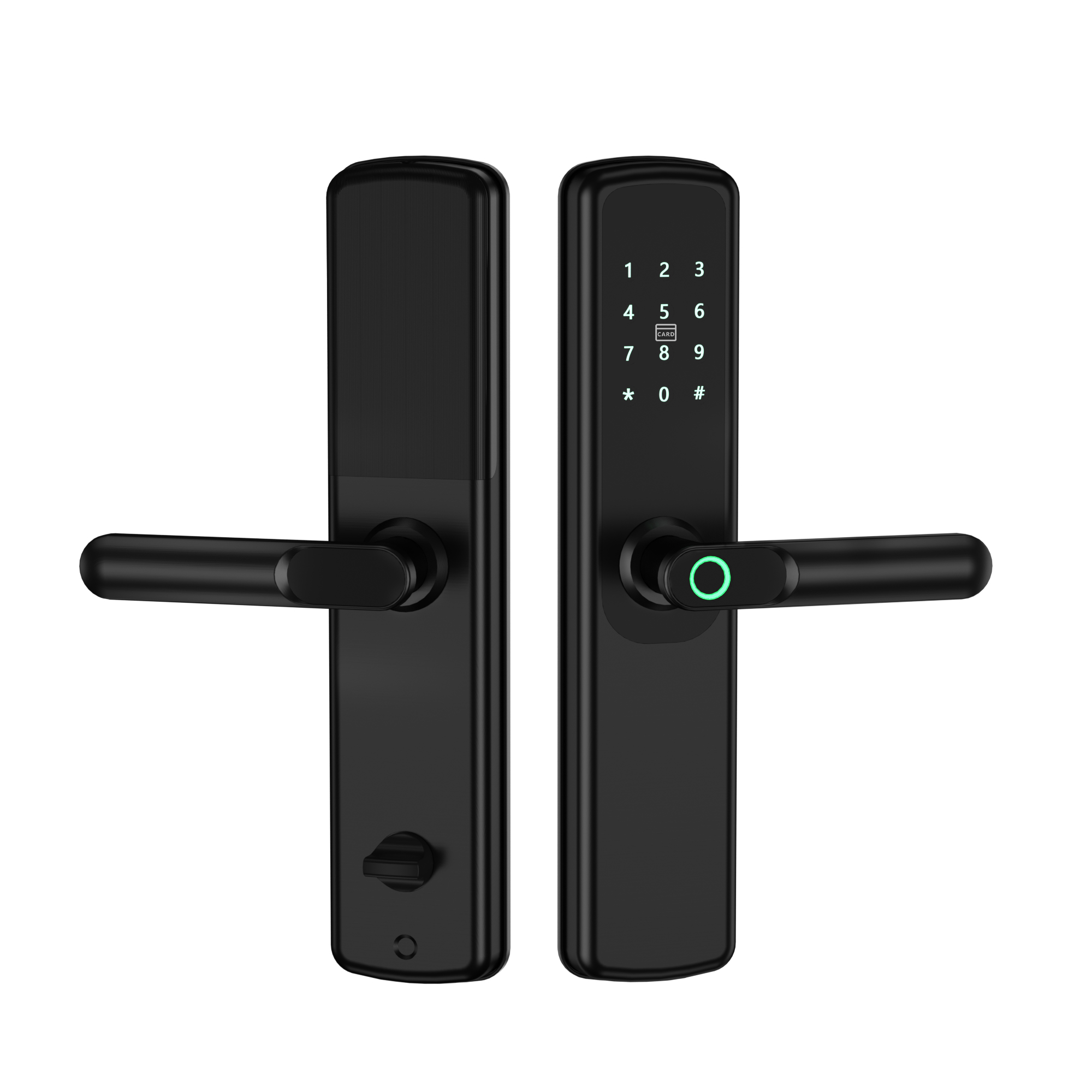
SLK-005 fingerprint →
Fingerprint, code and card for hosts who also live on site
Which setup fits the place you host
| Property | Connectivity | Suggested setup |
|---|---|---|
| City apartment | Home Wi-Fi available | Wi-Fi/Bluetooth app lock with booking-timed codes |
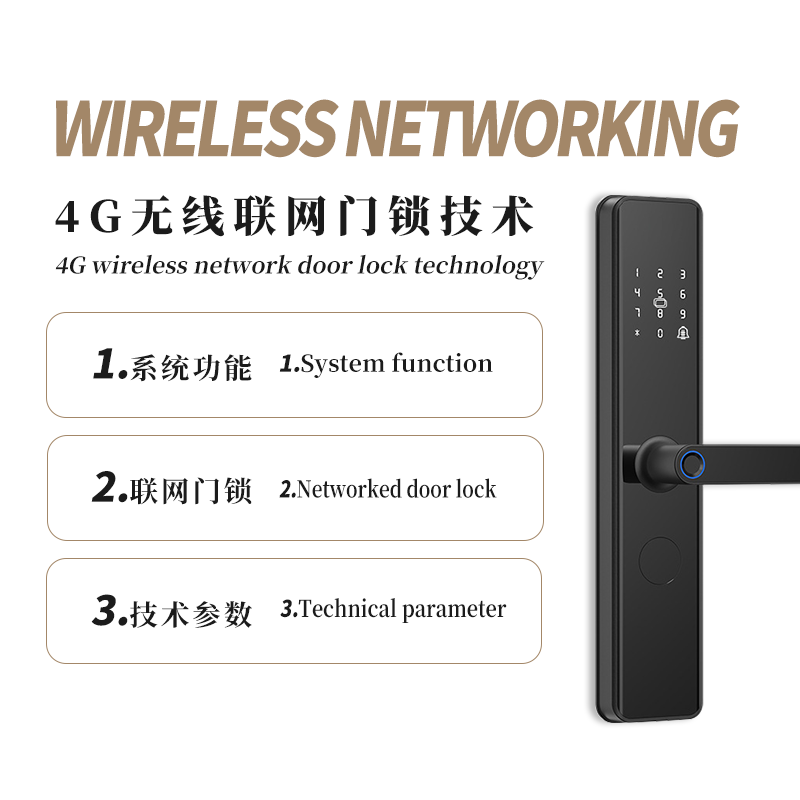
| Cottage / rural home | Weak or no Wi-Fi | 4G connected lock or offline-code model |
| Shared building flat | Wi-Fi at the unit | App-managed lock plus building-access card for guests |
| Multi-unit host | Mixed | One platform across all doors, 4G where Wi-Fi is missing |
Related scenarios
Similar ways hosts use these locks
Rental & serviced apartments
Rental apartments →
Remote codes and platform management for longer stays
Airbnb and vacation rental smart lock questions
Do guests need to download an app to check in?
No. Guests receive a keypad code in your check-in message and tap it in at the door. App ekeys are available as an option on connected models, but a code is enough for a frictionless stay.
How do I send the code to each booking?
Create the code in the Tuya or TTLOCK app after booking and paste it into your Airbnb, Vrbo or messaging check-in instructions, along with the door and keypad location. It is valid only for that guest's stay dates.
What if my holiday cottage has no Wi-Fi?
Choose a 4G connected lock, which uses its own cellular connection, or an offline-capable model where codes are generated in advance. Guests still enter by keypad, and backup codes cover any connectivity issue.
Can cleaners get access only during turnover windows?
Yes. Create scheduled codes for cleaners and linen services that work only in the checkout-to-check-in window, and separate credentials for co-hosts or maintenance.
Can a guest share the code with someone else?
The code only works until checkout time, after which it is refused automatically. For added control, entry records show unlock activity, and one-time codes are available for single openings.
Do the locks work for hosts managing several properties?
Yes. Locks from multiple properties sit in one app account, grouped by building or city, with co-host assignment. Tell us your door count when you request a quote.
Set up unattended self check-in
Tell us your property type, connectivity and door count — get model options and factory-direct pricing for self check-in locks.
Request a QuoteWhatsApp a sales engineer