
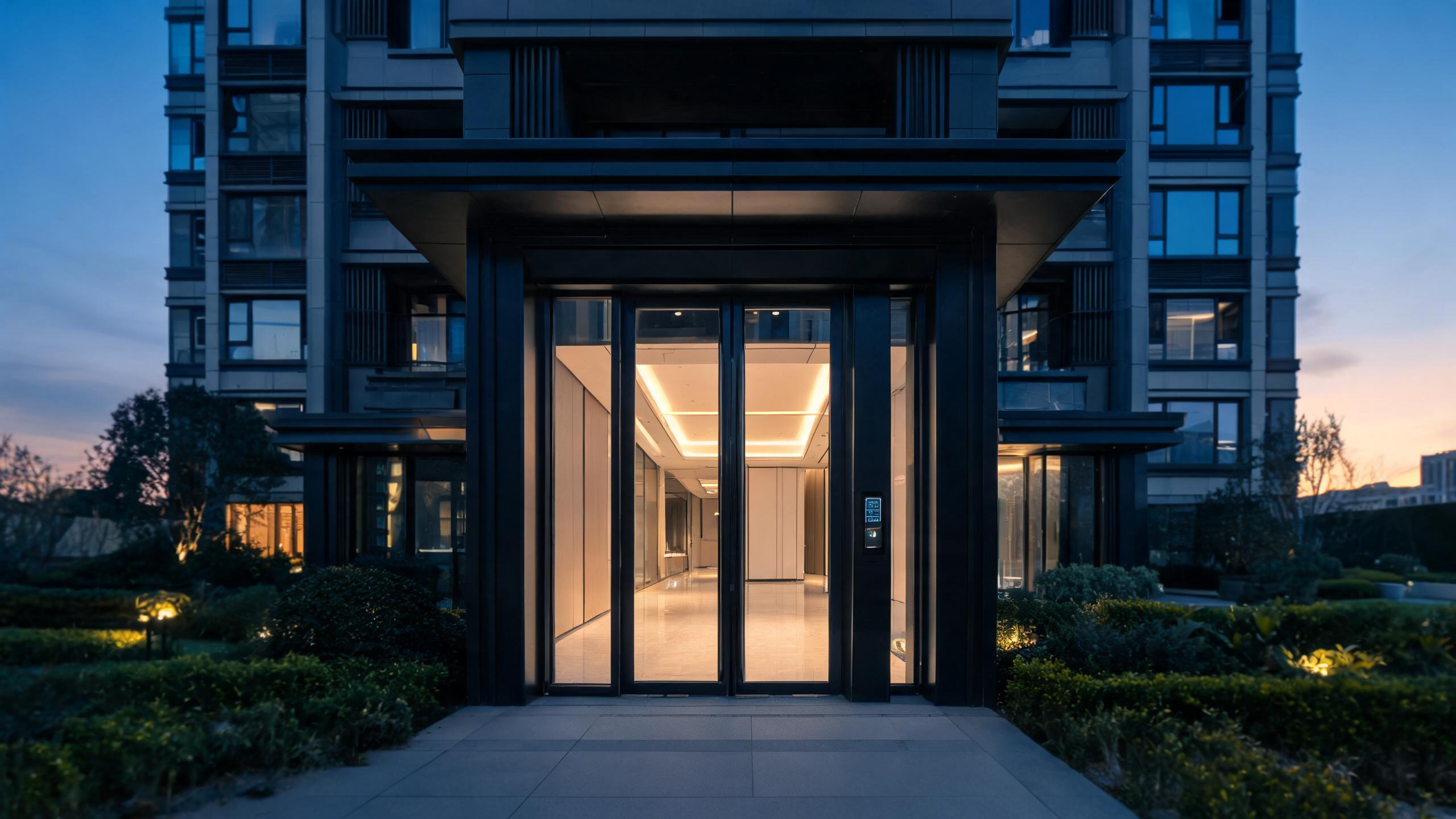
Applications
Smart locks for multifamily housing: access across the whole property
Unit doors, common doors, amenities and back-of-house planned as one door schedule — with turnover-first credentials, gateway coverage and a BOM built for mid-rise and garden-style communities.
In multifamily housing the lock is purchased for the turnover event, not just the resident. Every lease change used to mean a rekey; smart access means a code or credential expires at move-out and a new one is issued at move-in, with maintenance and leasing staff holding scheduled access that leaves a record. A property is not one product but several door classes: unit entrances with residential prep, fire-rated corridor and stair doors, amenity spaces such as gyms and package rooms, leasing offices and service rooms — each with a different lock form factor and sometimes a different online/offline decision. Gateways connect the doors that genuinely need remote management, while lower-traffic openings can run offline. The result is specified as a door schedule and a component BOM — locks by door class, gateways by coverage area, staff credentials and a spare pool — with any property-management software integration scoped against the named system. The apartment operating model and the solutions hub cover adjacent planning.
Multifamily smart access at a glance
| Door classes | Resident units, common and fire-rated doors, amenities, package and mail rooms, leasing office and back-of-house each specified separately |
| Turnover workflow | Resident codes and credentials expire at move-out; new ones issued at lease start, eliminating per-turn rekeys and lock changes |
| Staff access | Scheduled maintenance windows, permanent staff credentials and vendor access, with rules and event records on connected doors |
| Credentials | PIN codes and app keys for residents, RFID cards or fobs for staff and amenities, and mechanical override for emergencies |
| Connectivity | Wi-Fi gateways placed per coverage area for remote operation; offline locks retained where online value is low or cabling is impractical |
| Door fitment | Wood unit doors often carry deadbolt retrofits; fire-rated metal and ANSI/Euro mortise prep doors follow the matched mortise platform per survey |
| BOM shape | Locks by door class, gateways by floor or cluster, credential stock, spare locks for defects and turnover peaks, and scoped integration work |
Answer unit
Offline-first units or an online connected property?
Both architectures run on the same property in many communities: online where remote management pays back, offline where it does not. The split is a portfolio decision, not an all-or-nothing choice.
| Dimension | Offline / code-first units | Online connected doors |
|---|---|---|
| Remote control | Codes programmed at the door or via nearby Bluetooth | Remote issue, revoke and audit from the management office |
| Infrastructure | No gateway or network dependency | Gateway coverage, power and Wi-Fi planning required |
| Turnover speed | Fast when staff visit the door as part of turn | Instant without a site visit between leases |
| Audit visibility | Records read when a manager is at the door | Event records available remotely in near real time |
| Unit cost | Lower hardware and install cost per opening | Gateway and platform cost amortized across doors |
| Typical use | Garden-style units, storage, lower-traffic doors | Common doors, self-tour units, high-turnover portfolios |
Door types and lock-body match
Fitment follows the surveyed opening. The table shows the typical mapping logic; exact bodies are confirmed from door thickness, prep and fire rating.
| Opening | Typical door | Lock approach |
|---|---|---|
| Unit entrance | Timber or metal residential door, existing deadbolt prep | Smart deadbolt retrofit or matched lever set, code and app credentials |
| Corridor / stair door | Fire-rated metal door, mortise prep | Fire-door-compatible mortise platform, credentials coordinated with the fire-door schedule |
| Gym / amenity room | Timber or metal interior door | Card or code lock on resident-credential rules; sometimes online for remote audits |
| Package room | Secure interior or exterior door | Connected lock for delivery-window rules and entry records |
| Glass amenity door | Frameless or framed glass | Clamp-on glass platform matched to thickness and gap — see the glass guide |
| Service / mechanical room | Metal utility door | Staff-only credential with mechanical override; offline is common |
Example BOM shape for a mid-size community
This example illustrates a typical configuration, not a specific customer project. Actual quantities follow the door survey and the online/offline decision.
| Component | Typical logic | Notes |
|---|---|---|
| Unit locks | One per rentable unit, plus a defect-and-turnover spare pool | Deadbolt or mortise per door survey |
| Common-door locks | Perimeter, corridor, stair and amenity doors | Fire-door compatibility verified per opening |
| Gateways | One per planned coverage area across floors and clusters | Positioned during a site connectivity survey |
| Credential stock | Resident code onboarding plus staff fobs and amenity cards | Spare stock sized for move-in peaks |
| Software scope | Management platform setup and any named PMS integration | Scoped separately in writing |
How a property program rolls out
- Door surveyEvery opening is logged for material, thickness, prep, handing, fire rating and connectivity, then grouped into the door-class schedule.
- Architecture decisionOnline and offline door classes are chosen against turnover rate and staffing, and gateway positions are planned from the connectivity survey.
- BOM and samplesThe component BOM and credential rules are quoted; sample locks are fitted to representative unit and common doors for sign-off.
- Phased installCommon doors and a pilot building or floor commission first, followed by unit turns on the vacant-unit cycle to avoid displacing residents.
- HandoverStaff are trained on turnover, maintenance windows and overrides, spare pools are issued, and integration behavior is verified against the named platform.
Related applications
Adjacent housing and project pages
Smart locks for multifamily housing: common questions
How do smart locks change apartment turnover?
The rekey cycle disappears: a departing resident's code or app key expires at move-out and a new credential is issued for the next lease, while staff access is scheduled rather than handed out as a physical key. On connected doors this happens remotely without a site visit; on offline doors the new code is set when the turn crew visits the unit. Either way the per-turn cost and the risk of unreturned keys fall sharply.
Do all doors in a property need to be online?
No, and most properties mix the two: high-turnover units, self-tour apartments and common doors justify gateways and remote management, while storage and service rooms often run offline because they are rarely re-coded. The split is decided door class by door class from turnover rate, staffing and connectivity conditions, and the gateway count follows a coverage survey rather than a one-per-building rule of thumb.
Can smart locks go on fire-rated corridor and stair doors?
Yes, using lock platforms and installation methods coordinated with the door's fire rating and the local hardware schedule — fire-rated metal doors are not treated as residential wood doors. The opening-by-opening survey records the rating and prep, the matched mortise platform is specified from that record, and the fire-door schedule is respected rather than modified in the field.
Can the system connect to our property management software?
Integration is scoped against the named platform: which software and version, how lease events should trigger credential issue or expiry, and who maintains the interface. Generic “PMS compatible” language is not treated as a specification. Send the platform name and the desired workflow during the project discussion so the scope, cost and limits are confirmed in writing before hardware is ordered.
What does a typical multifamily BOM and MOQ look like?
The BOM groups locks by door class, adds gateways per coverage area, credential stock for move-in peaks and a spare pool for defects, and lists any software integration separately. Minimums follow the lock SKUs and the project scale; send unit counts, the door-class list and the preferred architecture through the project form and current MOQ, pricing logic and lead time are confirmed in writing per quotation.
Plan smart access for the whole property, not just units
Send unit counts, the door-class list, connectivity conditions and any PMS name — receive a component BOM with written MOQ and lead-time terms.
Discuss your project (RFQ)Project configurationsLast updated: October 31, 2026 · Reviewed by the Smart Lock Factory editorial team