
Last updated: October 31, 2026 · Reviewed by export engineering
What the catalog is, and what it is not
The catalog is a model index with parameters: the six families, the models in production, the door types each fits, credential and platform options, finishes, and the document list per model. It is not a price list. It quotes no unit price, MOQ or lead time, because those follow the model mix, the finish and the market, and are confirmed in writing per quotation.
What is inside the catalog
Seven sections in the order a buyer needs them. Every parameter sheet answers the same questions: body 306 mm x 75 mm x 15 mm, door thickness 38 mm to 55 mm on mortise models, credential, cells, interface.
| Section | Contents | Pages or items | Useful for |
|---|---|---|---|
| Product families | What each of the six families is built for, and where it stops | One spread per family | Shortlisting before a model sheet |
| Model parameter sheets | Dimensions, thickness range, backset, credential, cells, interface | One sheet per model code | Checking a model against a door schedule |
| Credential and platform options | Card frequency, codes, biometrics, app, gateway, cellular | One matrix | Matching the credential to the market |
| Finishes and door compatibility | Finish names, materials, thickness ranges, handing | One matrix | Comparing against doors you install |
| Hotel system components | Encoders, cards, gateways, lift control, PMS notes | One chapter | Planning a property, not a door |
| Document list per model | Declarations, certificate copies, test reports | One list per model code | Building a tender file |
| Packaging and branding | Neutral carton, logo layers, manual languages, barcodes | One section | Deciding what to print |
 The production site behind the catalogue
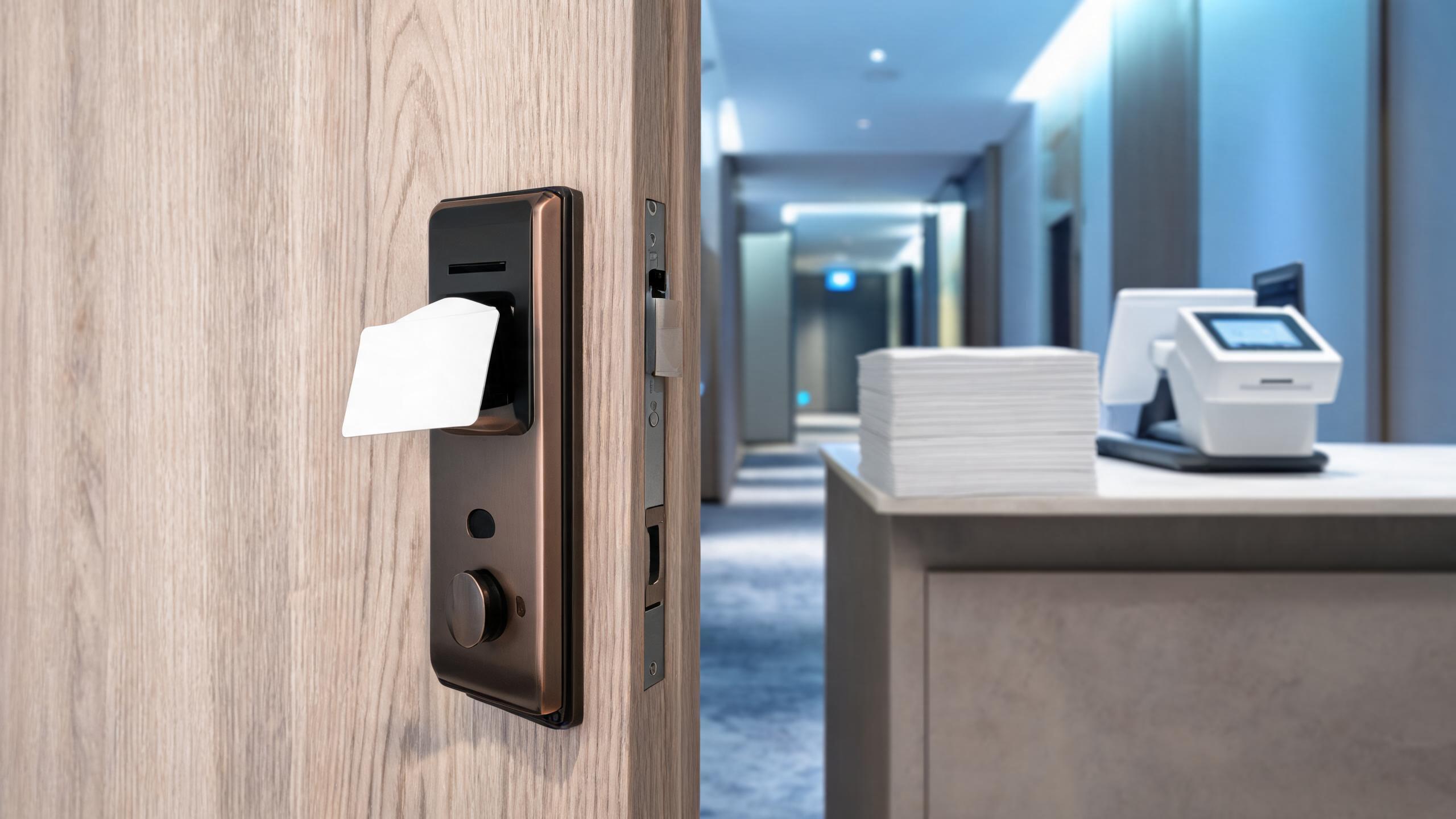 Hotel card lock family: mortise and retrofit
 RFID platform options and reader tiers
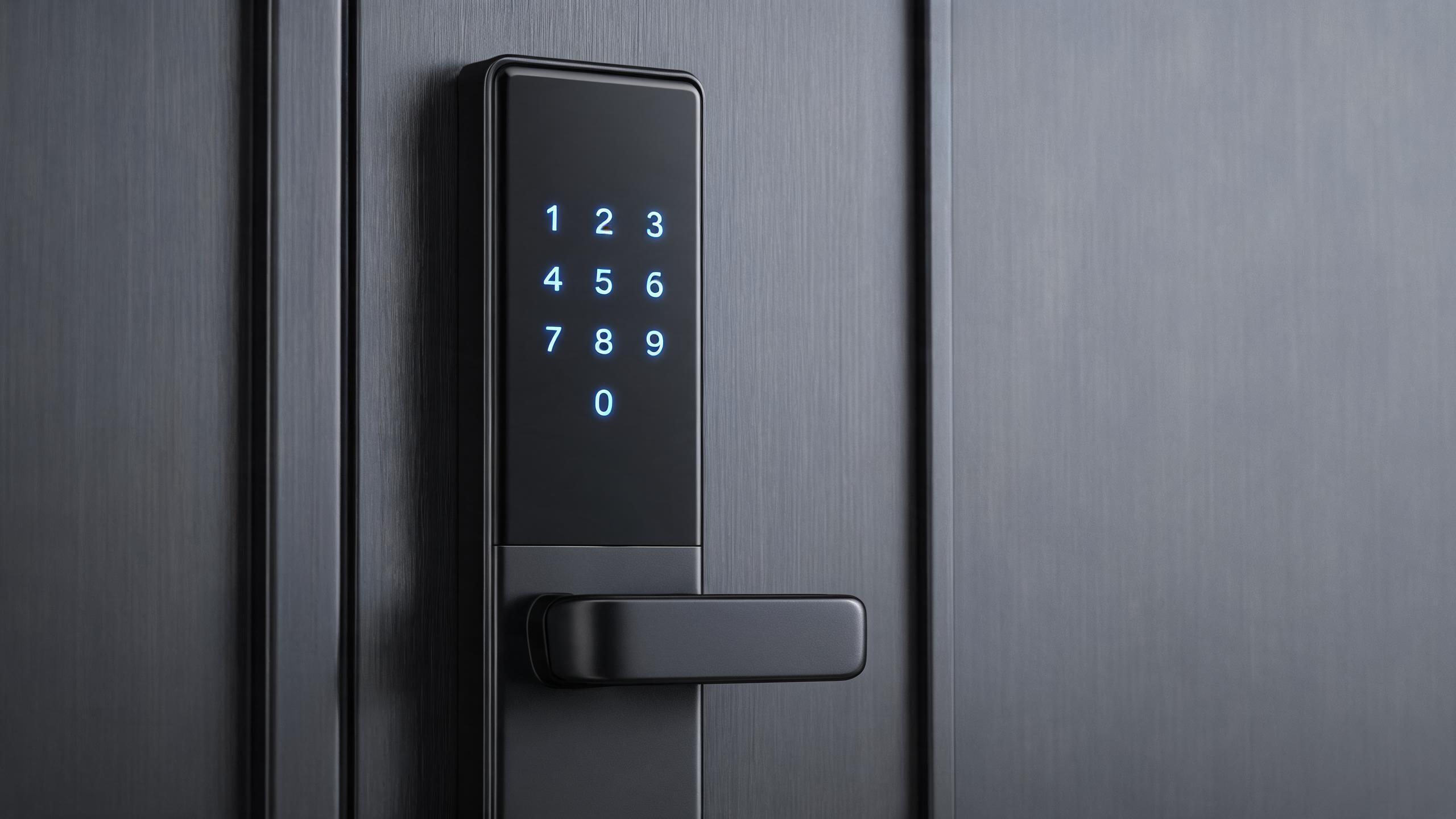 Keypad family: standalone and networked
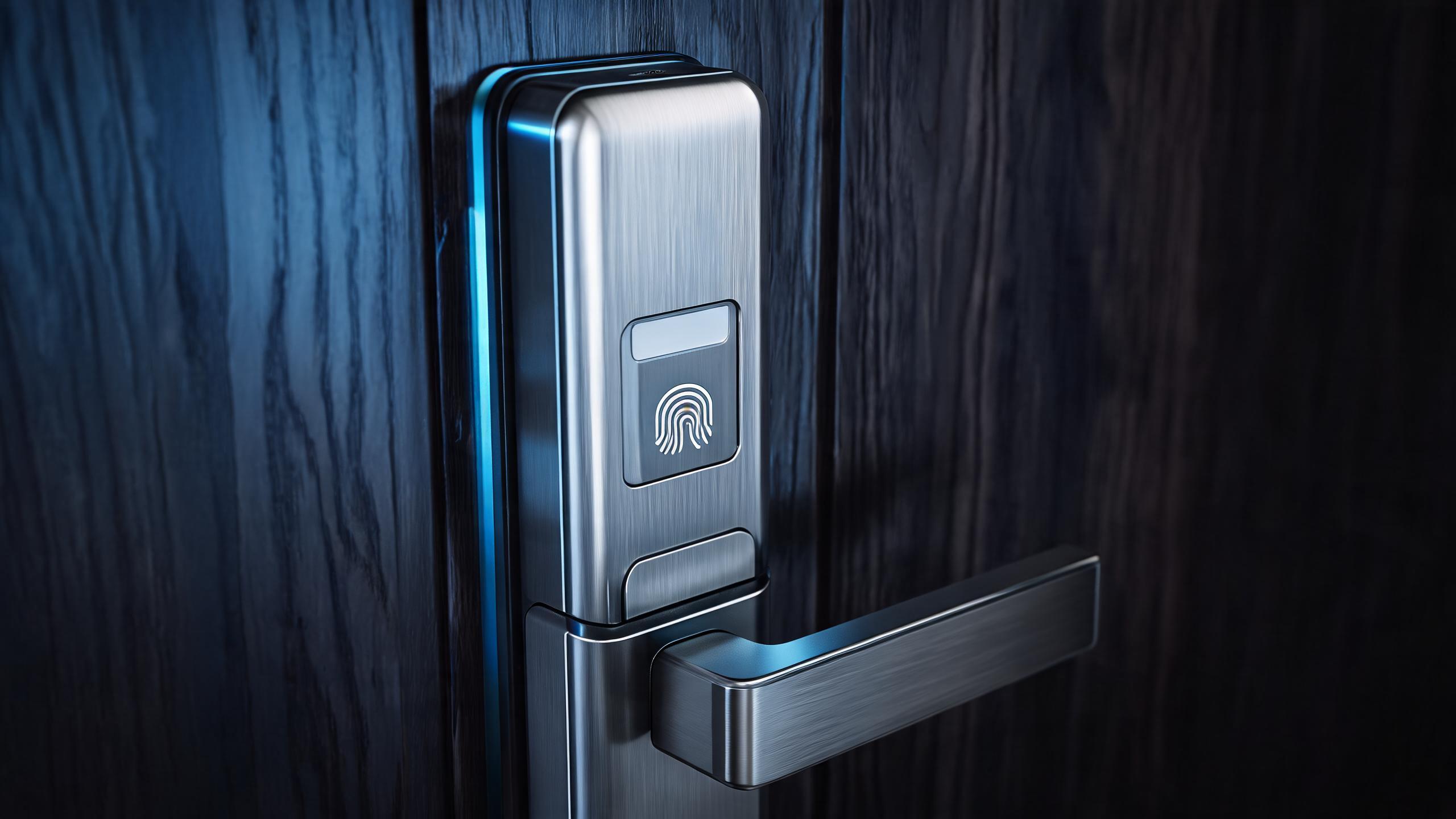 Fingerprint family: sensor grades and housings
 Turnkey programme: development through packing
The six families and the models in production
Sheets are filed by family, so a buyer can move sideways when a model fails one criterion. The codes below are what a quotation can reference today.
| Family | Production models | Typical door type | Platform |
|---|---|---|---|
| Hotel RFID | SLK-2020, SLK-760, SLK-230, SLK-9936S, in a family of 20+ models | Guest-room timber and steel doors with a hotel mortise | Offline on 13.56 MHz cards, 4 AA cells, PC-linked encoder |
| Fingerprint | SLK-Y22 and the fingerprint variants | Interior timber and apartment entry doors | Standalone, or app-managed |
| Face recognition | SLK-B09 | Double glass office doors | Standalone with app management |
| Keypad | SLK-509, SLK-818, SLK-8831 | Apartment, rental and utility doors | Offline codes, app where included |
| Outdoor and waterproof | SLK-D11, SLK-D12, SLK-D15 | Aluminium patio and gate doors | Standalone, battery, weather-rated housing |
| Glass door | SLK-G200 | Frameless glass doors | Standalone, or app-managed |
Family pages in products list every code; the range was built over more than 10 years of smart lock production.
Filter the catalog by your market
Five dimensions remove most of the 70+ production-ready models before you read a specification. The first two decide whether a model can be sold at all.
| Dimension | Why it changes the shortlist | Example |
|---|---|---|
| Door standard | ANSI, Euro and Asian mortises are not interchangeable | A No. 2 hotel mortise door and an ANSI door draw different model sets |
| Climate and exposure | Salt air, driven rain and dust rule out indoor models whatever the feature list says | A coastal patio points at SLK-D11, SLK-D12 or SLK-D15 |
| Credential preference | Card, code, biometric and app habits differ by market and building type | Where guests expect a card, hotel RFID stays ahead of fingerprint |
| Management model | Offline, gateway, cloud and 4G change wiring, support load and running cost | No in-room network: offline on a 6 V pack of 4 AA cells; SLK-4G where cellular is wanted |
| Compliance documents | Tender documents decide whether a model can be offered, not whether it performs | A fire-door package needs listed hardware plus the model document pack; see certifications |
PDF, online index or document pack
Three formats answer three jobs. The one you pick decides how current the data is when someone else reads it.
| Format | Contains | Updates | Best use |
|---|---|---|---|
| Online index | Family pages, model pages, parameter tables | Updated when a model is added, changed or retired | Shortlisting and checking before you write |
| Downloaded PDF | The full catalog at the version date printed on it | Fixed at the moment of download | Passing a catalog to a colleague or a tender file |
| Model document pack | Declarations, certificate copies, test reports for named codes | Requested per model and per market | Completing a tender or market-entry file |
| Quotation annex | Model codes, quantities, finish and terms for one order | Written fresh for each order | Comparing two offers on identical terms |
The online index is always newer than a downloaded PDF. Where the two disagree on a parameter, a finish or a document status, the site and the current quotation are correct.
 Solution sets by project type
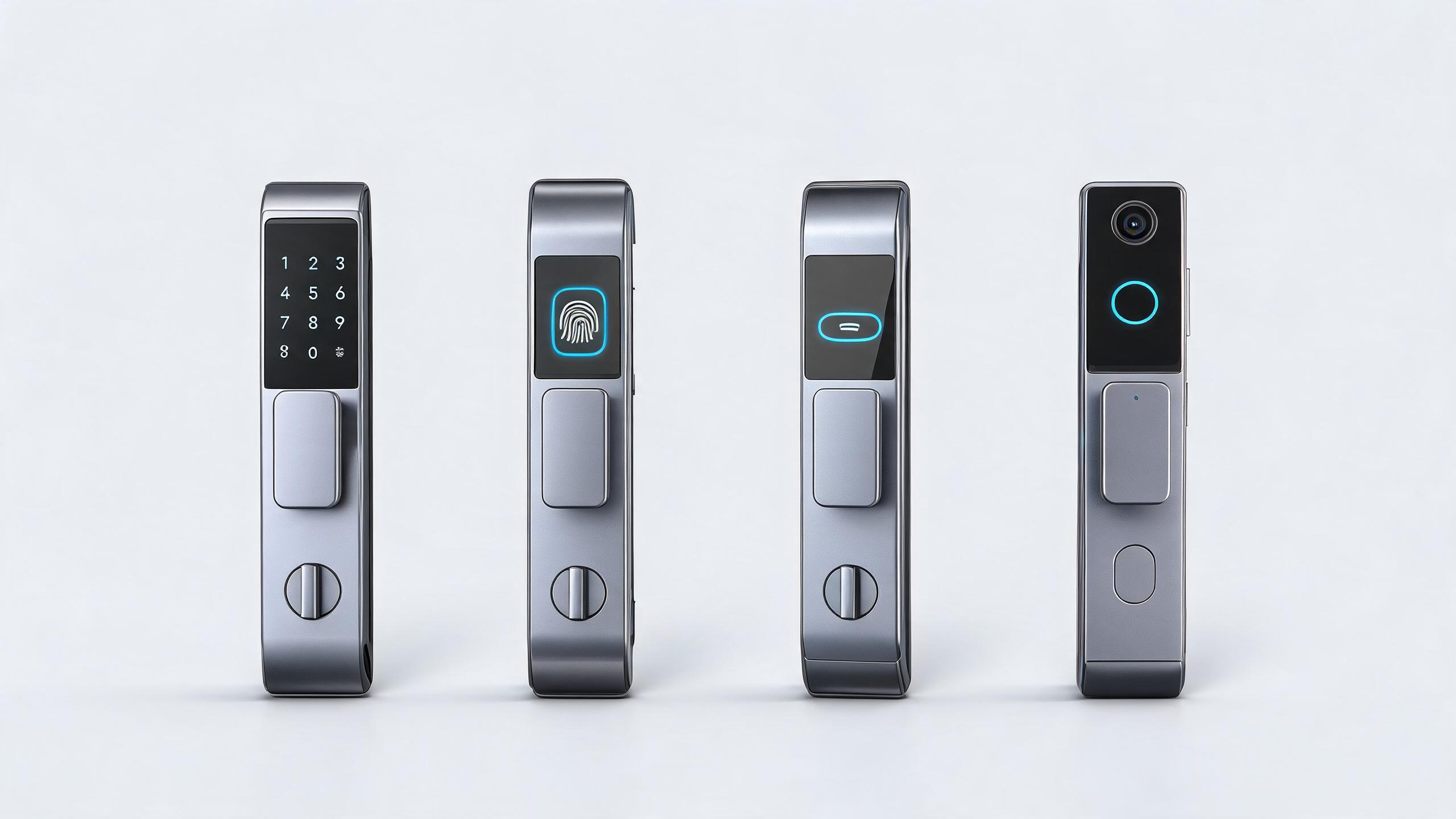 Comparison sheets before you shortlist
 Standard references per market
 Radio, cloud and offline technology notes
Version date and how updates reach you
The catalog carries a version date on the cover and at the foot of each section. New models are added without notice to copies downloaded earlier, and a parameter, a finish or a document status can change between versions. A quotation always references the current model code, never the code in an older download. If you work from a PDF, check the date against the online index before attaching it to a tender.
What the catalog does not contain
- Unit prices. Pricing is quoted per order on the model mix, finish and destination.
- MOQ. The current policy is confirmed in writing with each quotation.
- Lead times. These are quoted per order and depend on model mix and customization.
- Model-specific certificates. These are requested per model and belong to the model, not the factory.
- Custom ODM concepts and new tooling. Those start from a design brief.
- Stock availability. Stock changes by week and is confirmed at order stage.
How a catalog request is handled
- Send market and applicationCountry, building type and expected credential. You receive the current catalog file with its version date, and the matching family pages.
- Shortlist against door and documentsWe mark the models that fit your standard and compliance requirement. You receive model codes, sheet links and the parameter that eliminated the rest.
- Sample or document checkSample at 1-2 pcs, 3-6 pcs or 5-10 pcs depending on the tier, or the document pack for the named codes. You receive the carton with its packing list, or the declarations and test reports.
- Quote the orderQuantities and address. You receive model codes, unit pricing, MOQ, lead time and terms, referencing the catalog version you were sent.
Related pages
Pages that answer what the catalog cannot
Catalog requests: common questions
Is the catalog a price list?
No. It is a model index with parameters: door fit, dimensions, credentials, finishes and the document list per model. Prices, MOQ and lead times are quoted per order through the quotation form.
Which format should I request for a tender?
The model document pack for the named codes. The catalog proves what exists and measures; the pack carries declarations, certificate copies and test reports for that model. Submit the model code with the version date.
Does the catalog include models that are no longer in production?
No. Sheets cover models a quotation can reference today. Retired models leave the index, and spares for an installed fleet are matched by model and batch through spare parts.
Can you send a catalog cut for one market only?
Yes. Give the country and the door standard and we remove the families that do not fit. The full catalog stays available, and the quotation still uses the current model code.
How current is the model data in the catalog?
The catalog carries a version date, and the online index updates as models change, so the site is newer than a downloaded PDF. Ask for any order-deciding parameter in writing.
Can I share the catalog with my clients?
Yes. Tell them the version date, keep the model codes and date in the file, and have them check the online index for any model they intend to specify.
Request the catalog for your market
Send the destination country, the building type, your door standard and the expected credential. You receive the current catalog file with its version date, a shortlist of model codes that fit, and the document pack route for those codes. Prices, MOQ and lead time follow in the written quotation.
Request a quotationOrder a sample