
Project configurations
Configure a complete smart lock project: doors, credentials, software and spares
The BOM planning hub: what to count, how to choose lock bodies and credentials, how software and spares work, and how a quote becomes a delivered site.
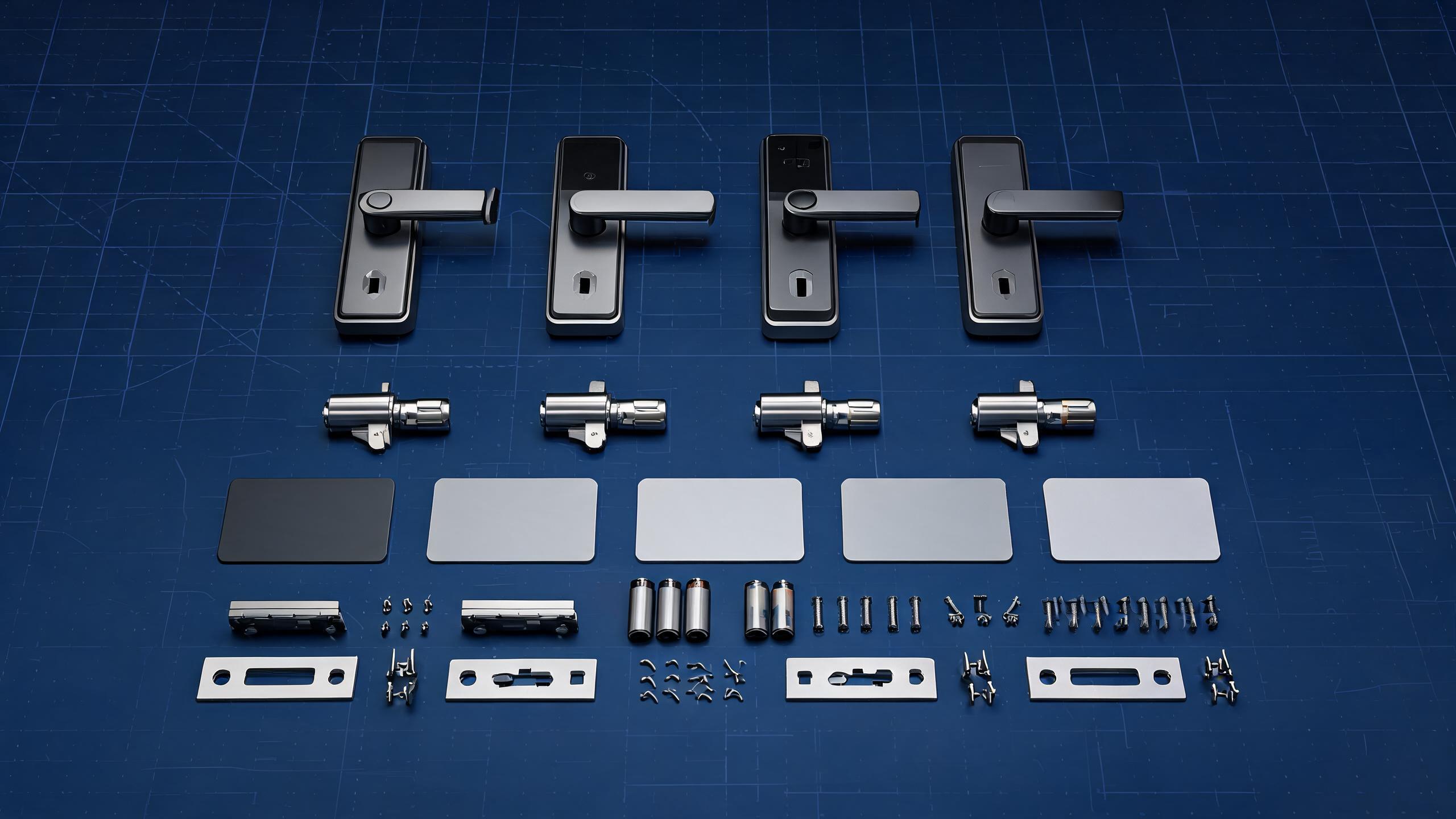
Every smart lock project reduces to one formula: a door schedule (counts, materials, thickness and existing prep) multiplied by lock body selection, a credential mix, the connectivity and software that issue access, and the accessories and spares that keep the site running. Get these five inputs right and the bill of materials writes itself. Use the hubs in sequence below — door types for physical fit, technologies for credentials, case studies for scale patterns, standards for compliance — then send the schedule for a priced BOM.
Plan across the hubs
Everything a project configuration needs
Example configurations by project size
Case studies
Typical BOMs for hotels, apartments, offices, chains and unmanned sites.
Door types and compatibility
Door types
Materials, thickness, lock prep and the bodies that fit each opening.
Standards and certificates
Standards
The grades, ratings and documents your market or spec may require.
What goes into a complete project BOM
| Component | What to decide | Where to check |
|---|---|---|
| Guest / tenant door locks | Model family, finish, mortise type, access methods per door group | Door types |
| Common and back doors | Often higher-grade bodies with graded staff or member access | Office example |
| Special doors | Clamp bodies for glass, IP-rated for outdoor, compact locks for cabinets | Glass · Cabinet |
| Credentials | Cards, wristbands, PIN capacity, fingerprint capacity and spares per user | Technologies |
| Issuing and network | Hotel encoders, gateways or hubs, Wi-Fi or 4G availability on site | Hotel systems |
| Software | Hotel card software, Tuya or TTLock, PMS or API requirements, admin accounts | Technologies |
| Installation | Templates and manuals, door preparation, installer training plan | Support |
| Spares and service | Spare locks, cylinders, cards and batteries; warranty handling path | Warranty |
The project sequence
- Door schedule and photosMaterial, thickness, quantities, existing lock prep, and photos of unusual openings.
- Access rulesWho enters where and when: turnover, visitors, staff grades and any time windows.
- Model shortlist and BOMA sales engineer produces the priced list of locks, credentials, software and spares.
- Sample validationRepresentative locks are installed on real doors to confirm fit and behavior.
- Production, branding and inspectionEnd-of-line tested production with logo or card customization and pre-shipment checks.
- Shipping and install supportFreight to destination plus remote software setup and installer guidance.
RFQ checklist
Information that makes a BOM accurate on the first pass
- Door counts by type — wood, steel, aluminum, uPVC, glass, fire-rated or cabinet, with thicknesses
- Access methods required — card, code, fingerprint, face or phone key, and which user groups use each
- Users and sites — number of tenants, guests, staff or members; single site or multi-site rollout
- Connectivity on site — Wi-Fi availability, cabling, and whether cloud management is wanted
- Software and integration — hotel PMS, Tuya or TTLock preference, API/SDK or Wiegand/OSDP needs
- Market and timeline — destination country for compliance documents, target install date and delivery terms
Project configurations: common questions
How do I get a bill of materials for my project?
Send the door schedule — door types, materials, thickness and quantities — the access methods you want and the timeline. You receive a priced BOM listing lock models, credentials, encoders or gateways, software and spares.
How many spare locks and credentials should we order?
It depends on site size and turnover. Hotels typically provision spare cards generously, and projects keep a small percentage of spare locks. The BOM we prepare includes a recommendation you can adjust up or down.
Can mixed lock models be managed together?
Within one ecosystem, yes — for example all TTLock locks, or one hotel RFID software platform. Mixing ecosystems means separate management. Larger projects usually standardize models per door group, which also simplifies spares.
What door measurements do you need?
Door thickness, material, existing lock type and hole spacing, plus frame clearance for glass or aluminum doors. Photos of the door and its edge help, and the door types hub explains compatibility in detail.
Who installs and commissions the system?
Your local installer or team normally installs using our templates and manuals, with factory remote guidance for software and encoders. Integrators can include us in pre-project technical calls to align the design.
Ready to configure your project?
Send the door schedule and access rules — receive a complete, priced bill of materials with spares included.
Request a project BOMSee example configurationsLast updated: October 31, 2026 · Reviewed by the Smart Lock Factory editorial team