
Technology guide
Smart lock technologies: credentials, connectivity and access platforms
How RFID, fingerprint, 3D face, keypads, Bluetooth, Wi-Fi, Zigbee, Matter, Tuya, TTLock and hotel PMS integration work — and where each one belongs.
Every smart lock is a stack of six layers: the credential you present (card, code, fingerprint, face or phone), the sensor that verifies it, the communication link (Bluetooth, Wi-Fi, Zigbee, Z-Wave or wired protocols), the control logic on board or in the cloud, the management platform (an app, hotel software or PMS), and the battery that powers it all. Different operations need different combinations — a 300-room hotel should not run on the same stack as a family home. This hub explains each technology in plain language and points to the matching product family.
Shop by access technology
Product families powered by these technologies
Fingerprint door locks
Fingerprint locks
Capacitive biometric sensors for fast, credential-free entry.
Outdoor connected locks
Outdoor locks
Weatherproof bodies carrying the same credential and app stacks.
Technology guides
Credentials & sensors
RFID lock technology →
RFID lock technology →
125 kHz prox and 13.56 MHz smartcards, CSN reads versus sector keys, and reader compatibility.
MIFARE Classic vs DESFire →
MIFARE Classic vs DESFire →
Classic Crypto-1 sectors next to AES DESFire EV2/EV3, and where each still belongs.
Fingerprint sensor technologies →
Fingerprint sensor technologies →
Optical, capacitive and thin-film sensors compared on FAR/FRR, wear and weather.
3D face recognition →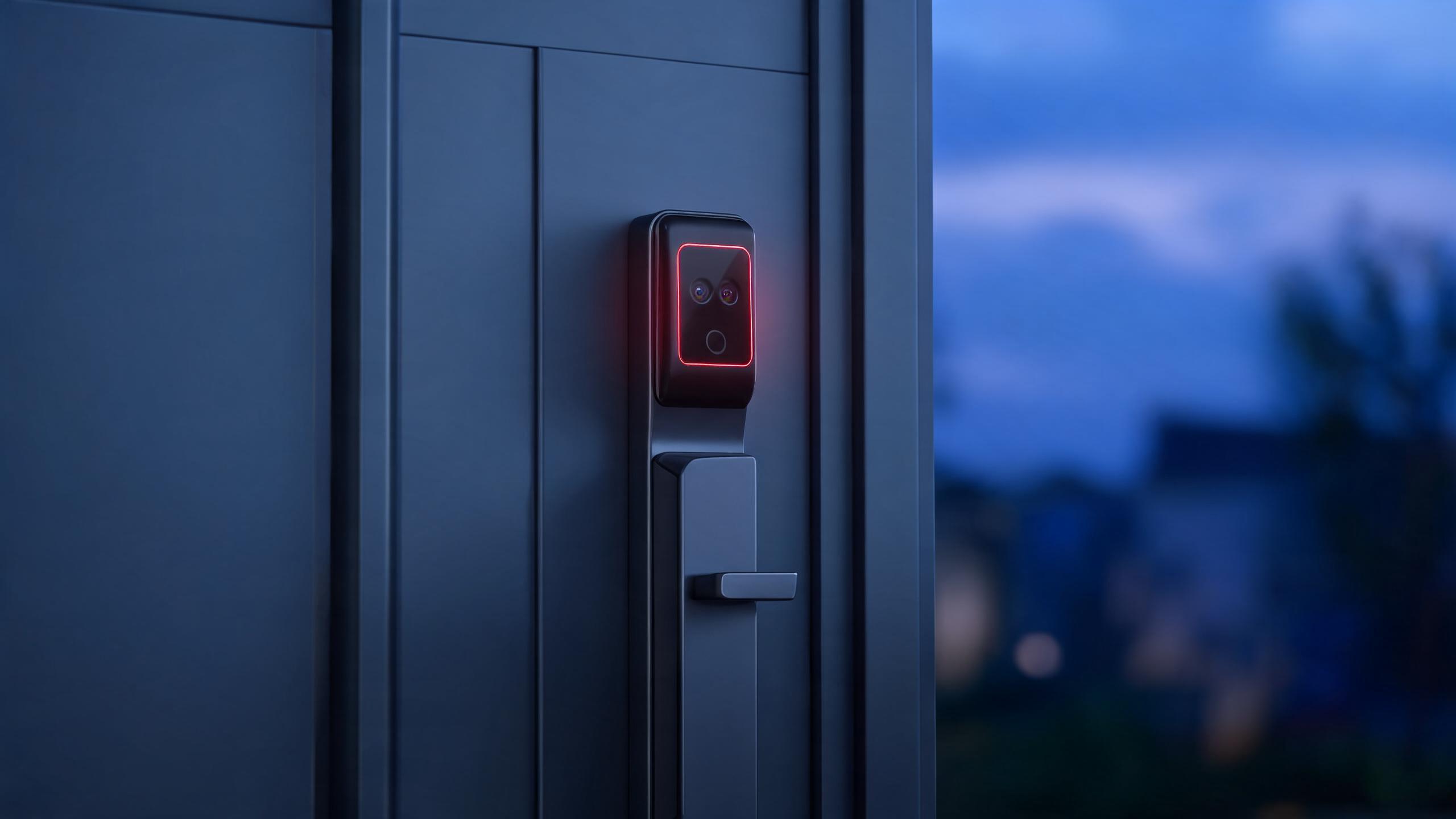
3D face recognition →
Structured light, ToF and stereo sensing versus 2D photos, with liveness and height realities.
Palm vein recognition →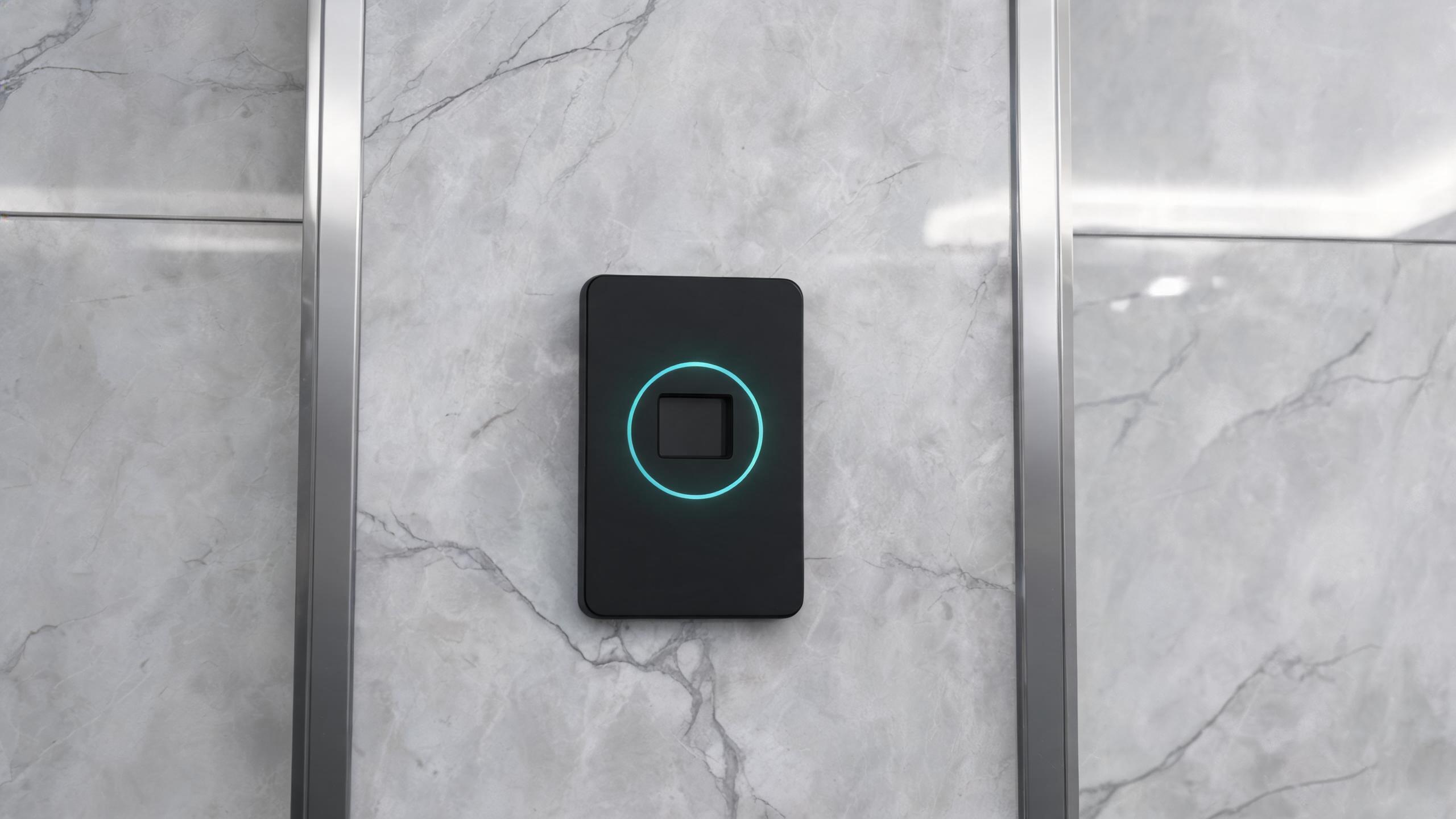
Palm vein recognition →
Contactless infrared vein matching for high-security lobbies where shared cards are unwanted.
Technology guides
Communication
Wi-Fi smart locks →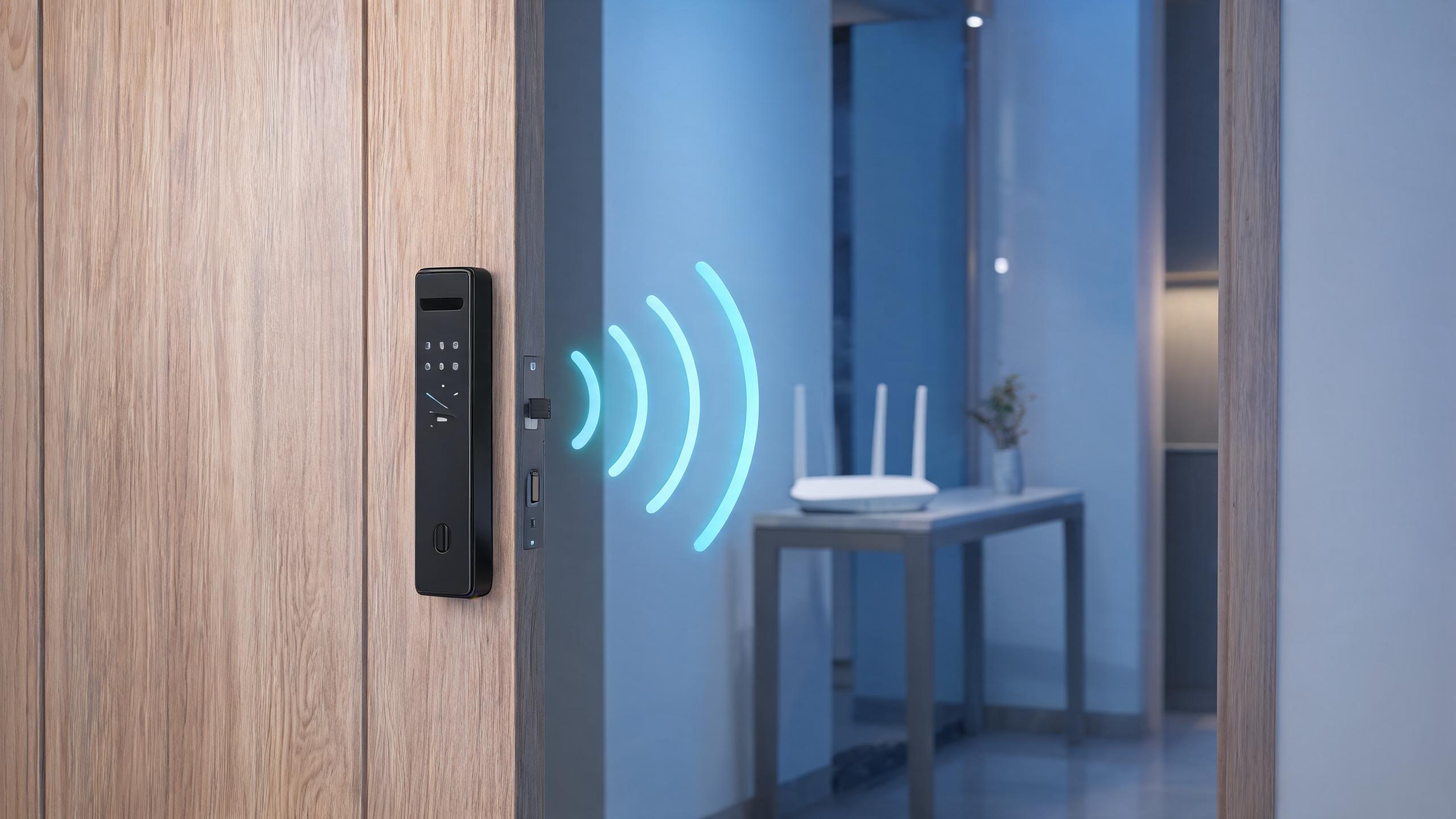
Wi-Fi smart locks →
Direct router links without a gateway, plus wake latency, battery and WPA2/WPA3 trade-offs.
Bluetooth smart locks →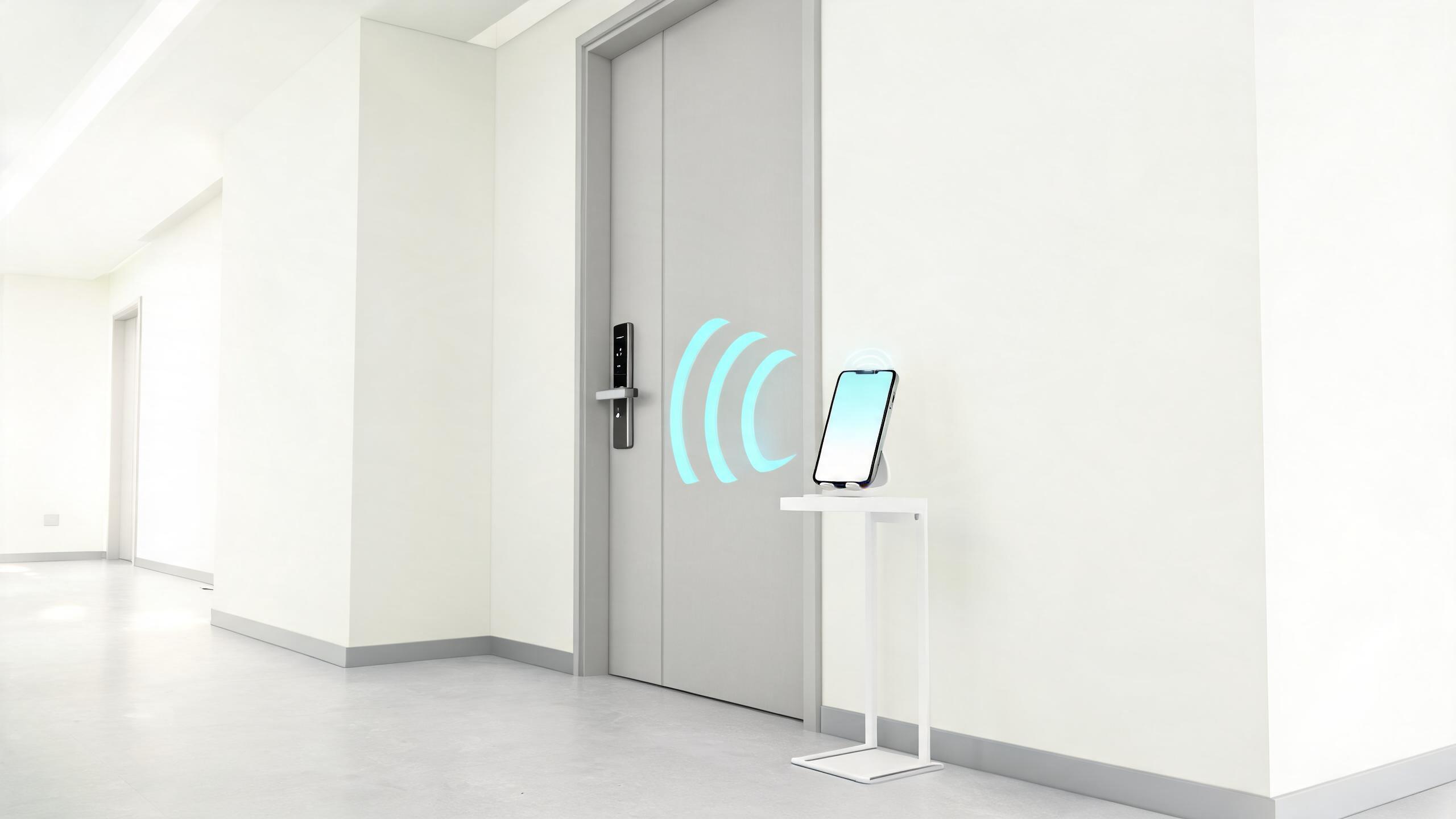
Bluetooth smart locks →
Offline-first BLE phone keys, gateway remote access and the battery advantage over direct Wi-Fi.
Zigbee and Z-Wave locks →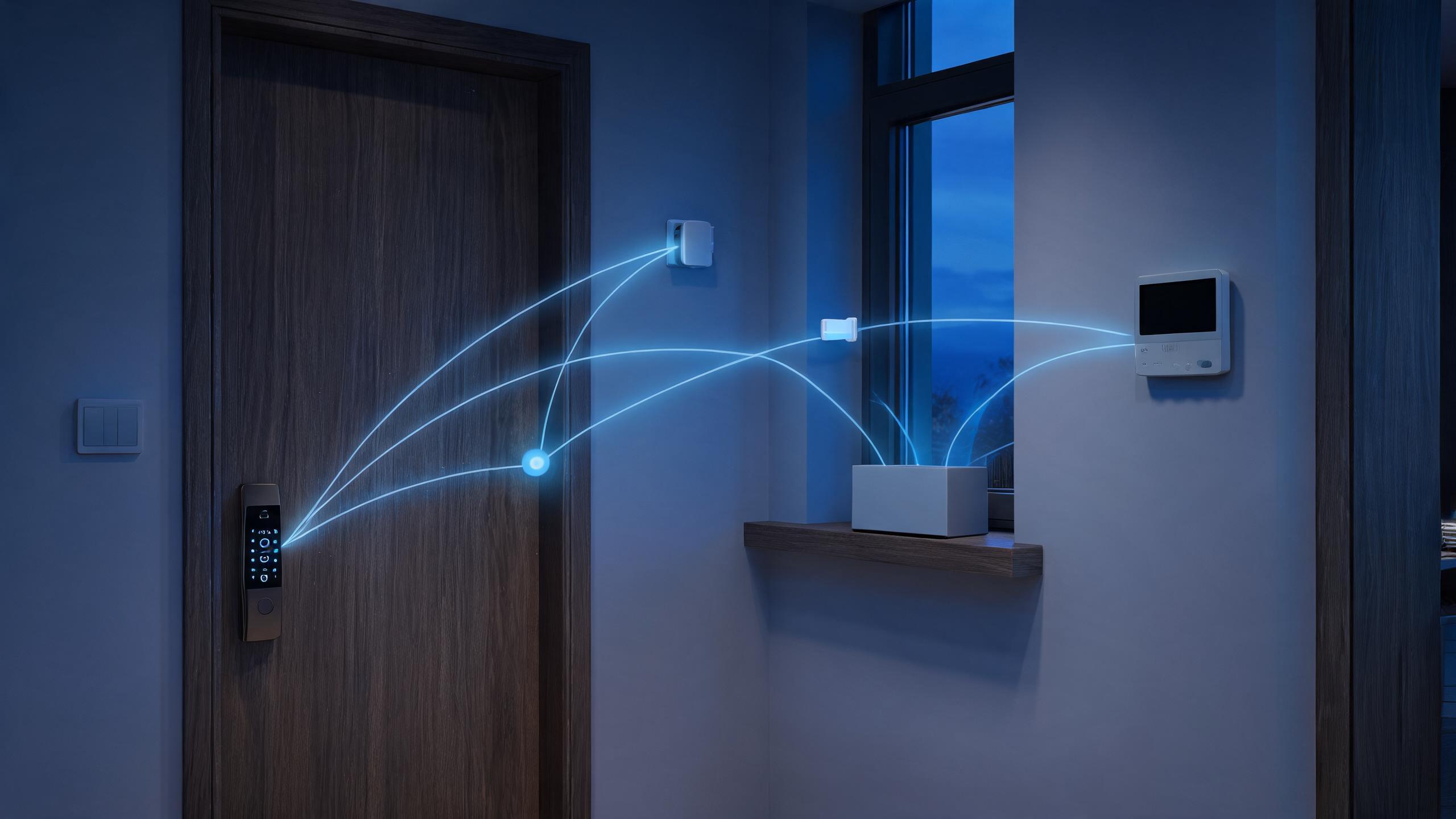
Zigbee and Z-Wave locks →
Mesh radio locks that stay low-power inside existing smart-home and alarm panels.
Matter and Thread locks →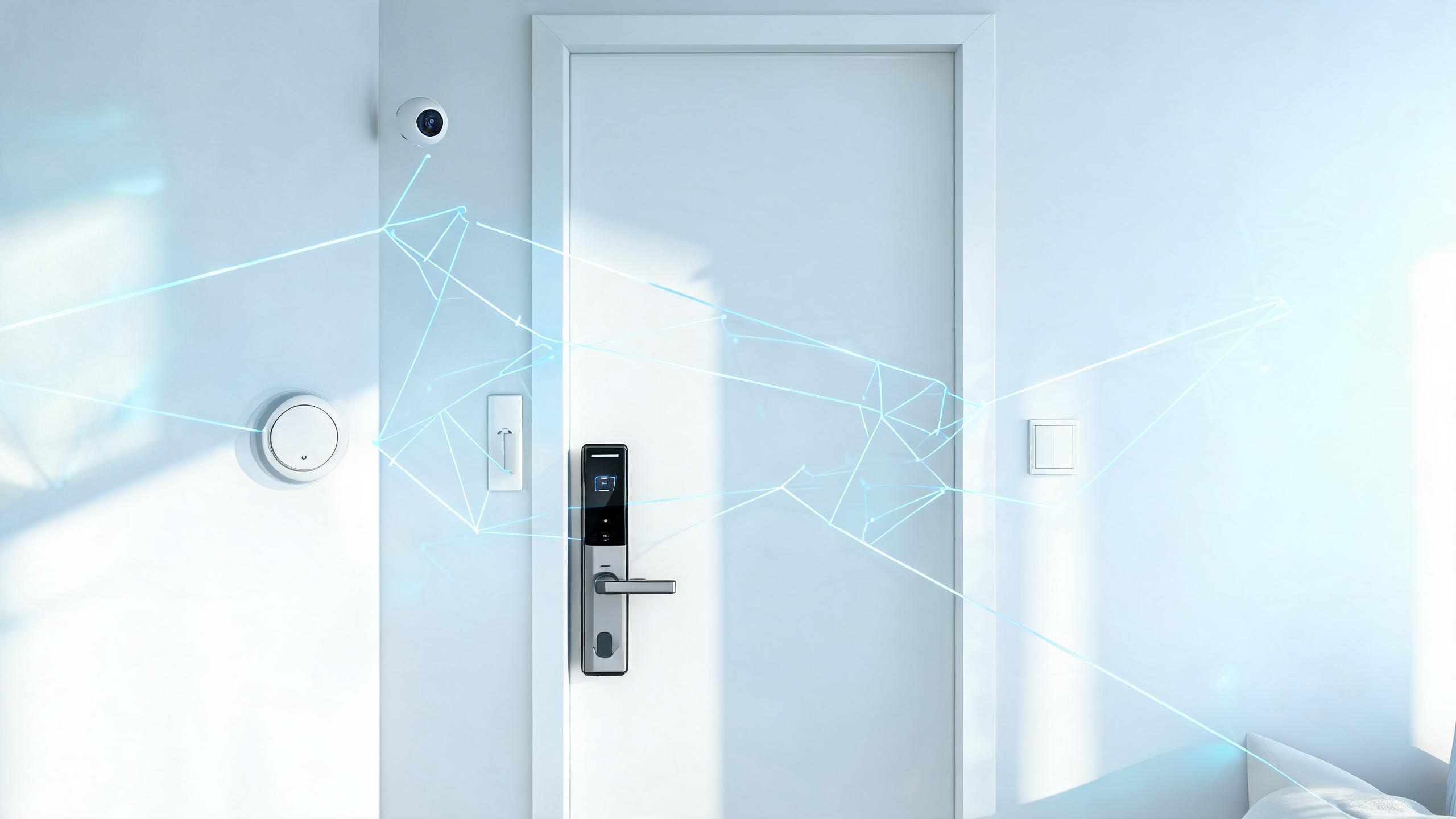
Matter and Thread locks →
Local-interop controller-to-lock standards and what Thread border routers change.
Technology guides
Platforms & architecture
Tuya ecosystem →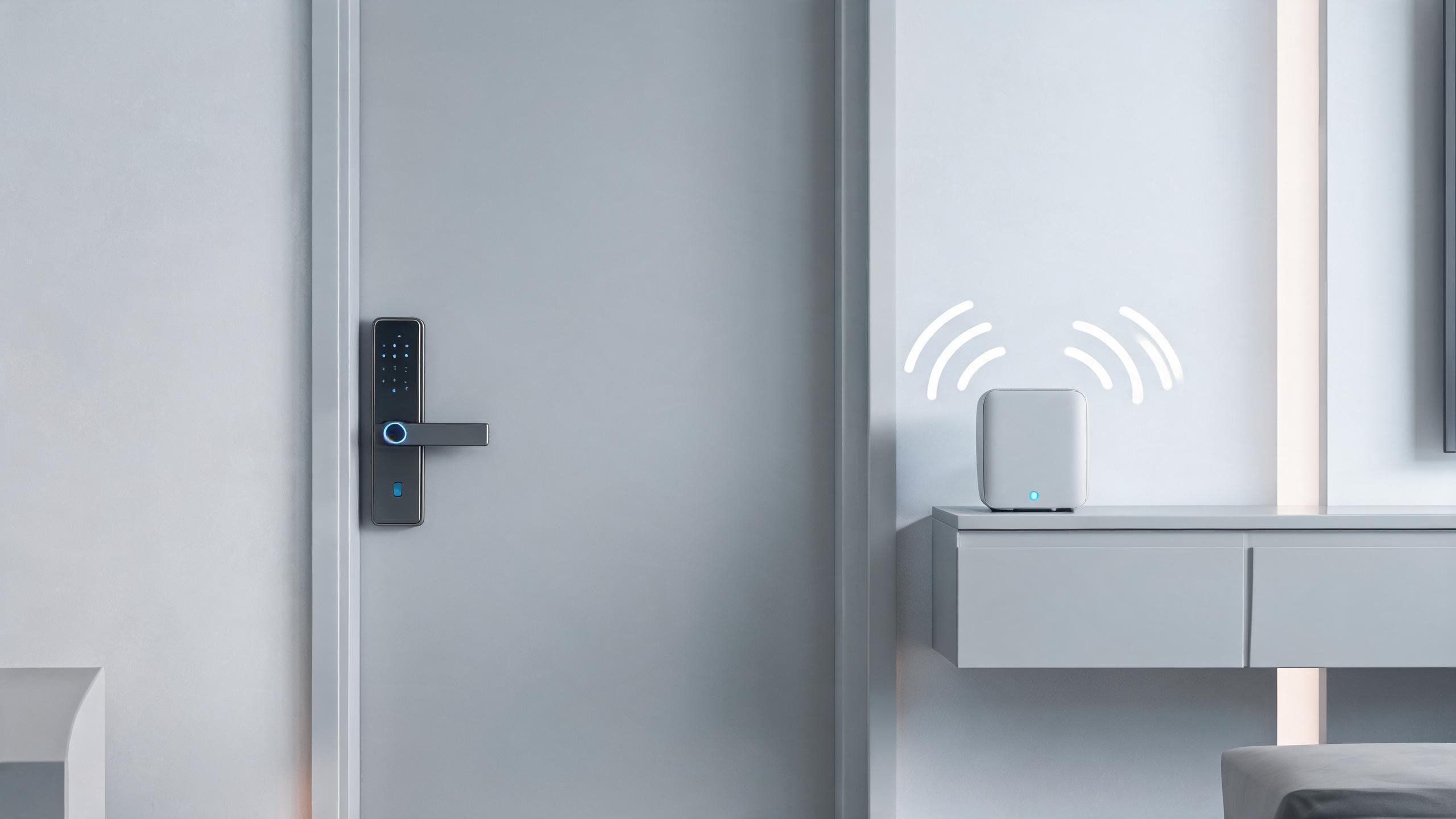
Tuya ecosystem →
Modules, OEM apps and cloud platform scope for brands launching on the Tuya stack.
TTLock ecosystem →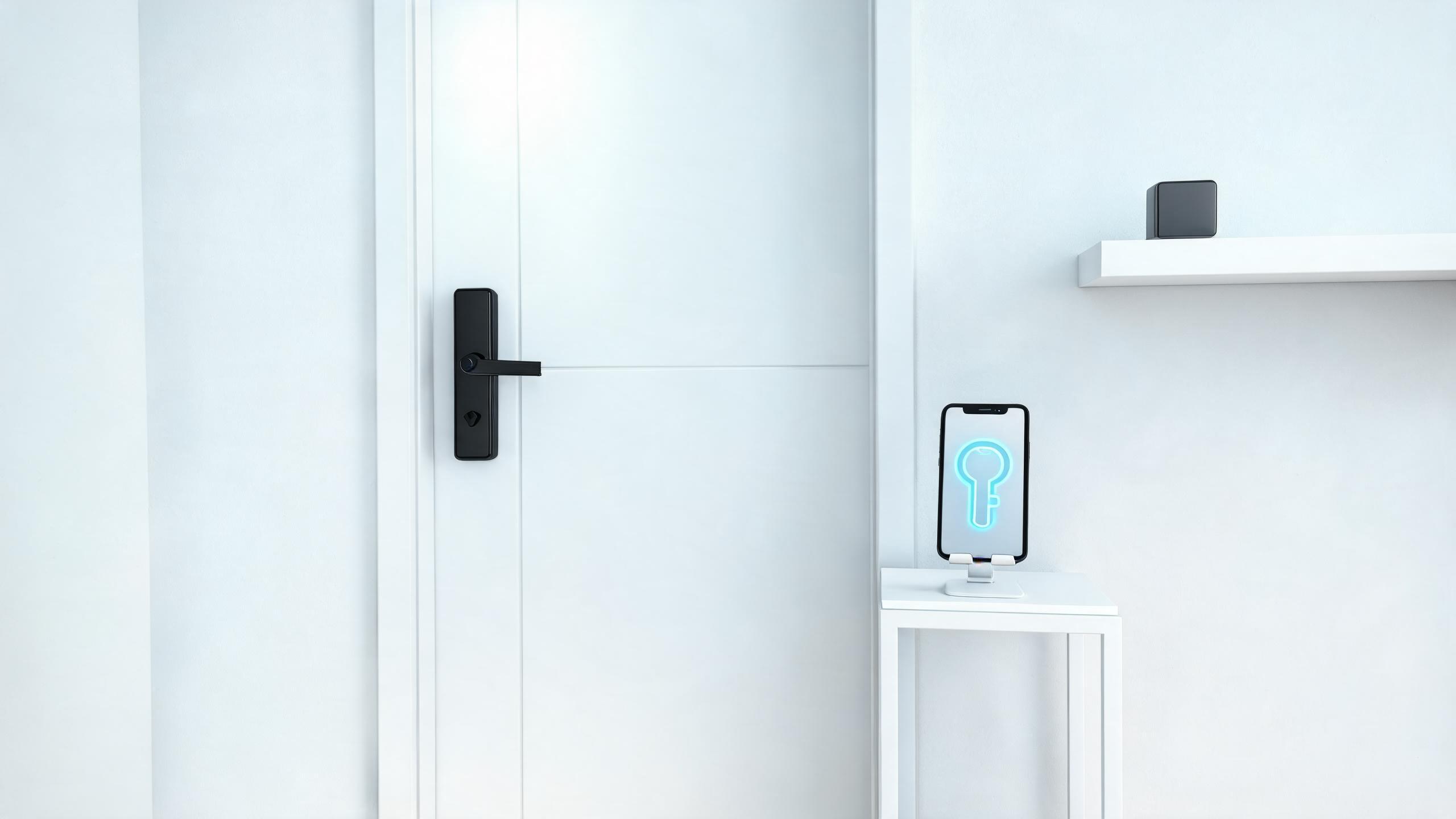
TTLock ecosystem →
Passcodes, gateways and management app scope across the TTLock access platform.
Apple Home Key, NFC and UWB →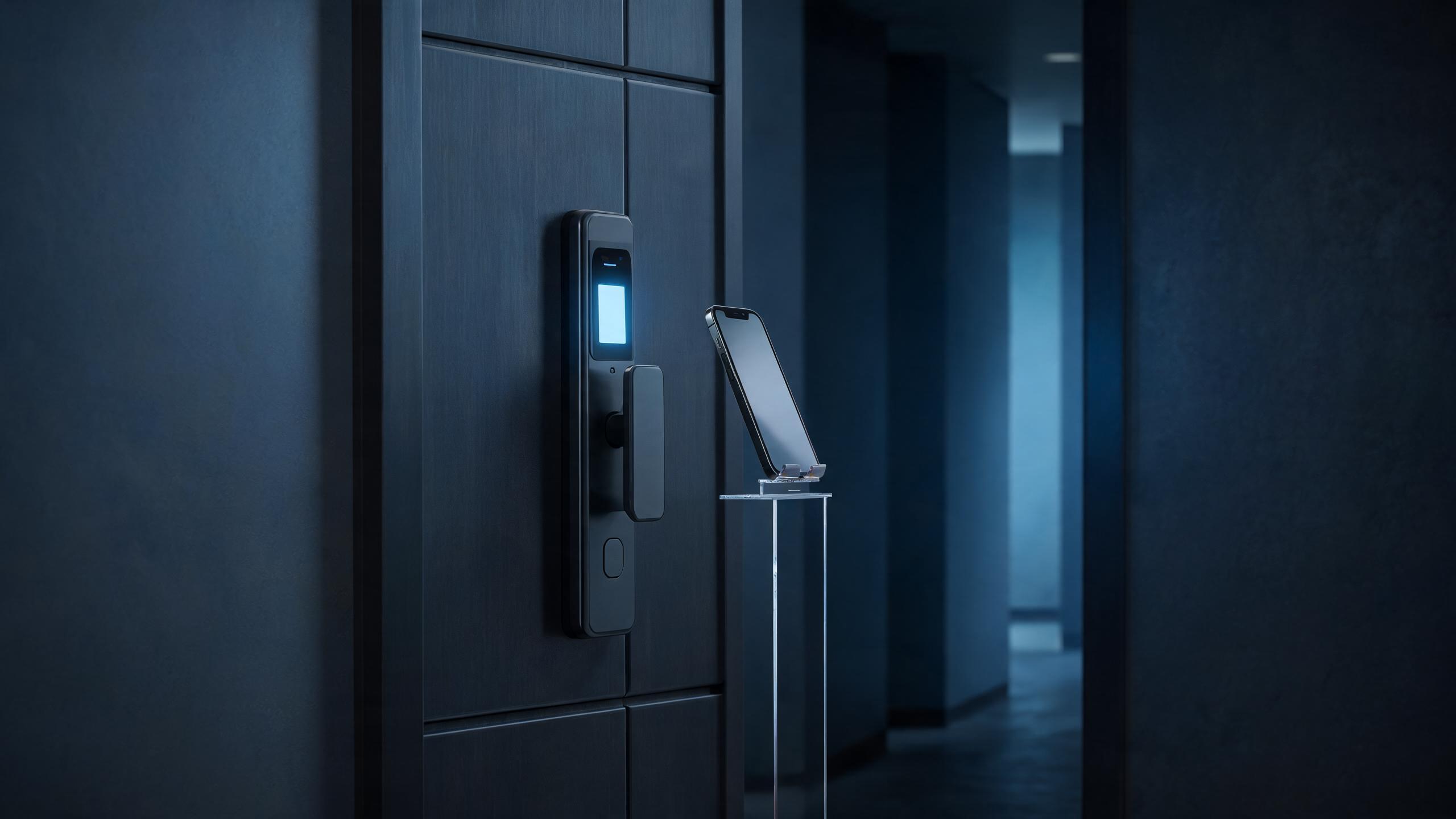
Apple Home Key, NFC and UWB →
Wallet tap keys, express mode and UWB hands-free unlock requirements for locks.
Cloud vs local access control →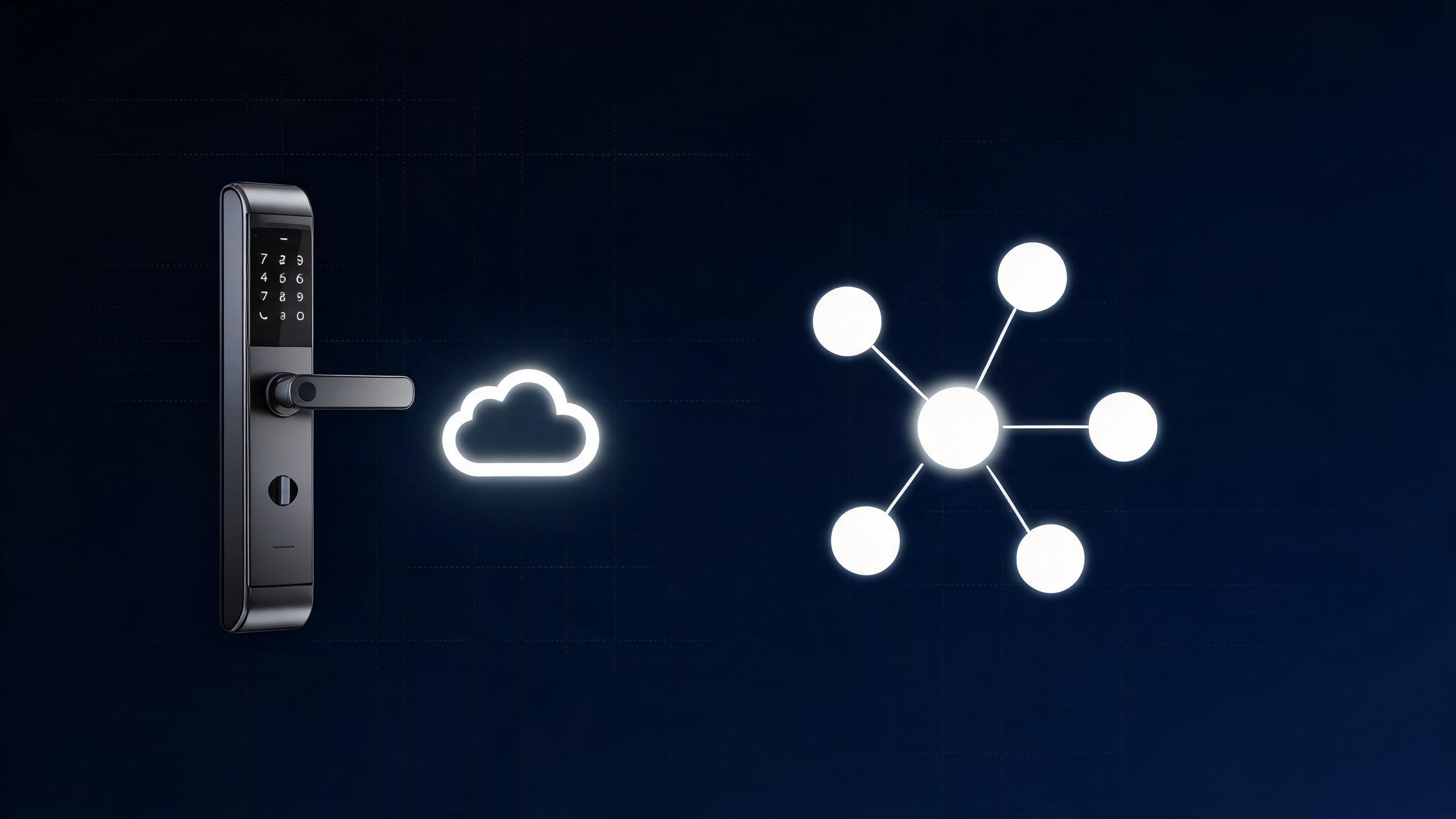
Cloud vs local access control →
When permissions live online versus inside the lock or local controller, and downtime behavior.
Offline mode and temporary access →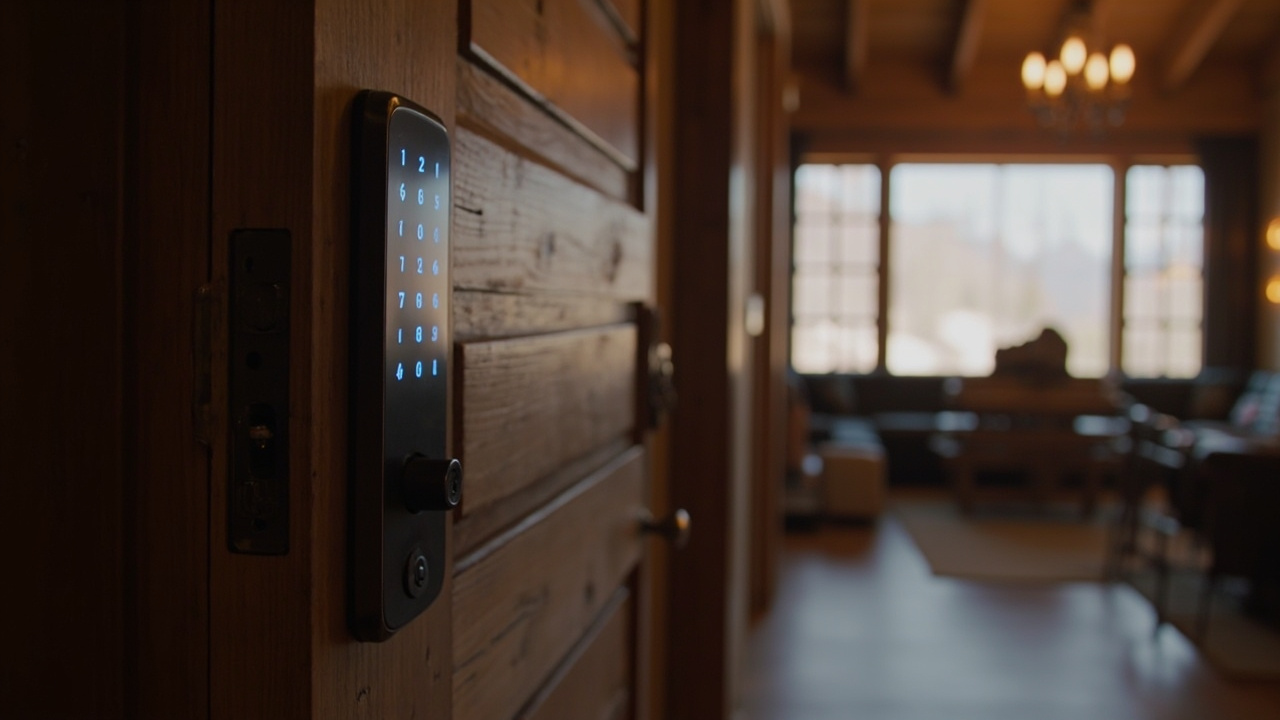
Offline mode and temporary access →
Time-limited codes and offline credential rules when doors cannot reach the internet.
Technology guides
Integration
Hotel PMS integration →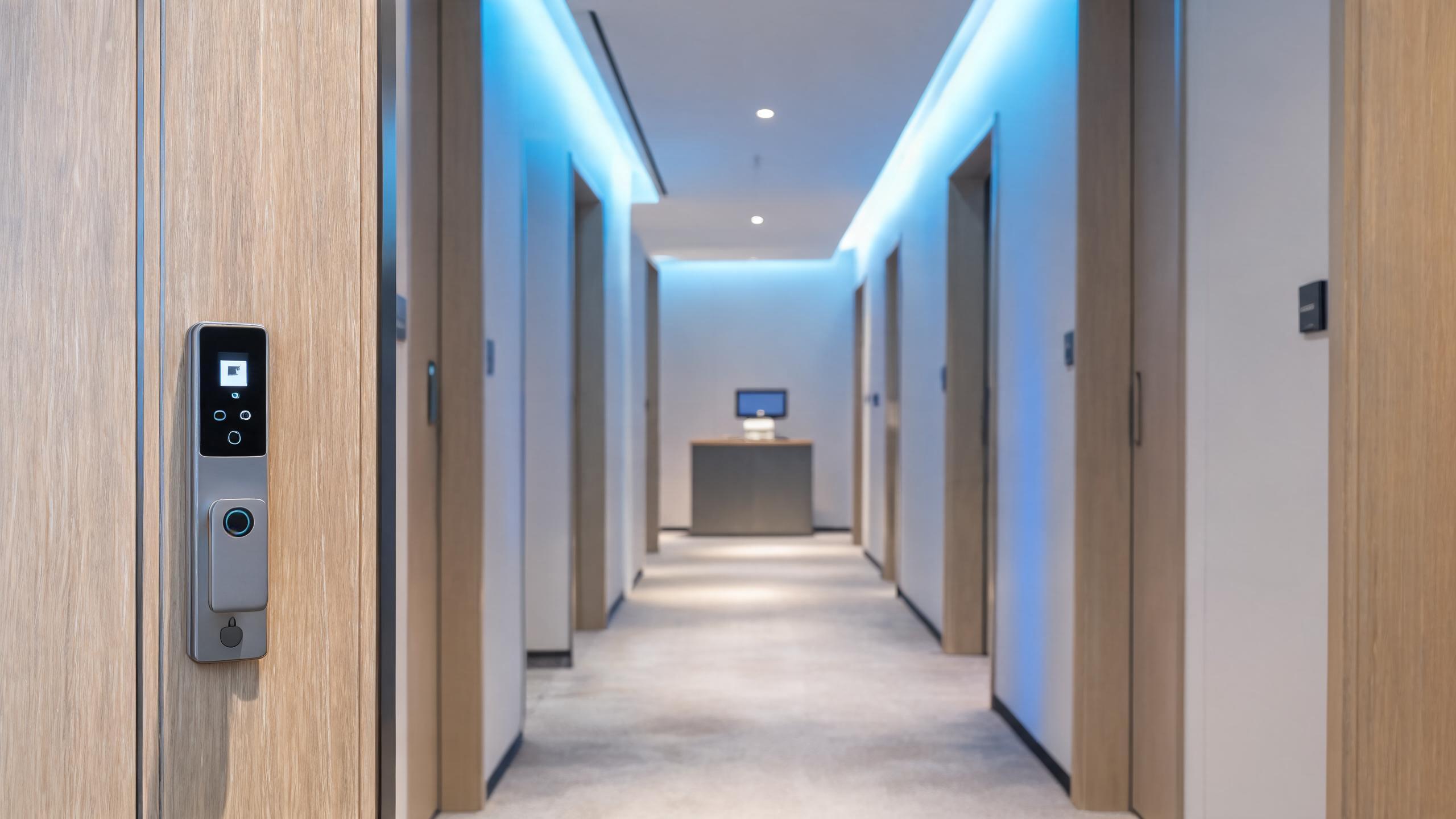
Hotel PMS integration →
Door locks with property systems via PMS interfaces, encoders and check-out card expiry.
Access control API and SDK →
Access control API and SDK →
Remote permission and event APIs, SDK scope and what integration teams should specify.
Wiegand and OSDP →
Wiegand and OSDP →
Classic Wiegand wiring versus supervised OSDP RS-485 for panels and readers.
Elevator control →
Elevator control →
Floor-access relays, controller links and credential rules that tie locks into lifts.
CCTV and intercom →
CCTV and intercom →
Linking cameras, video intercoms and electric locks for verified entry events.
Video intercom smart locks →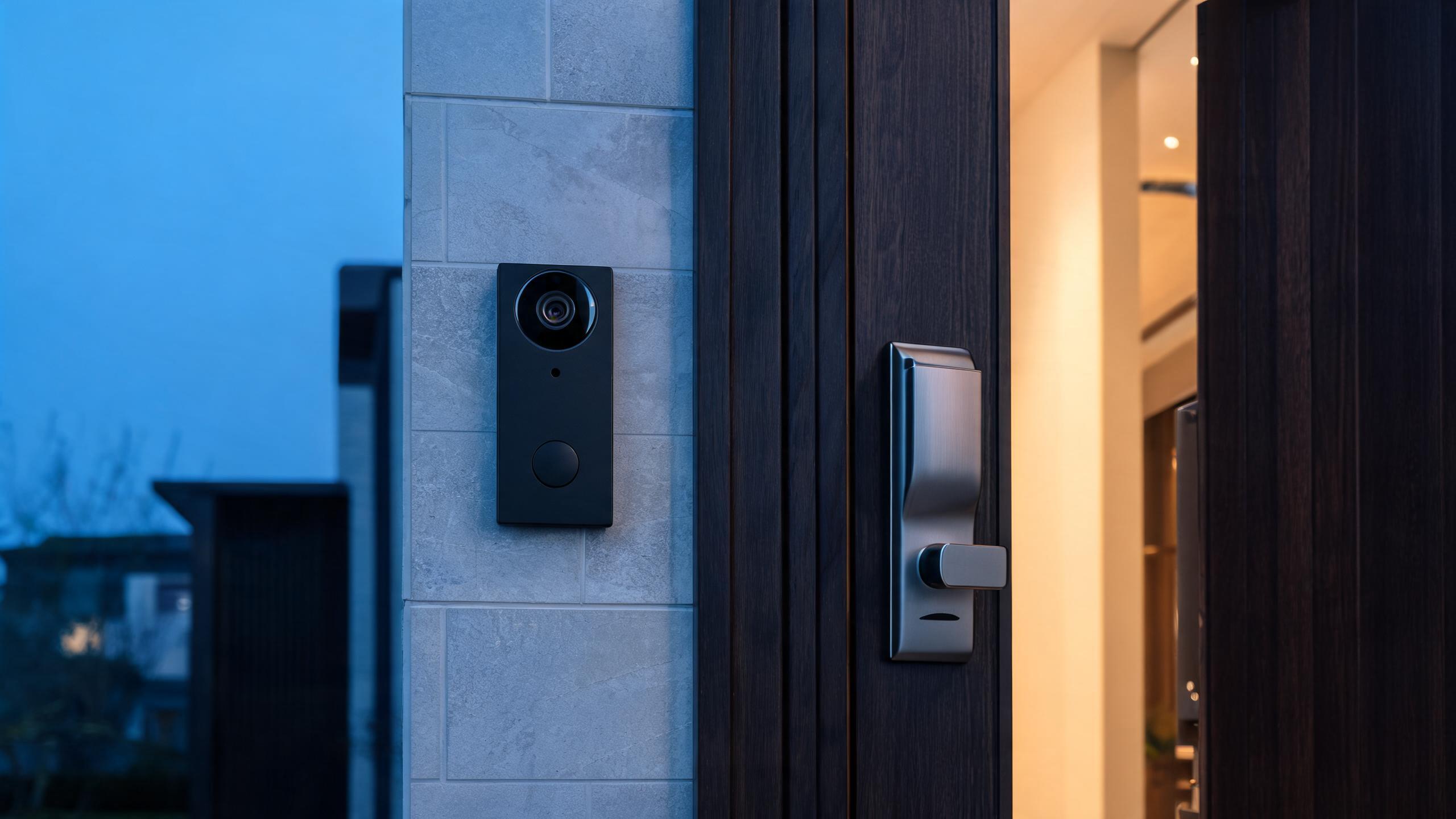
Video intercom smart locks →
Door stations, in-unit monitors and app calling with two-wire versus IP wiring.
Technology topic map
Technology guides in this knowledge center
Deep dives for the topics below are published in batches. Use the comparisons hub for head-to-head questions and the glossary for one-line definitions.
Credentials & sensors
RFID lock technologyMIFARE Classic vs DESFireFingerprint sensor technologies3D face recognitionPalm vein recognition
Communication
Platforms & architecture
Tuya ecosystemTTLock ecosystemApple Home Key, NFC and UWBCloud vs local access controlOffline mode and temporary access
Integration
Match the technology to the operation
| Technology | Strengths to know | Typical home | Start here |
|---|---|---|---|
| RFID / MIFARE cards | Very low power, cheap replaceable credentials, fully offline | Hotels, high-turnover facilities | Hotel systems |
| Fingerprint | Nothing to carry, fast verification, local templates | Offices, members, homes | Fingerprint locks |
| 3D face | Hands-free, strong anti-spoofing, premium positioning | Premium offices and residences | Face locks |
| Keypad PIN | No card or app needed; easy temporary codes | Rentals, SMBs, shared doors | Keypad locks |
| Bluetooth | Phone-as-key nearby, low power; gateway for remote control | App-managed rentals and offices | Check app-platform models |
| Wi-Fi | Direct remote access without a separate gateway | Remote-managed single doors | Rental guide |
| Zigbee / Z-Wave / Matter | Hub-based, low power, integrates with building or home platforms | Smart-home and integrated sites | Ask about platform support |
| Video intercom | See and speak to visitors before unlocking | Entrance doors, deliveries, concierge | Video locks |
Smart lock technology: common questions
What is the difference between Bluetooth, Wi-Fi and Zigbee smart locks?
Bluetooth talks directly to a nearby phone and uses little power; Wi-Fi connects to your router for true remote access but consumes more battery; Zigbee and Z-Wave require a smart-home hub and suit integrated buildings. Many models combine two of these.
Do smart locks work without internet?
Many do. RFID, fingerprint and keypad unlocking are local functions, and hotel offline locks need no network at all. Remote code issuing, cloud logs and intercom features require internet or a gateway depending on the platform.
Are fingerprint and face recognition safe?
Modern sensors store biometric templates locally and in encrypted form, and 3D face systems are far harder to spoof than 2D photos. For high-security sites, use dual-factor verification together with graded access permissions.
What is MIFARE DESFire and when do projects need it?
DESFire is a higher-security contactless card family than basic MIFARE Classic, with strong encryption suited to corporate, campus and transit-grade access. Standard hotels commonly use simpler RFID cards unless the specification demands DESFire.
Can locks connect to our PMS or access control platform?
Hospitality projects can discuss PMS integration, and wired access environments may use Wiegand or OSDP or an API/SDK approach. Integration scope is model- and platform-specific, so raise it early in the RFQ with the solutions hub as context.
Which technology fits your doors and users?
Describe the site, users and IT environment — a sales engineer will recommend the right stack and models.
Ask an engineerGet the catalogLast updated: October 31, 2026 · Reviewed by the Smart Lock Factory editorial team