
Last updated: October 31, 2026 · Reviewed by export engineering
Apartment access fails in three places, not at the lock body. Credential delivery fails when a booking arrives outside office hours. Network dependency fails when a gateway loses power or the building internet drops. Turnover timing fails when a cleaning window overlaps the next arrival. This page takes those three failure points one at a time, compares the architectures that address them, and states what an operator can do in the first hour of an outage. Figures are planning estimates; the confirmed scope follows the site survey.
Architecture first
Three access architectures, and where each one breaks
A rental lock is one of three network positions. Choose the position before choosing the model, because the position decides what you can and cannot do remotely.
| Architecture | How a guest gets in | Network required | What fails when offline | Best fit |
|---|---|---|---|---|
| Offline time-limited codes keypad and app models, for example SLK-509, SLK-818, SLK-8831 | The manager sets a code or an ekey at the door over Bluetooth from the app, or enters a dated code on the keypad. The guest types the code and the lock checks it locally. | None at the door. The manager's phone needs the app, and the Bluetooth link has to reach a few metres to the lock. | Nothing at the door itself. What fails is remote control: an issued code cannot be cancelled, only expired, and entry records stay in the lock until a phone or reader collects them on site. | 1-10 units, one owner, no staff on site, guests arriving at any hour of the night. |
| Gateway or Wi-Fi bridge to a cloud app-managed locks plus a gateway per floor or per apartment | The lock talks to a gateway within radio range; the gateway talks to the cloud. The operator issues or revokes an ekey from anywhere and the guest receives it in the app. | Internet at the gateway, plus a power point that stays live. Gateway range is decided by the geometry of each floor, not by a fixed count per building. | Issuance queues. A guest can hold an ekey the lock has not yet received, and entry records lag behind real time. Local codes still work if they were written before the outage. | 10-200 units in one or two buildings with reliable internet and a management team that watches a dashboard. |
| 4G cellular lock SLK-4G, no Wi-Fi required | The lock carries its own SIM and reaches the cloud directly. The guest gets a code or ekey through the platform; no property network is involved at any point. | Mobile data at the door, on a plan the operator owns and pays for. | The same limits as an offline lock: no live revocation, queued commands, and a lock that cannot be reached until the signal returns. It also adds a recurring data cost that an offline keypad does not have. | Scattered units, basements and back buildings without Wi-Fi, and coastal or rural properties where cabling a gateway is not practical. |
The three positions are not a quality ranking. An offline keypad is the most reliable door in the table because there is nothing between the guest and the lock. A gateway buys remote control at the price of a power point and a network. A 4G lock buys remote control without a property network, at the price of a data plan and a signal dependency. Most portfolios end up using two of the three in the same building, and the tier table below shows why.
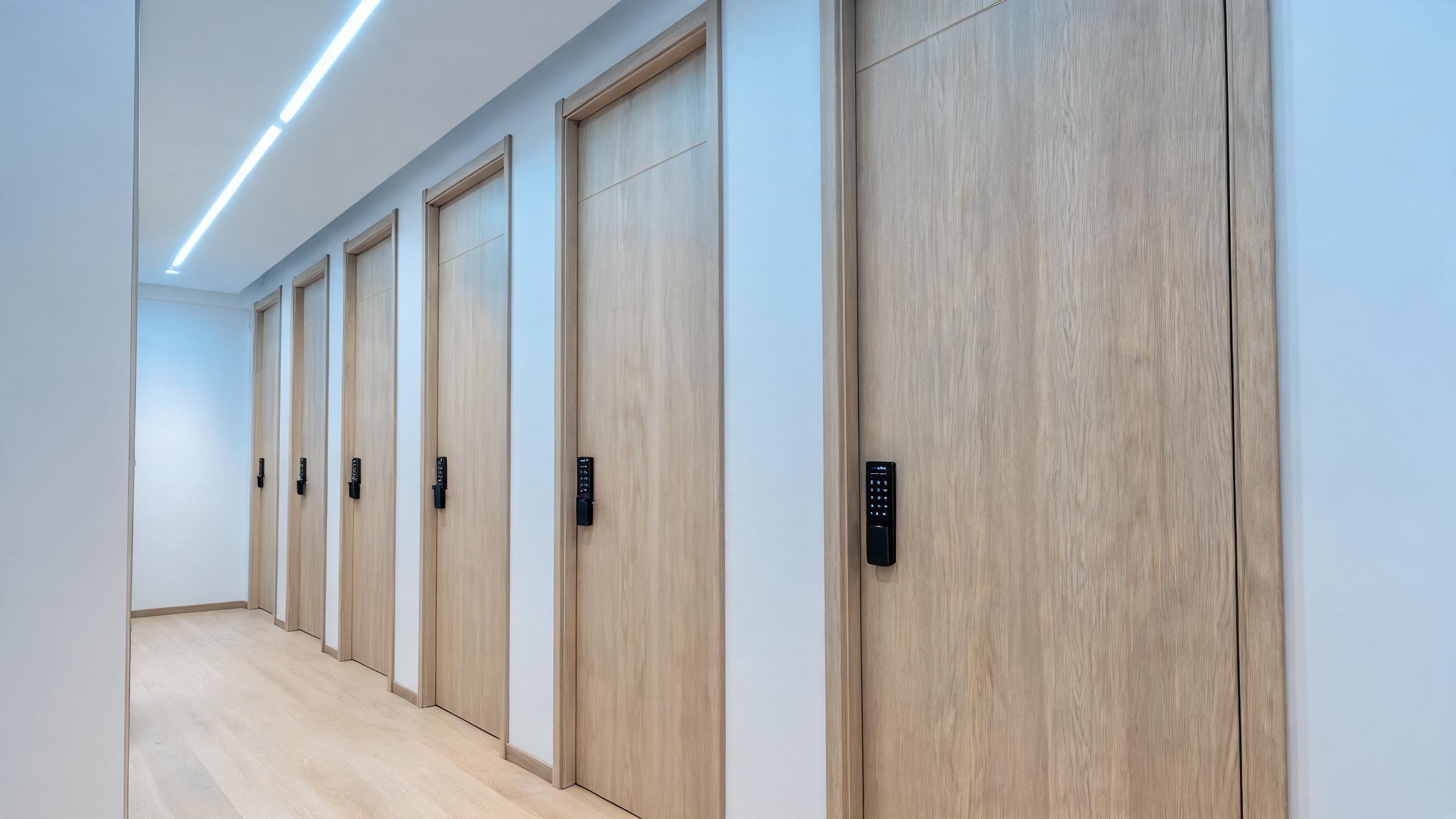 One lock per unit door, keyed by the unit number
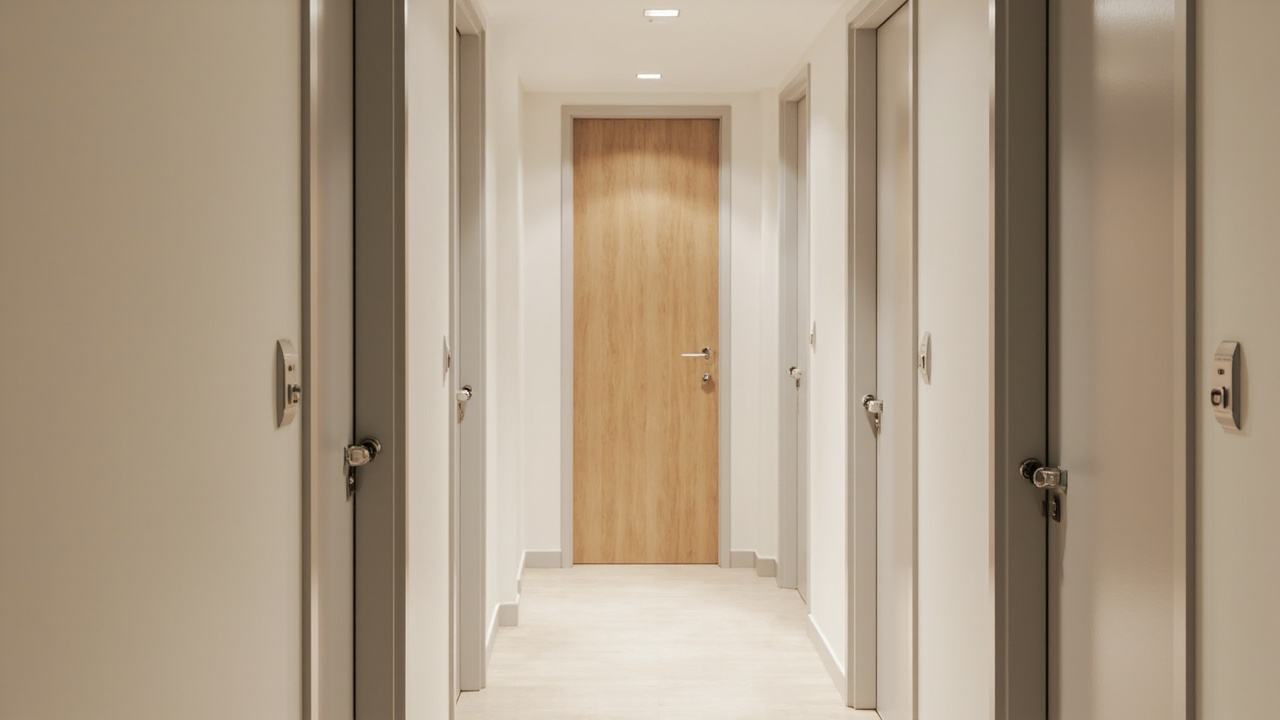 Corridor hardware has to match the unit hardware
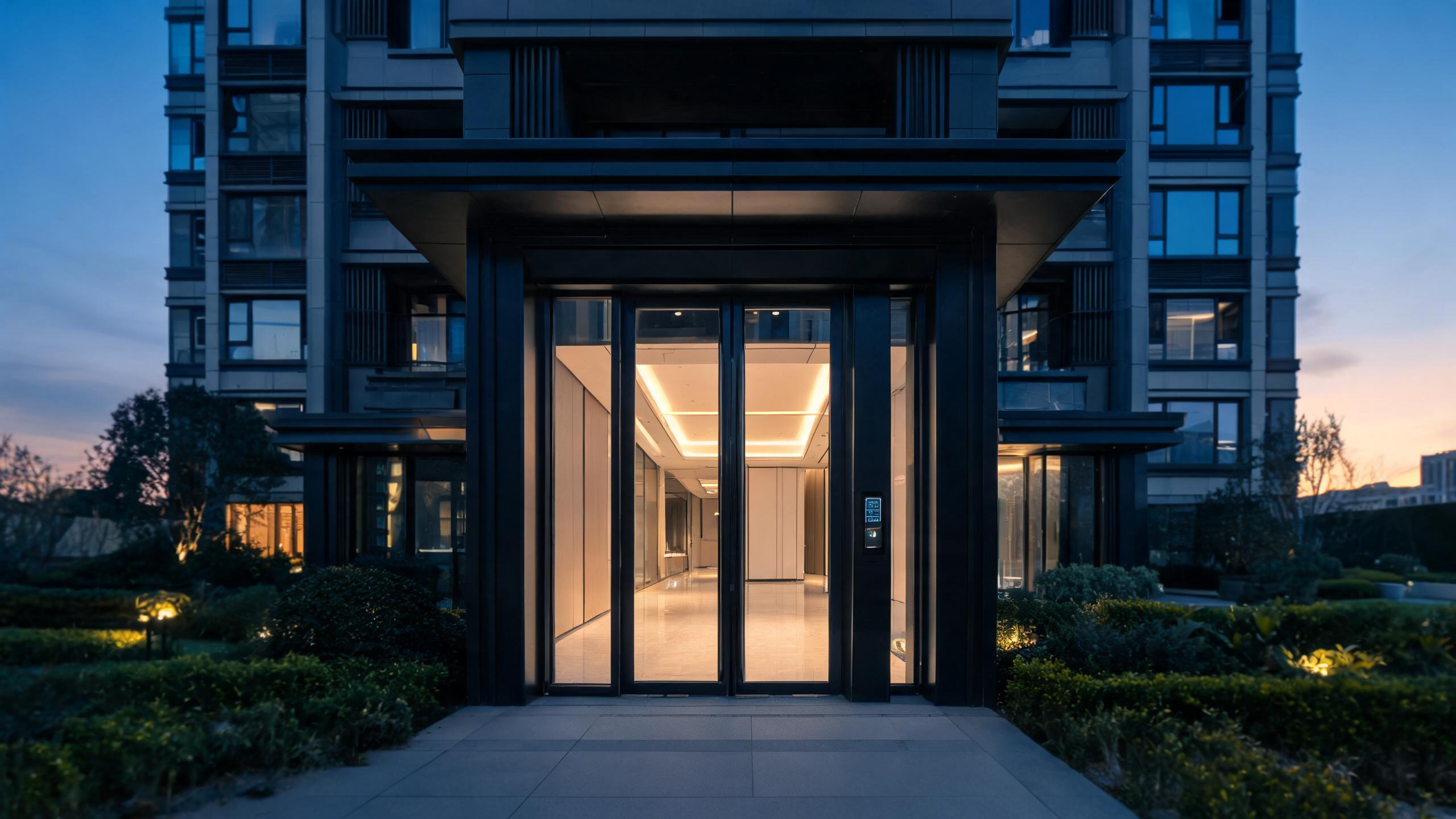 Multifamily projects and unit handover
Scale
Unit-count tiers: the architecture that fits the portfolio you have
Effort per week is the number that decides whether to add a gateway, a platform or a person.
| Units | Architecture that fits | Credential issuing | Management effort per week |
|---|---|---|---|
| 1-10 units | Offline time-limited codes on keypad locks; one fingerprint model where the owner also lives on site | App at the door, or a dated code entered on the keypad before arrival | Under 1 hour, mostly guest messages and one manual check of the entry record after a dispute |
| 10-50 units | Gateways in buildings with stable internet; offline keypads where the riser cannot be reached | Remote ekeys and codes from one app, with a template for cleaners | 2-4 hours, dominated by turnover scheduling rather than by lock faults |
| 50-200 units | One gateway per building or per floor cluster, plus 4G locks for the doors without a power point | Platform issuing with channel or calendar integration where the channel supports it | About 1 working day for a part-time coordinator, plus exception tickets |
| 200+ units | Managed gateway fleet with a single platform, 4G for the exceptions, offline codes as the fallback layer | Bulk issue by calendar, role templates for cleaning and maintenance companies | A named role, in-house or outsourced, with an on-call rota for lockouts |
Effort figures are planning estimates for a portfolio with normal turnover. They are not a service-level commitment; the confirmed scope is agreed in writing per quotation. Model choice across the keypad family is compared on RFID door locks and fingerprint door locks.
One booking
Turnover workflow: five steps, and who does the work
Each step below names the human action and the automatic part, so the operator can see where the minutes go.
- Booking confirmedHuman: about 30-60 seconds to open the unit in the app, set the arrival and departure dates and pick the channel. Automatic: nothing, unless the channel feed is connected and writes the dates itself.
- Credential issuedHuman: about 20-30 seconds per guest where the code is created by hand. Automatic: a scheduled issue can be released before arrival without anyone opening the app.
- Guest arrivalNo human involved. The code becomes valid at the check-in time set at issue, and the lock releases in under 1 second after the code is entered.
- Mid-stay changeHuman: 1-2 minutes to delete the old code and issue a new one. Automatic: on a gateway or 4G lock the change reaches the door within seconds; on an offline lock it needs a visit or waits for the next expiry.
- Checkout and revokeAutomatic: the guest code expires at the departure time, and the cleaning window expires separately. Human: about 30 seconds to confirm the record and check that the cleaner's access has already closed.
Total human time per turnover is roughly 2-3 minutes on a connected unit, plus the cleaning schedule. The step that most often goes wrong is the fourth, because a mid-stay change is the only one that needs a live link to the door. A portfolio built entirely on offline codes should plan that change as a site visit, not as a phone call.
Who may enter
Permission model: guest, cleaner, maintenance, co-owner, tenant
Every row is a credential with a time window. A role without a window is a master key with a different name.
| Role | Default access | Change path | Risk if wrong |
|---|---|---|---|
| Guest | One unit, from the check-in time to the checkout time, no common or storage doors | Extend by editing the code window, or replace the code with a new one | An overstay keeps its access until the window ends; a wrongly short window strands a guest at midnight |
| Cleaner | Assigned units only, for a 2-4 hour turnover window on scheduled days | A weekly template that repeats by unit and by day, edited when the rota changes | Access survives after the cleaner leaves the company, and guest privacy depends on a code that was never deleted |
| Maintenance | All units, time-boxed to the job, recorded against the work order | A one-time code per visit, issued by the coordinator rather than by the owner | Standing access turns into the de facto building key and is rarely reviewed once issued |
| Co-owner | Own unit plus shared storage where the building has one | Written owner agreement before any unit is added to the credential | Disputes over who may enter a shared unit, and no clean way to withdraw access during a sale |
| Long-term tenant | One unit, a credential tied to the tenancy end date, plus building entry where that exists | Tenancy renewal extends the date; termination shortens it or deletes the credential | A credential that outlives the tenancy, or a tenant locked out on the first day because the date was set wrong |
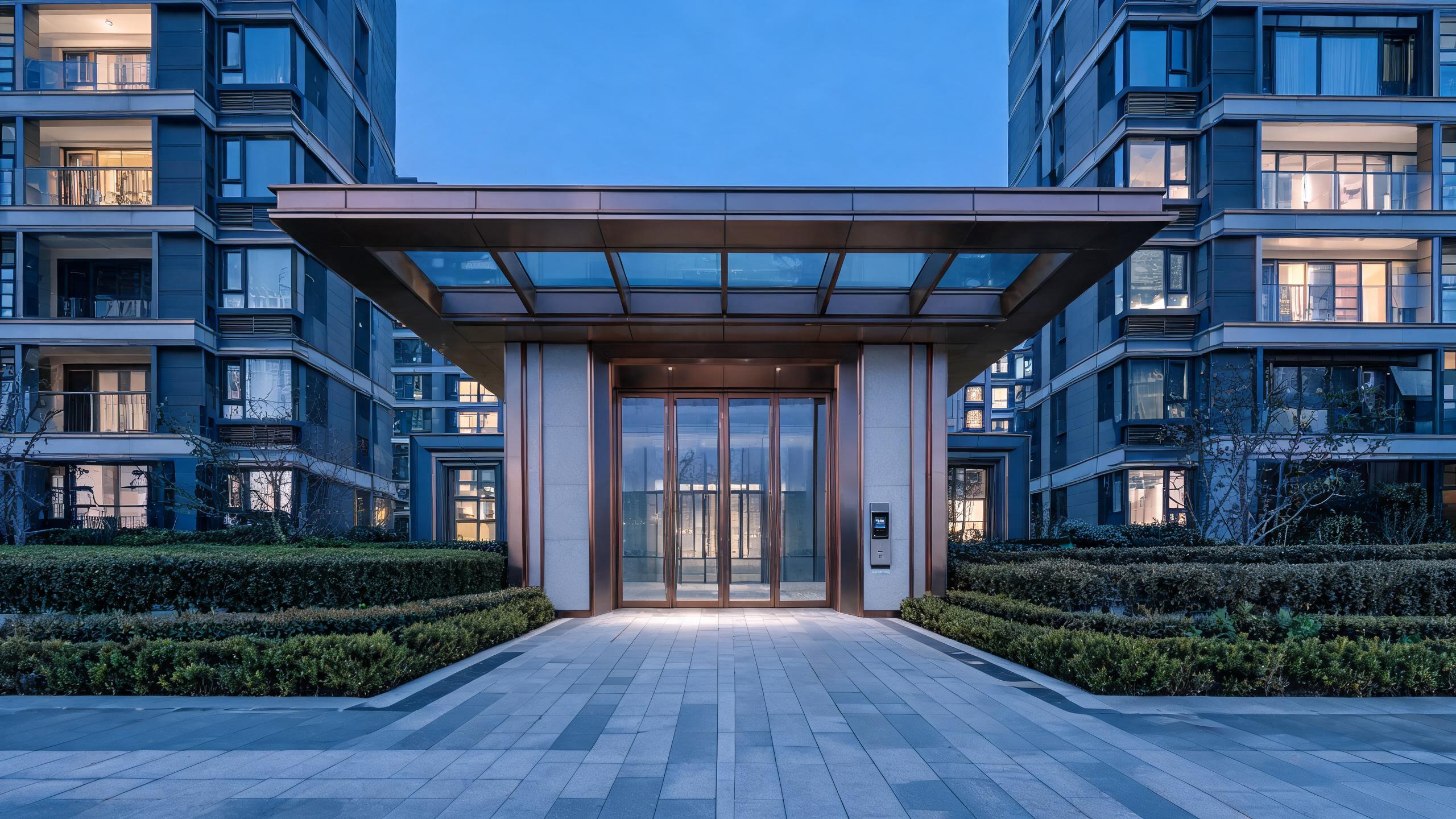 Unit handoverThe building manager needs one view; the resident needs one code.
One lock, two very different users
In a multifamily building the same door serves a resident who never sees the manager and a manager who needs a record. The design separates those two jobs so the resident experience stays simple while the building keeps its audit trail.
- Resident access through an app, a keypad or a card, chosen per building
- Manager access through a separate credential set with a full event log
- Firmware updates and code revocation handled centrally, without visiting each door
Outage playbook
What breaks, and what the operator does in the first hour
Six outages that account for most support calls. Each row is written to be read at the moment it happens.
| Outage | Guest experience | Operator action within 1 hour | Prevention |
|---|---|---|---|
| Internet down | New ekeys do not reach the lock; a guest who already holds a code written locally still enters | Issue a local code at the door over Bluetooth, or send the offline backup code held for that unit | Keep one backup code per unit in a documented place, and confirm the building's uplink before signing the scope |
| Gateway offline | Every lock behind that gateway loses remote control at once; the doors themselves keep working | Power-cycle the gateway, check the socket and the switch port, then move the arrivals for that floor to local codes | One gateway per floor cluster rather than one per building, and a labelled power point that cleaners cannot unplug |
| Lock battery low | The lock slows or refuses, and the guest cannot tell whether the code or the door is at fault | Send the property's key holder to replace 4 x AA cells, and issue a mechanical key or a spare unit for the night | Watch the battery level on connected models and service the fleet on a schedule, not on complaint |
| Phone lost | The guest has no ekey and may not remember the code | Call the guest, read the code aloud, and delete that guest credential once the stay ends | Issue a code alongside every ekey so the guest has a fallback that does not depend on the phone |
| Guest arrives early | The code is not valid yet and the door refuses a correct entry | Extend the start time from the app, or issue a one-time code for the gap | Set the start time with the cleaning window in mind, not at the advertised check-in minute |
| Double booking | Two guests hold valid credentials for one unit at the same time | Revoke one credential immediately, move the displaced guest, and record the change in the booking system | One credential per booking reference; block the calendar before issuing, not after |
Hardware shortlist
Four locks that cover the three architectures
Two keypad families, one cellular lock and one glass-door lock. Glass is the model that most rental projects forget until the survey.
Keypad and RFID lock
Keypad and RFID lock →
Offline codes plus cards, app setup over Bluetooth, mechanical key backup. The default for short-stay units without a gateway.
4G cellular lock
SLK-4G cellular lock →
SIM inside the lock, no Wi-Fi and no gateway. Remote issue and revoke where the building has mobile signal and no usable network.
Fingerprint and keypad lock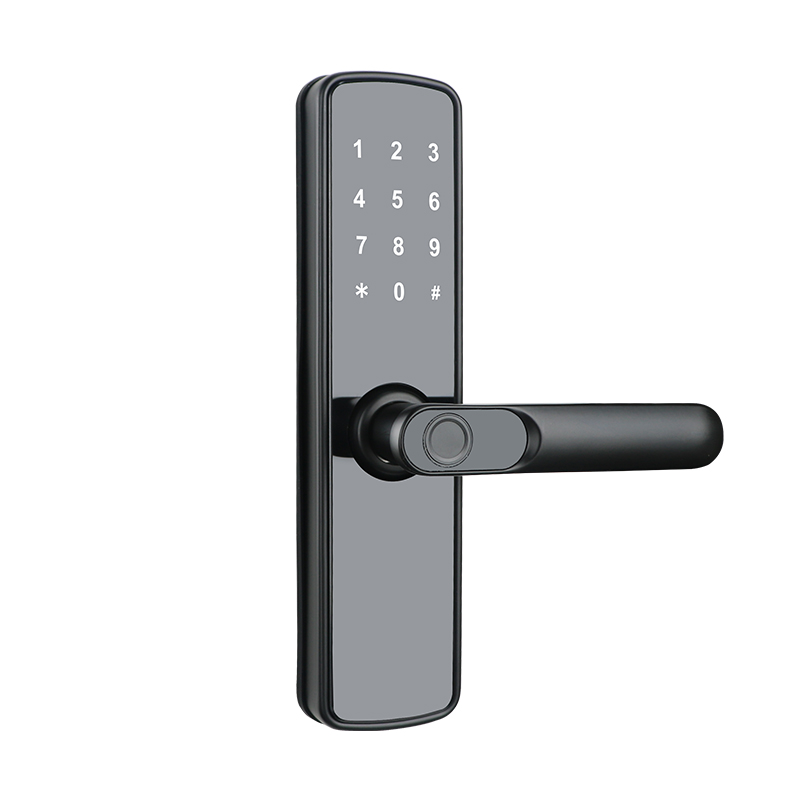
Fingerprint and keypad lock →
Fingerprint, code, card and key on one door. Best for long-term tenants and owner units where a phone-based credential is a nuisance.
Frameless glass door lock
Frameless glass door lock →
For the lobby and entrance leaf, where the apartment door is timber but the shared entrance is 10-12 mm tempered glass. A different fixing, not a different system.
Cost structure
Cost and effort drivers behind an apartment quote
Five drivers move the number more than the lock model does. Prices are quoted per order; these are the questions that change them.
| Driver | Why it moves the number | How to reduce it |
|---|---|---|
| Distinct credentials per month | Every turnover creates a code and an expiry; volume drives the platform tier and the support load more than the unit count does | Reuse a cleaning template across units instead of writing a schedule per unit |
| Gateway count against unit count | Gateways are bought per floor and per radio path, so a tall narrow building costs more per unit than a wide low one | Cluster units on fewer floors where the layout allows it, and use 4G only for the doors that cannot reach a gateway |
| On-site support distance | Any task that needs a person at the door becomes travel time, and an offline fleet needs visits for mid-stay changes and audits | Choose connected locks for the units furthest from the operator, and keep the offline ones close |
| Battery service interval | Each service visit costs more than the cells; the interval is set by traffic, not by the calendar alone | Batch battery replacement by floor, and use the reported battery level to plan the visit |
| Spare stock | One spare per 50 doors keeps a failed unit out of the booking calendar instead of out of revenue | Match spares by batch label and hold them in the building rather than at a depot |
For buyers ordering under their own brand, the packaging and app-labelling layer is described on private label and OEM and ODM. Spare ratios and reorder routes are on spare parts.
Boundary
What this apartment system does not do
- Offline codes cannot be revoked remotely. Once a code is written to an offline lock, the only control is the expiry time it carries; stopping it early needs a visit to the door.
- A 4G lock needs a data plan the operator owns. The SIM, its contract and its renewal are outside the lock supply; an unpaid plan looks exactly like a broken lock.
- We do not guarantee connectivity. No gateway, 4G lock or app can create signal in a basement, a steel-framed building or a rural block that has none.
- An app account is not a property management system. Tuya Smart and TTLOCK manage credentials; they do not replace channel management, pricing, invoicing or tax reporting.
- We do not install or configure on site abroad. Commissioning documents and remote engineering support are included; local labour and travel are not.
- No substitute for building fire safety. Shared-entrance locks do not replace a fire-alarm release, an emergency exit device or the building's own egress design.
Evidence
What you can verify before releasing an order
Four checks that answer the questions a portfolio owner asks after the first outage, not before the first sale.
- Sample on your own door. Order one lock through sample ordering, fit it to the actual door leaf and test the code, the app and the mechanical key before committing a floor.
- Offline behaviour, shown in front of you. Ask for a demonstration with the phone in airplane mode: the lock must still open on an existing code, and the app must show what was cached. Any claim about offline behaviour should be watched, not read.
- Model document pack. Ask which declarations and test reports exist for the exact SKU and market; the certificate belongs to the model, not to the factory. Start at certifications.
- Production evidence. A dated line video, the end-of-line test step and the packing check are documented under manufacturing and quality control, and can be seen on a factory tour.
Two further questions are worth putting in writing before the order: who owns the app account, and what happens to the credentials if the operator changes. Both are answered on the quotation, not in a brochure.
Answers
Apartment access questions operators ask before the survey
Can I cancel a code I already sent to a guest?
On a gateway or 4G lock, yes: the credential is deleted in the platform and the door is updated when the link is up. On an offline keypad, no. The code can only be left to expire, or the lock has to be visited and reprogrammed. If instant cancellation is a requirement for a unit, that unit belongs on a connected architecture.
Do I need Wi-Fi at every apartment door?
No. You need either a gateway within radio range, or a 4G lock, or neither if you accept offline codes. The mistake is ordering gateway locks for doors that have no power point or no usable signal, which produces a connected lock that behaves like an offline one without the offline simplicity.
How long should a guest code last?
From the check-in time the guest was promised to the checkout time, with the cleaning window handled by a separate credential. A code that starts at the advertised check-in minute and ends at the advertised checkout minute is the simplest rule to explain and the easiest to audit. Long-stay bookings get a longer window, not a permanent code.
What happens to a cleaner's access after a turnover?
The window closes on its own at the end of the booked slot. Where a cleaning company works across many units, the credential is issued per unit and per window rather than as a standing master code, so a contract ending does not leave a working key behind. Check the expiry in the platform after the first week; it is the setting most often left open.
Can one app manage a hundred units?
Yes for credentials, locks and entry records: Tuya Smart and TTLOCK both group locks by property and by room. What the app does not do is channel management, pricing or invoicing. Above roughly 50 units, most operators keep the app for access and a separate system for bookings, and treat the two as different jobs.
What if the building has no mobile signal?
Then a 4G lock is the wrong purchase. The options are an offline keypad with time-limited codes, or a gateway on the building's wired internet if one exists. We do not guarantee connectivity, and no lock can create signal where the site has none; the survey should record the signal at the door before the model is chosen.
Send the unit list; get the architecture in writing
Tell us how many units, how many buildings, and for each building whether there is internet and power at the door. The written reply states which units go on offline codes, which get a gateway and which get a 4G lock, plus the credential rules for guests, cleaners and maintenance. A worked example is on the 100-unit configuration, with the serviced-apartment case on serviced apartments and the wider portfolio view on multifamily housing. For installation questions, start with installation FAQ, installation support and the catalog request.
Request apartment lock quotation100-unit configuration