
Technology
Wi-Fi smart locks: direct cloud access at an energy cost
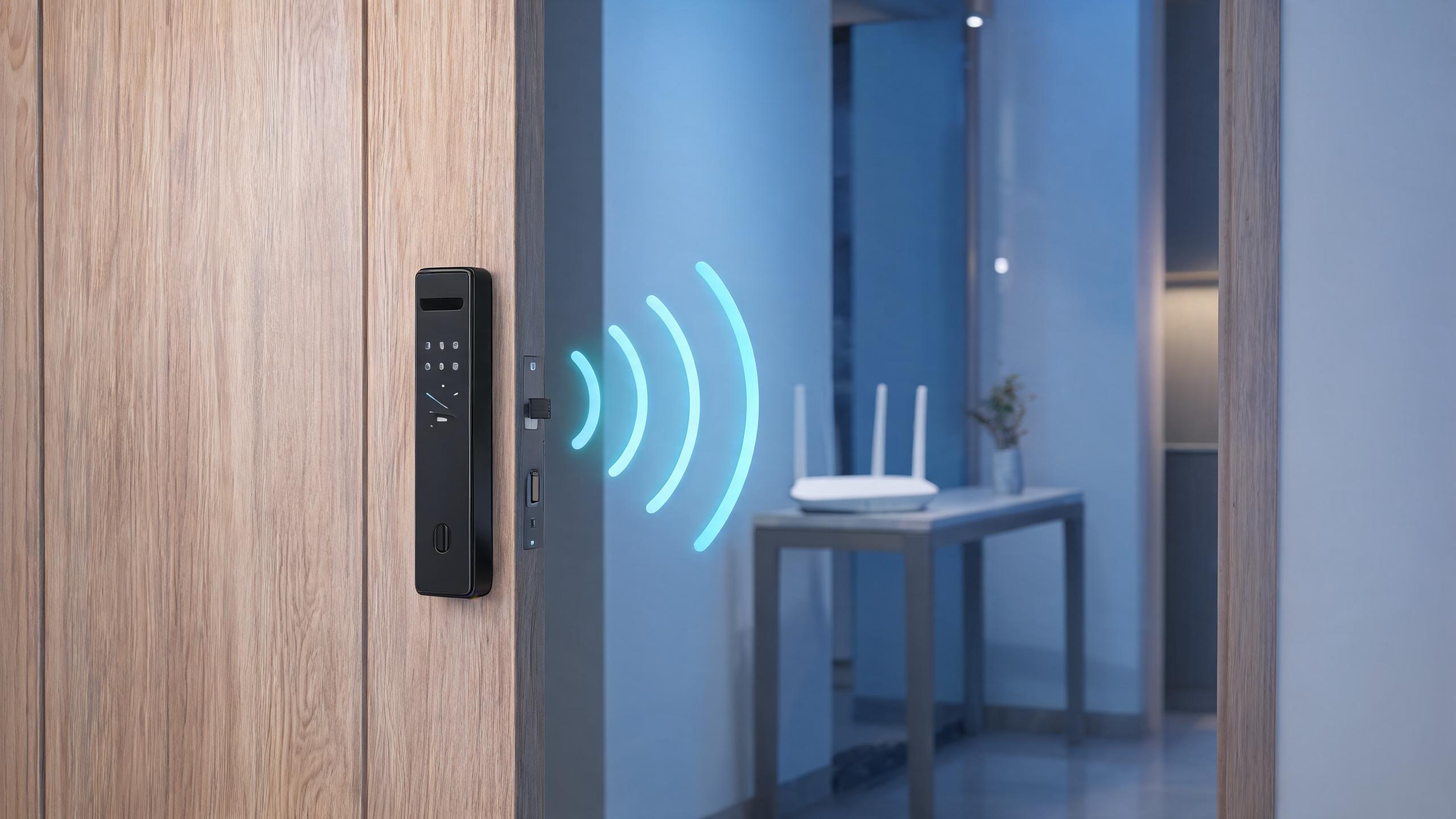
Wi-Fi lets a lock talk to the router and the cloud with no separate gateway, but the radio is power hungry and doors in concrete corridors can sit at the edge of coverage.
Wi-Fi smart locks connect directly to a property’s 2.4 GHz wireless network, after which an app can check lock status, send codes and receive alerts from anywhere without a separate gateway. That simplicity drives their popularity in single-family homes and rentals, because installation is conceptually identical to adding any other Wi-Fi appliance. Engineering reality is less free: Wi-Fi transmission draws much more peak current than Bluetooth or Zigbee, so Wi-Fi locks spend most of their time asleep, wake on a credential or schedule, connect, transmit and return to sleep, which creates a trade-off between immediacy of remote commands and battery life. Door location also matters — metal doors, concrete walls and dense apartments can put the lock in a weak-signal corner that drains batteries through retries. This guide explains radio behavior, network security, gateway alternatives, and how to specify Wi-Fi locks honestly. Current radio specifications and expected battery behavior are confirmed per model per quotation.
Wi-Fi locking at a glance
| Direct connection | The lock joins the existing 2.4 GHz WLAN like a phone or tablet; most current production locks do not connect on 5 GHz bands. |
| No gateway | Remote access works through the home router, reducing hardware count and simplifying rental handover instructions. |
| Sleep and wake | The radio sleeps to save battery and wakes for events; remote commands may show short latency until the next wake cycle. |
| Battery impact | Frequent status uploads, weak signal and cold weather shorten battery life more than the motor action itself. |
| Network security | WPA2 or WPA3 personal networks are typical; enterprise 802.1X portals and captive portals are generally unsuitable. |
| Fallback credentials | PIN, card, fingerprint or mechanical override remains essential when the network or power is down. |
| Our policy | Radio bands, wake behavior and battery claims are stated per SKU; we do not promise universal coverage in unknown buildings. |
Answer unit
Where are direct Wi-Fi locks the right choice?
Wi-Fi wins where the router is reasonably close, remote management is frequent and gateway-free simplicity matters. Weak-signal, dense-commercial or ultra-long-battery projects are better served by BLE with a gateway or low-power mesh radios.
| Environment | Wi-Fi fit | Recommendation |
|---|---|---|
| Single-family home | Strong fit near the router | Direct Wi-Fi lock with app alerts and family codes. |
| Rental and Airbnb unit | Good with decent signal | Remote code delivery; instruct hosts on network continuity. |
| Small office entrance | Acceptable on stable office WLAN | Verify signal at the door and keep card credentials. |
| Concrete corridor apartment | Marginal if signal is weak | Prefer BLE gateway lock or add a reach extender carefully. |
| Hotel or large multi-family | Usually not direct Wi-Fi | Battery and fleet management favor gateway or wired platforms. |
| Enterprise 802.1X networks | Poor fit | Use locks designed for managed access panels rather than home WLAN. |
Projects, products and evidence
Network reach is the deciding physical factor. A survey at the actual door prevents the most common Wi-Fi lock complaint: batteries drained by repeated association retries in a weak corner.
| Opening | Typical door | Lock approach |
|---|---|---|
| House front door | Timber door within a room or two of the router | Direct Wi-Fi deadbolt with keypad and mechanical key. |
| Apartment unit door | Metal or wood door off a concrete corridor | Check RSSI first; BLE gateway design when signal is marginal. |
| Rental back door | Weather-protected entrance near the living area | Wi-Fi lock for remote codes, rated only for its actual exposure. |
| Home office side gate | Covered exterior with extended range | Outdoor-rated enclosure; mesh extender if needed, not an exposed lock. |
| Small studio rental | One room between lock and router | Direct Wi-Fi keeps host instructions simple for guests. |
| Commercial shared entrance | Far from any single router | Managed reader or gateway-based lock instead of home Wi-Fi. |
Wi-Fi model specification checklist
Most Wi-Fi lock support tickets are network rather than hardware issues. Our documentation helps brands and installers set realistic expectations and pre-qualify installation sites.
| Component | Typical logic | Notes |
|---|---|---|
| Radio statement | 2.4 GHz support, standards and whether 5 GHz is included. | Prevents returns from owners with 5 GHz-only setups. |
| Wake behavior | How promptly remote commands execute from sleep. | Sets honest expectations for remote locking speed. |
| Battery assumptions | Battery life basis: events per day, signal strength and temperature. | Compare claims using the same assumptions. |
| Network compatibility | WPA2/WPA3 personal support and captive portal limitations. | Critical for apartments with building-wide login portals. |
| Offline behavior | Credentials and schedules that keep working without the cloud. | Defines what the door does when the internet is down. |
Specifying Wi-Fi locks in five steps
- Pre-qualify the siteConfirm 2.4 GHz coverage and security type at the exact door.
- Choose the modelMatch Wi-Fi or BLE-gateway design to signal and battery needs.
- Provision the networkUse a stable SSID and password policy for rentals and staff changes.
- Test offline behaviorVerify local codes, schedules and lockout procedures without internet.
- Hand over documentationGive users signal guidance, battery expectations and override steps.
Related technology guides
Connectivity and comparison guides related to Wi-Fi locks
Questions about Wi-Fi smart locks
Do I need a separate gateway if the lock has built-in Wi-Fi?
For direct-to-cloud features, no: a built-in Wi-Fi lock joins the router itself and the app communicates through the vendor cloud without an extra bridge. A gateway becomes relevant when the lock uses Bluetooth or another low-power radio, or when you want a long-battery design that keeps Wi-Fi off the lock itself. Some gateways also add compatibility with home automation platforms. The trade-off is that the gateway-free convenience of direct Wi-Fi is paid for in battery consumption and dependence on good signal at the door, whereas a BLE-plus-gateway design can place the bridge closer to the router. Which architecture a given model uses is shown clearly on its specification sheet.
Will a Wi-Fi smart lock work during an internet outage?
The lock and the door keep functioning: PIN codes, fingerprints, cards and schedules stored on the lock continue to authorize entry locally, and the mechanical override remains available. What stops is anything that depends on the cloud — remote app status from outside the home, new code delivery from afar and third-party voice assistants that require internet. Depending on the platform, a phone on the local network using Bluetooth may still operate the lock nearby. Buyers should therefore check which features are local versus cloud-dependent before choosing a rental-management workflow that assumes live remote delivery, and properties with unstable internet should consider BLE or offline-mode locks.
Why does a Wi-Fi lock drain batteries faster in some apartments?
Wi-Fi association and transmission draw high peak current, and the energy cost rises sharply when the radio must retry through weak signal. A lock behind a metal door, several concrete walls away from the router, may spend seconds negotiating each connection instead of milliseconds, multiplying consumption; cold temperatures reduce battery capacity at the same time. Symptoms include a battery percentage that falls much faster than the marketing estimate. Remedies are better coverage, a BLE-gateway model, or reducing cloud sync frequency in the app. Current battery figures should always be compared on a stated duty and signal basis, and we provide that basis per model rather than a single universal number.
Are Wi-Fi locks safe on a normal home network, and which security do they use?
Current production Wi-Fi locks join WPA2 or WPA3 personal networks and encrypt their application sessions to the vendor cloud, so they fit a normally secured home WLAN alongside other devices. They are generally not designed for enterprise 802.1X supplicant networks or hotel captive portals, which is why offices with managed network login often use BLE, RFID or wired access instead. Household hygiene still matters: a strong router password, current firmware, a unique lock admin code and disabled remote admin sharing reduce risk. We document supported encryption and network types for each model and supply firmware update mechanisms; radio-equipment compliance such as FCC or CE is shown for the named SKU.
Can my smart speaker unlock a Wi-Fi front door by voice?
Most platforms allow voice assistants to report lock status or start locking routines, while unlocking by voice is typically disabled or gated behind a spoken PIN to prevent a stranger or child asking a speaker to open the door. The lock must be linked to the assistant ecosystem, either natively or through the vendor’s skill, and the account permissions should be reviewed for each household member. Voice control is a convenience layer on top of the lock’s own credentials rather than a replacement for them. Supported assistant ecosystems vary by model and by region and change as platforms update, so current compatibility is confirmed per quotation rather than guaranteed across the product lifetime.
Selecting Wi-Fi locks for homes or rentals?
Describe the router distance, door material and remote-management needs in your RFQ. We confirm radio bands, wake behavior, offline credentials and battery assumptions for each model and recommend BLE-gateway designs where signal is weak.
Request Spec Sheet + QuoteTechnology overviewLast updated: October 31, 2026 · Reviewed by the Smart Lock Factory editorial team