
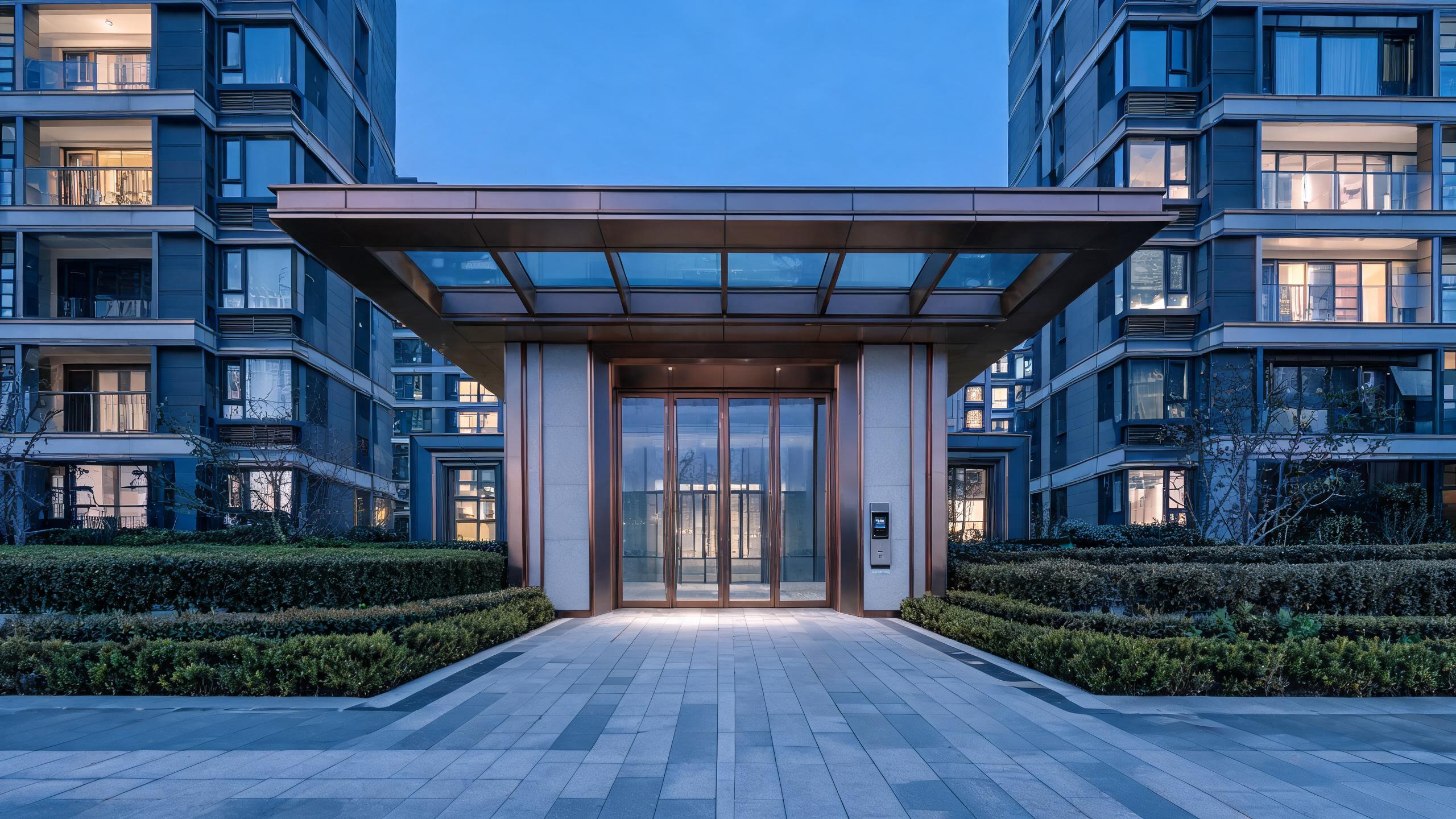
Solutions
Multifamily smart access: residents, staff and visitors on one door-by-door policy
Unit and common-area credentials for residents, self-guided leasing codes, package and delivery workflows, staff zoning across a community, and hardware sized for turnover.
Multifamily operators manage doors at two speeds: unit doors that turn over with every lease, and common doors — lobby, package room, gym, pool, co-work, parking and roof deck — that serve every resident every day. A multifamily smart access solution binds a resident credential to the lease dates so it activates at move-in and lapses at move-out, routes a self-guided-tour prospect to a specific unit for a one-hour window, and gives maintenance a work-order code instead of a master key ring. Common doors follow resident status and amenity rules, and staff groups are separated by role. The multifamily housing guide covers the operating model, the electronic locker page covers package rooms, and the apartment locks page covers unit hardware.
Multifamily access at a glance
| Resident units | Credentials bounded to lease dates, activating at move-in and lapsing at move-out without lock changes |
| Common areas | Lobby, package, gym, pool, co-work and parking doors follow resident status and amenity rules |
| Self-guided tours | Prospects receive a one-unit, one-hour code for the apartment and its route through common doors |
| Package room | Delivery and resident windows keep carriers inside the package area rather than the building |
| Staff and vendors | Maintenance, cleaning and suppliers use role- or work-order-scoped credentials, not master keys |
| Turnover | Move-out access ends on schedule and the unit is ready for the next lease without rekeying |
| BOM shape | Unit locks, common-door readers, package and amenity controls, elevator logic and community spares |
Answer unit
Unit-only smart locks, or a community-wide credential system?
Communities with shared amenities and staff teams specify community-wide credentials; small walk-up buildings may fit unit locks plus an intercom.
| Dimension | Unit-only smart locks | Community-wide credential system |
|---|---|---|
| Lease lifecycle | Codes managed per unit manually | Access follows lease status across unit and amenities |
| Self-guided tours | Staff must escort prospects | Bounded one-unit tour codes through routed common doors |
| Package flow | Carriers buzzed into the lobby | Delivery credentials limited to the package room |
| Maintenance | Master key rings per technician | Work-order codes with door and time windows |
| Amenity rules | Separate fobs or open doors | Resident-status rules by amenity and operating hours |
| Typical fit | Small walk-up buildings | Amenity communities with onsite or regional staff |
Door types and lock-body match
Unit doors set the lock count; common, package, amenity and parking doors define the resident experience and most staff traffic.
| Opening | Typical door | Lock approach |
|---|---|---|
| Resident unit | Fire-rated apartment entry door | Lease-bounded credential with standard lock-body fit and battery plan |
| Lobby entrance | Glazed street entrance with intercom | Resident, visitor and delivery call flows with time-bounded guest entry |
| Package room | Controlled room with locker banks | Carrier delivery windows and resident pickup credentials |
| Amenity doors | Gym, pool, co-work and roof-deck entries | Resident-status and hour rules, guest policy where offered |
| Parking / garage | Pedestrian core and vehicle gate | Resident permits and bounded visitor or vendor windows |
| Maintenance / MEP | Service corridors, mechanical and storage rooms | Work-order credentials held separate from resident groups |
Example BOM shape for a mid-size community
This example illustrates a typical configuration, not a specific customer project. Unit count, amenity mix and leasing model drive the list.
| Component | Typical logic | Notes |
|---|---|---|
| Unit locks | One per rentable unit with lease-status lifecycle | Lock body matched to the fire-rated door schedule |
| Common-door controls | Lobby, package, amenity and parking readers | Rules tied to resident status and operating hours |
| Tour workflow | Self-guided prospect codes per scheduled tour | One unit, one window, routed common-door access only |
| Maintenance access | Work-order credentials for staff and vendors | Door-and-time scoped with separate service groups |
| Community spares | Locks, readers and batteries per building section | Swap restricted to named staff under the current MOQ policy |
How a multifamily access program rolls out
- Door and lease auditUnit list, common doors, amenity rules, tour volume and staff roles are mapped to resident and service groups.
- Pilot buildingOne building runs lease activation, a self-guided tour, a delivery and a maintenance work order end to end.
- Community rolloutBuildings, amenities and parking commission by section without disrupting current residents.
- Team adoptionLeasing and maintenance rehearse tour codes, turnover and vendor windows across real move-ins.
- Assurance handoverAudit export, spare custody, elevator coordination and emergency procedures are documented for management.
Related solutions
Related residential solutions
Multifamily smart access: common questions
How does access follow a resident through the lease lifecycle?
A resident credential is tied to the lease record rather than handed out as a permanent fob: it activates for the unit and permitted common doors at the move-in time, follows amenity rules through the tenancy, and lapses at move-out so the unit returns ready for the next lease without a lock change. Renewals extend the same credential, transfers move it to the new unit, and a resident who is behind on access policy is handled through the documented operating procedure rather than by disabling doors ad hoc. This lifecycle linkage is the main reason communities choose a community-wide system over unit-only locks, which force staff to manage each door separately around every turnover.
How do self-guided tours work without staff escort?
When a prospect books a tour, a one-time code is issued for the specific vacant unit and the common doors on the route — typically the lobby, elevator zone and amenity pass-through — valid for the scheduled hour only. The code cannot open occupied units or back-of-house doors and expires whether the prospect attends or not. Leasing teams see tour events against the booking and follow up from the showing. The workflow depends on the unit being marked vacant and tour-ready, which is why the pilot building runs tours only after housekeeping confirms the showing condition and the route doors have been validated.
How are deliveries and packages kept secure?
Carrier access is bounded to the package room or locker bank through delivery windows or carrier codes, so a driver does not receive a general lobby credential, and residents collect with their own resident credential or a pickup notice. Where the building staffs a package desk, desk hours and after-hours pickup follow separate rules. Oversized deliveries and moving companies receive dated dock or service-elevator windows tied to a reservation. The locker systems guide details the compartment workflow; the key principle is that delivery credentials never inherit access to residential floors or amenities.
Can maintenance and vendors operate without master keys?
Technicians receive a code scoped to the work-order door and its scheduled window, whether for a unit repair inside an approved maintenance slot or a common-area service call, and external vendors receive dated supplier codes for the receiving or mechanical door. This replaces the master key ring that is difficult to control when contractors rotate. Emergency staff retain a small named life-safety role rather than universal access, and every service opening is recorded. The pilot building includes an after-hours emergency repair to verify the scoping works when a resident is waiting and the technician is external.
How is a multifamily BOM and MOQ scoped?
The BOM starts with one lock per rentable unit, then adds lobby, package, amenity, parking and service-door controls, elevator logic where required, and section-level spares, with MOQ and lead time confirmed in writing per quotation. Communities usually pilot one building before portfolio rollout so leasing, maintenance and residents validate tour, delivery and turnover workflows together. Send the unit count, common-door schedule, amenity list and leasing volume, and the quote maps each line to a mapped door group rather than pricing undifferentiated locks.
Run every door in the community from one policy
Send the unit count, common-door schedule and amenity list — receive a door-group BOM with written MOQ and lead-time terms.
Discuss your project (RFQ)Project configurationsLast updated: October 31, 2026 · Reviewed by the Smart Lock Factory editorial team