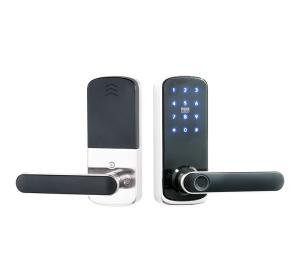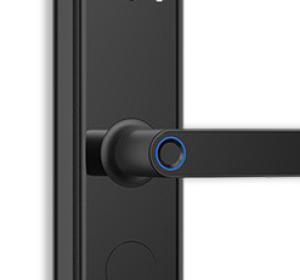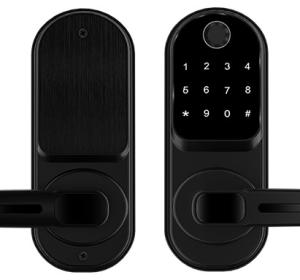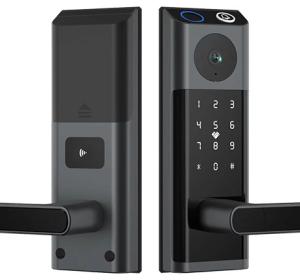
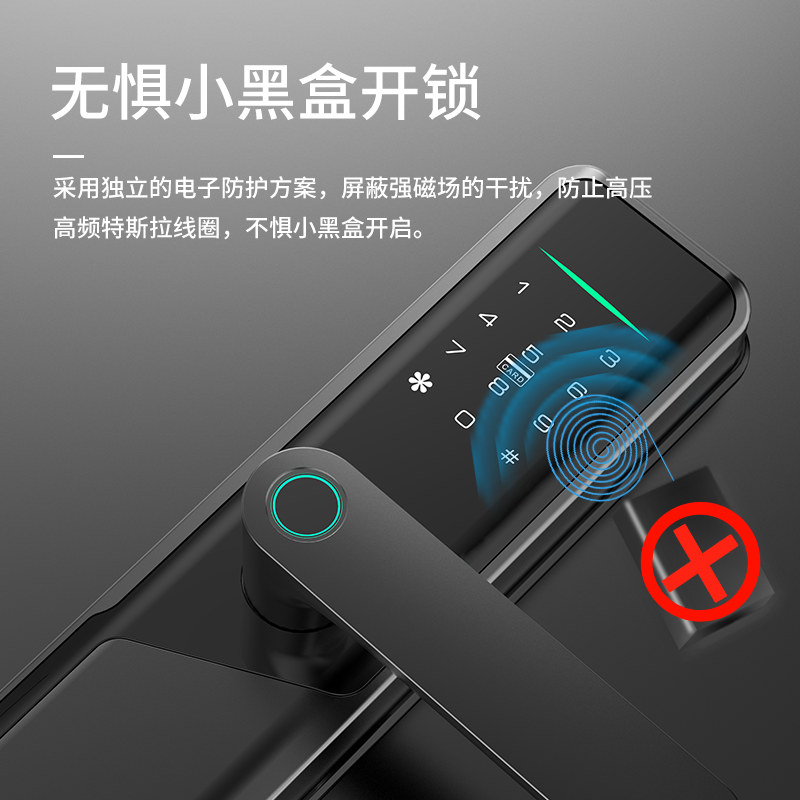
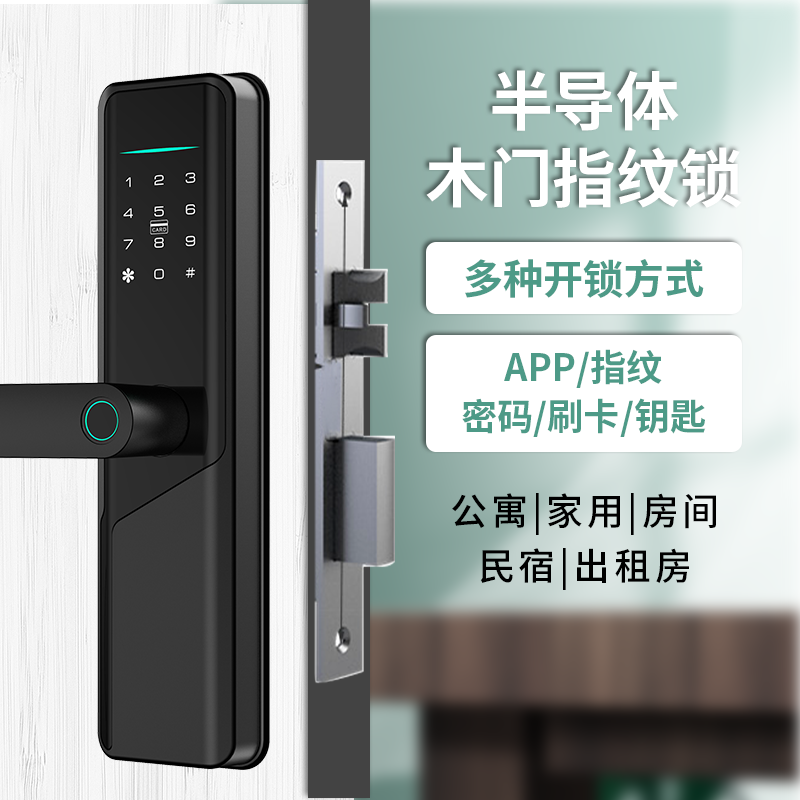
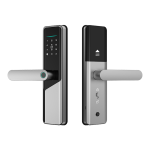
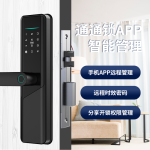
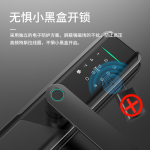
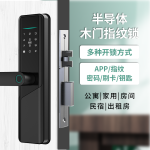
Fingerprint Keypad Smart Lock
Fingerprint keypad smart lock for wooden doors with Bluetooth, TTLock and Tuya apps, six access methods, and three finishes. Request a project quotation for your lock and access-control configuration.
SLK-508 Combines Six Access Methods with Bluetooth Management
The SLK-508 is a fingerprint keypad smart lock for wooden doors that combines six access methods with Bluetooth management through TTLock and Tuya. It is intended for importers, distributors, installers, and projects requiring configurable electronic access and multiple credential types.
- Fingerprint, passcode, RFID/IC card, Bluetooth app, and mechanical key access give users several credential choices, so staff can select a suitable method for each operating routine.
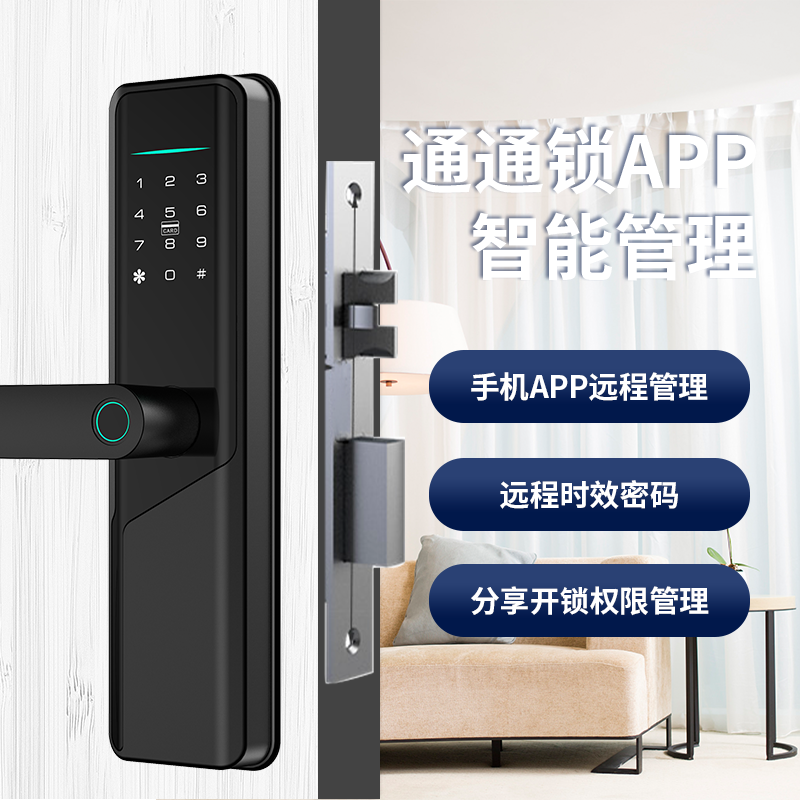
- Bluetooth connectivity supports remote unlock, temporary or periodic passcodes, user management, and access records without requiring a wired network connection for the specified app functions.
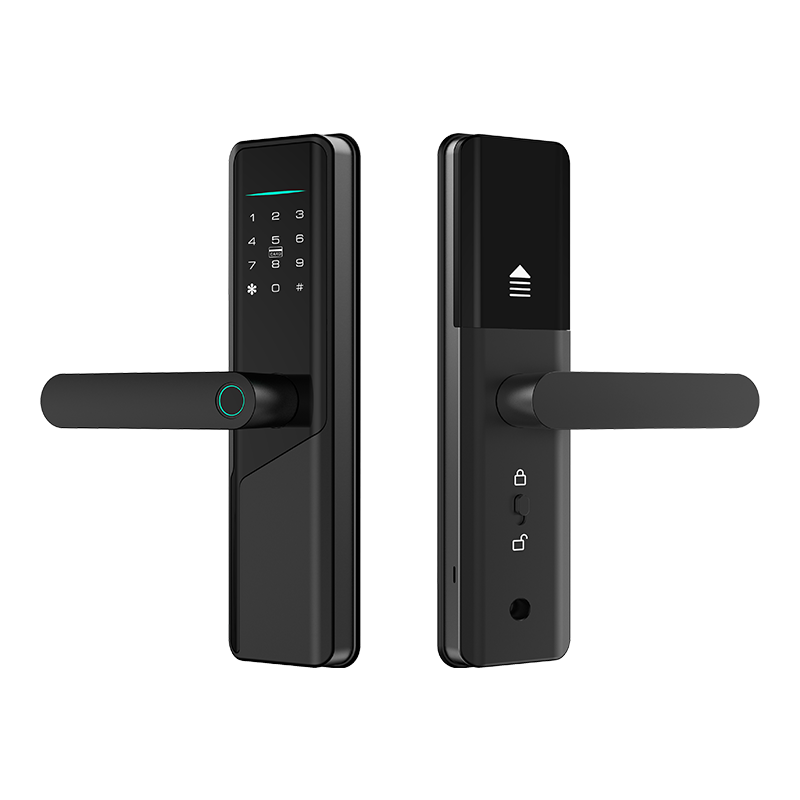
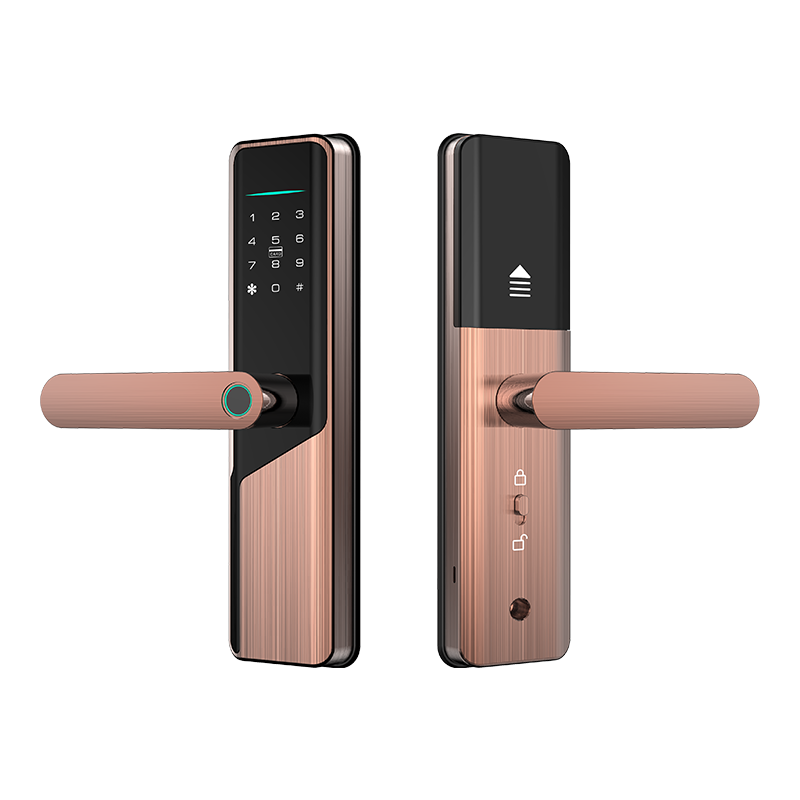
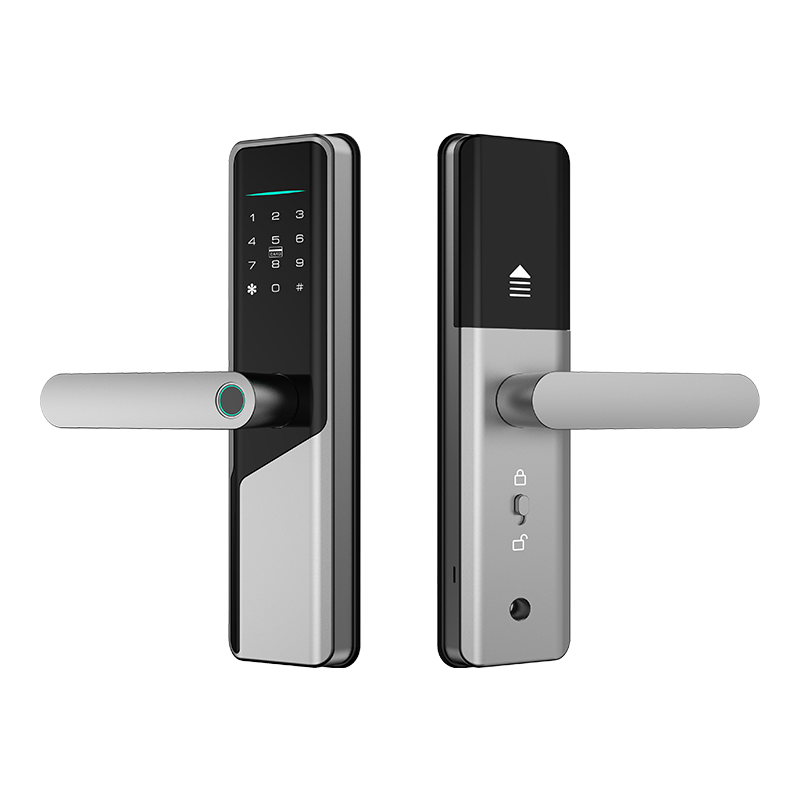
- Black, silver, and red bronze finishes allow project specifications to match different door and hardware schemes, while dimension drawings and installation documents support retrofit assessment.
Product code SLK-508 | Access methods Six methods supported | Connectivity Bluetooth |
Management platforms TTLock and Tuya | Door type Wooden doors | Finish options Black, silver, and red bronze |
What makes the SLK-508 a connected fingerprint smart lock
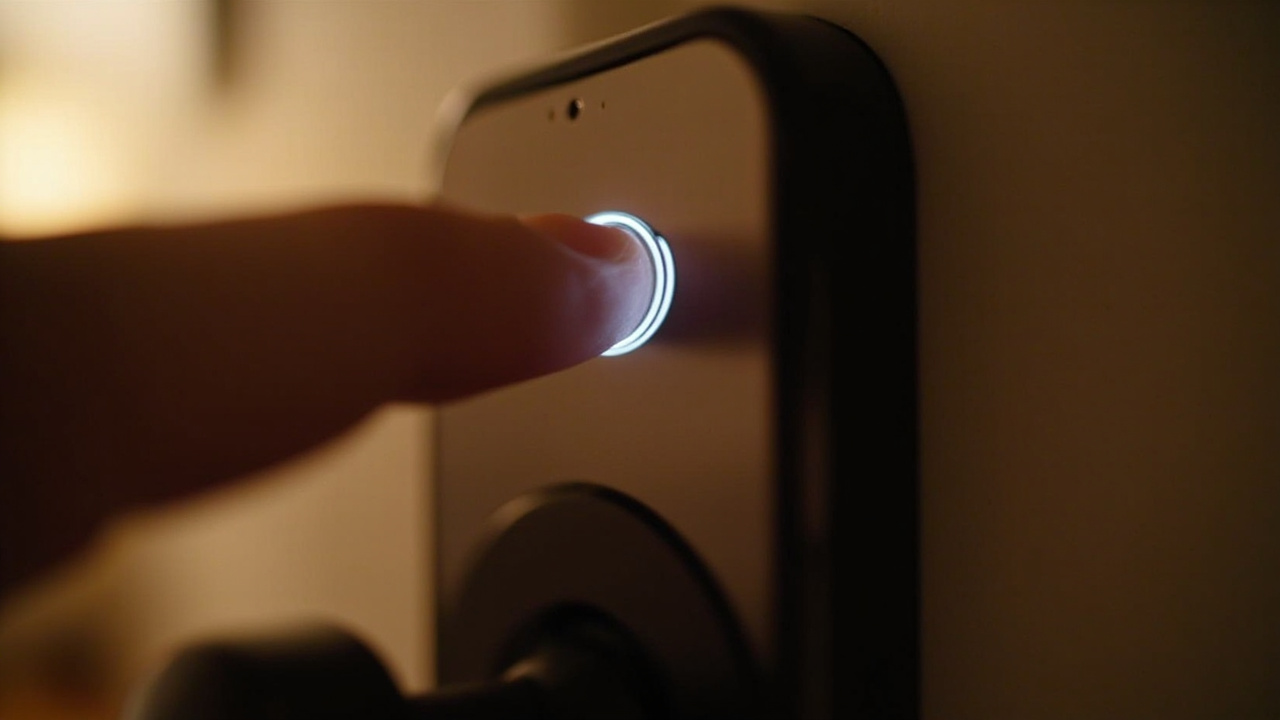 | 01Six credential paths support different access routinesFingerprint, passcode, RFID/IC card, mobile app access, and mechanical key provide more than one way to enter the door. The mechanical override also gives the project an emergency opening route when normal electronic credentials are unavailable. |
02Bluetooth management reduces standalone lock administrationTTLock and Tuya support remote unlock, temporary and periodic passcodes, user management, and access records. This lets an installer or administrator control registered users and time-bound access through Bluetooth-connected management. | 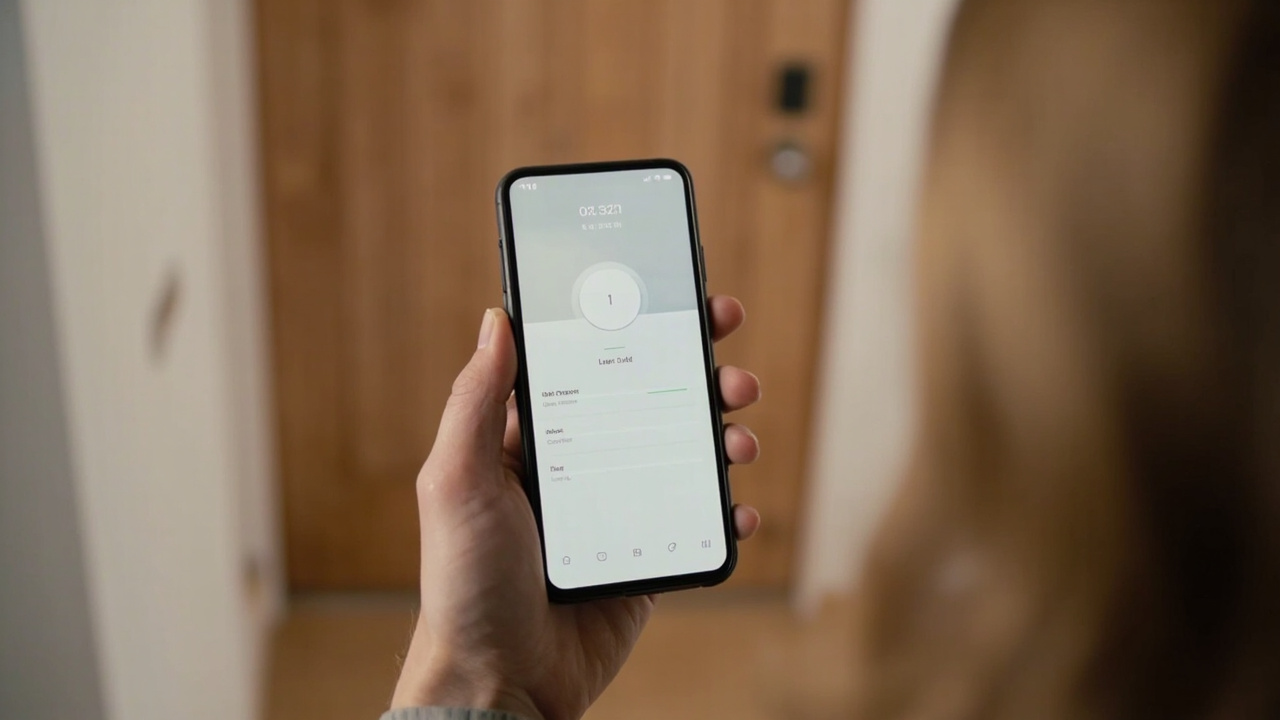 |
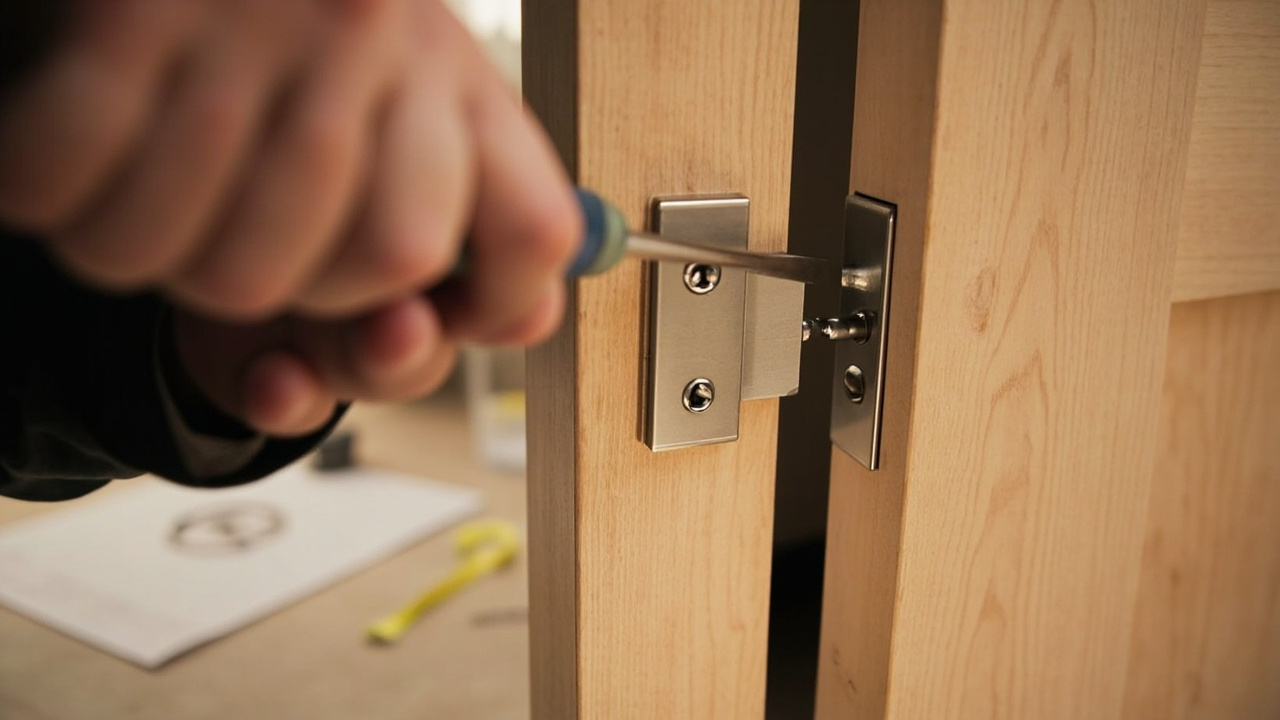 | 03Three finishes coordinate with wooden-door hardwareBlack, silver, and red bronze cover common metal-finish schedules for wooden doors. Specifying the finish before quotation lets distributors and project teams align the lock with existing handles and hinges. |
04Project documentation supports installation planningDimension drawings, an installation guide, and a full datasheet are available on request. These documents allow procurement and installation teams to verify door compatibility and prepare the deployment before ordering. | 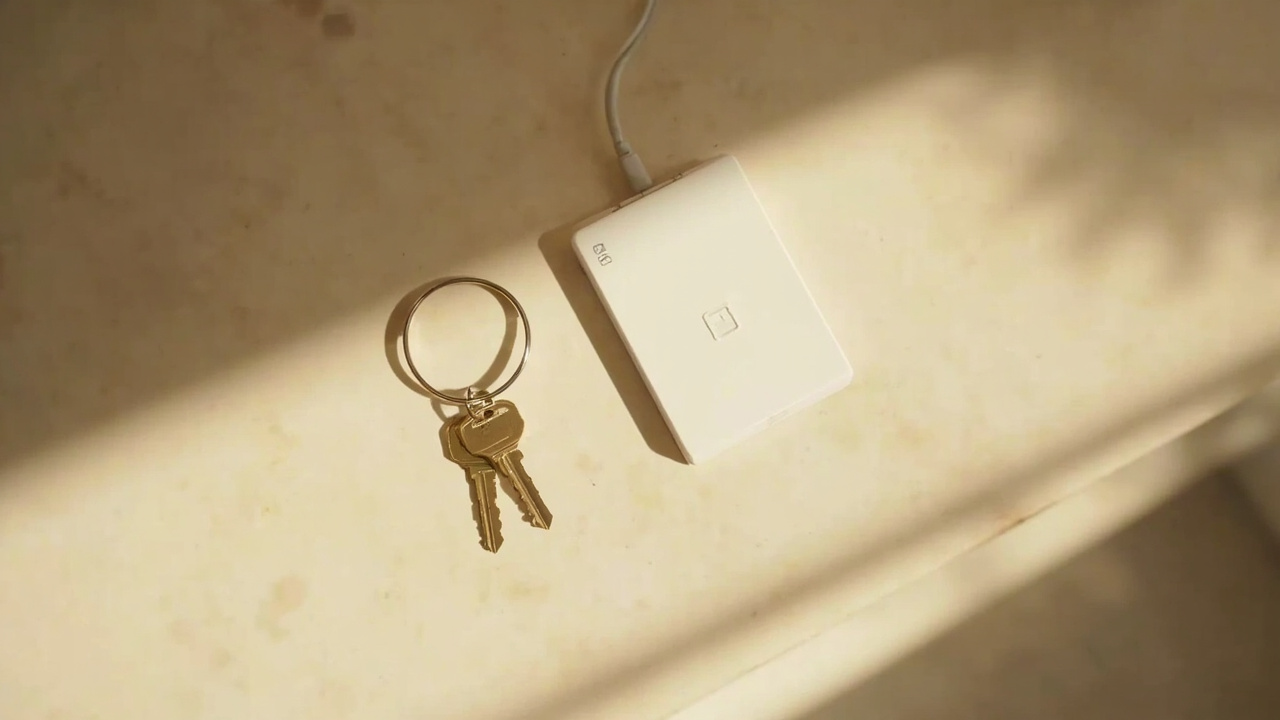 |
How the SLK-508 works
The SLK-508 authorizes access through six supported methods and manages registered users through Bluetooth-connected TTLock or Tuya functions.
- Register the authorized user. An administrator uses the supported app functions for user management and can create temporary or periodic passcodes where needed.
- Issue the required credential. The project can assign fingerprint, passcode, or RFID/IC card access according to the user's role and the site's operating routine.
- Enter through an authorized method. A user presents the registered fingerprint, enters a valid passcode, uses an RFID/IC card, or selects supported Bluetooth app access at the lock.
- Review access activity. Available access records provide administrators with a record of lock activity for user administration and project operations.
- Use the mechanical override when required. The standard mechanical override key provides an opening route when normal electronic access is unavailable.
System & compatibility
The SLK-508 uses Bluetooth management with TTLock and Tuya and supports several credential types for wooden-door access projects.
| Management platforms | TTLock and Tuya |
|---|---|
| Connectivity | Bluetooth |
| Fingerprint access | Supported |
| Passcode and keypad access | Supported |
| RFID/IC card access | Supported |
| Mobile app access | Supported |
| Mechanical override key | Supported |
| Remote control or fob | — |
| 3D face recognition | — |
| Finger vein recognition | — |
Review the Specification tab for the SLK-508 configuration, and request dimension drawings, the installation guide, and the full datasheet for project review.
Compare with related models
A fact-by-fact comparison with other SLK models in the same product family, so you can choose the closest match for the door and project at hand.
| Specification | This model | SLK-004 | SLK-006 | SLK-509 | SLK-620 |
|---|---|---|---|---|---|
| Smart platform | TTLock and Tuya (Bluetooth) | TTLock (Bluetooth) and Tuya (Wi-Fi) | TTLock (Bluetooth) and Tuya (Wi-Fi / Bluetooth) | TTLock (Bluetooth) and Tuya (Wi-Fi / Bluetooth) | TTLock (Bluetooth); hotel lock management software available on card-model versions |
| Connectivity | Bluetooth | Wi-Fi / Bluetooth | Wi-Fi / Bluetooth | Wi-Fi / Bluetooth | Bluetooth |
| Finish options | Black / Silver / Red Bronze | Black / Red antique brass | Black | Black | Silver |
Figures are taken from each model’s own specification sheet. Confirm door preparation, credentials and project options before approval.
Where the SLK-508 is installed
The SLK-508 is installed on wooden doors and combines fingerprint, keypad, RFID card, mobile app, and mechanical key access with TTLock and Tuya Bluetooth management.
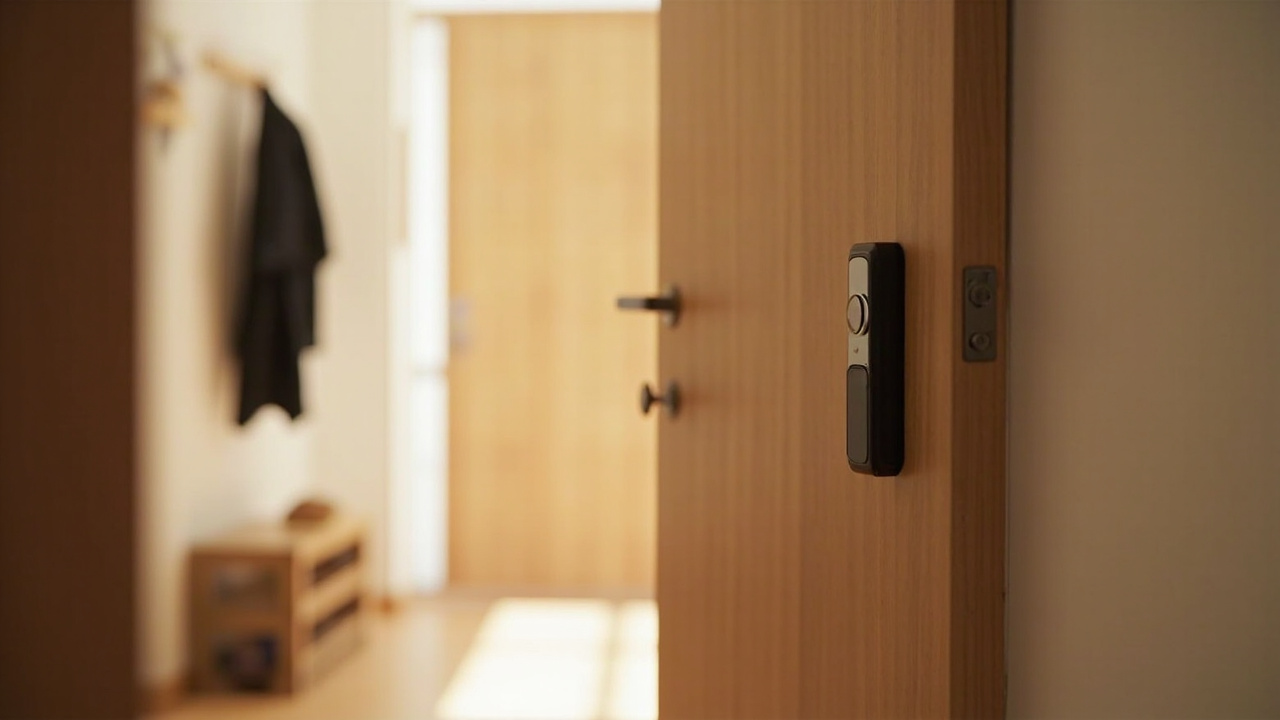 Apartments & homes For apartments and homes, the SLK-508 supports fingerprint, passcode, RFID card, app, and mechanical override access on wooden doors. | 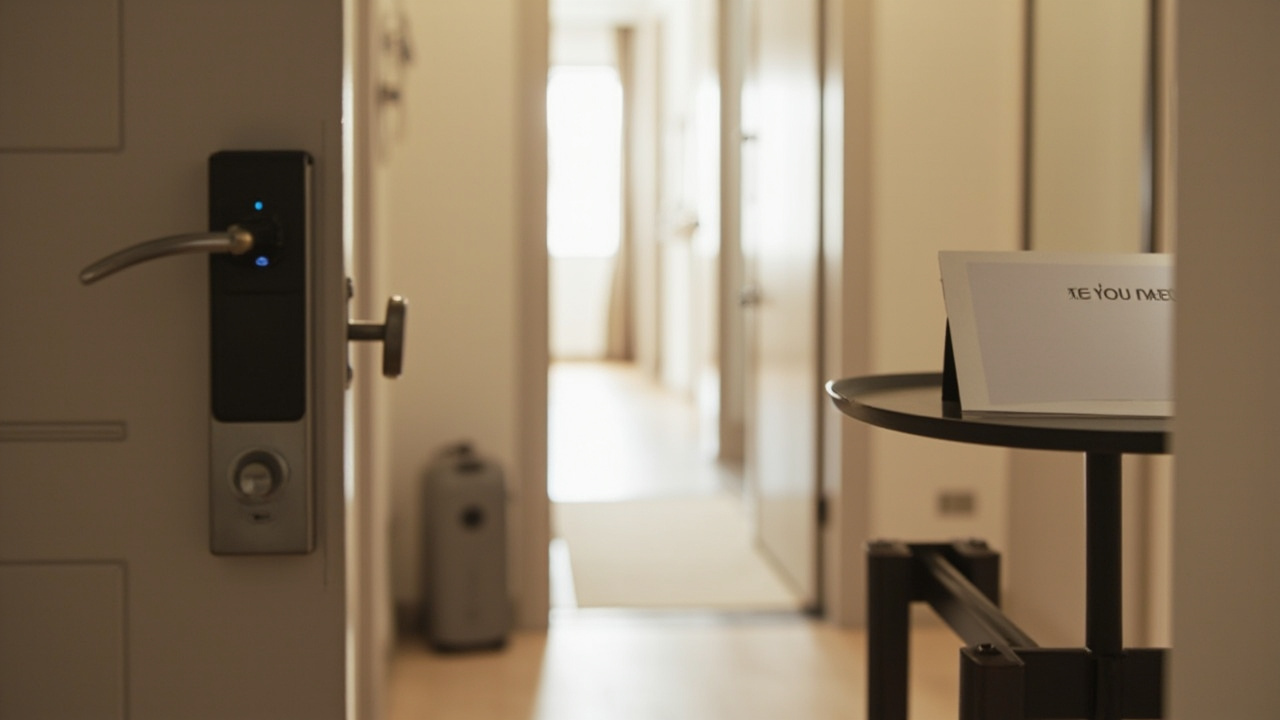 Rental & short-stay units For rental and short-stay units, temporary or periodic passcodes and remote unlock can be managed through TTLock and Tuya over Bluetooth. | 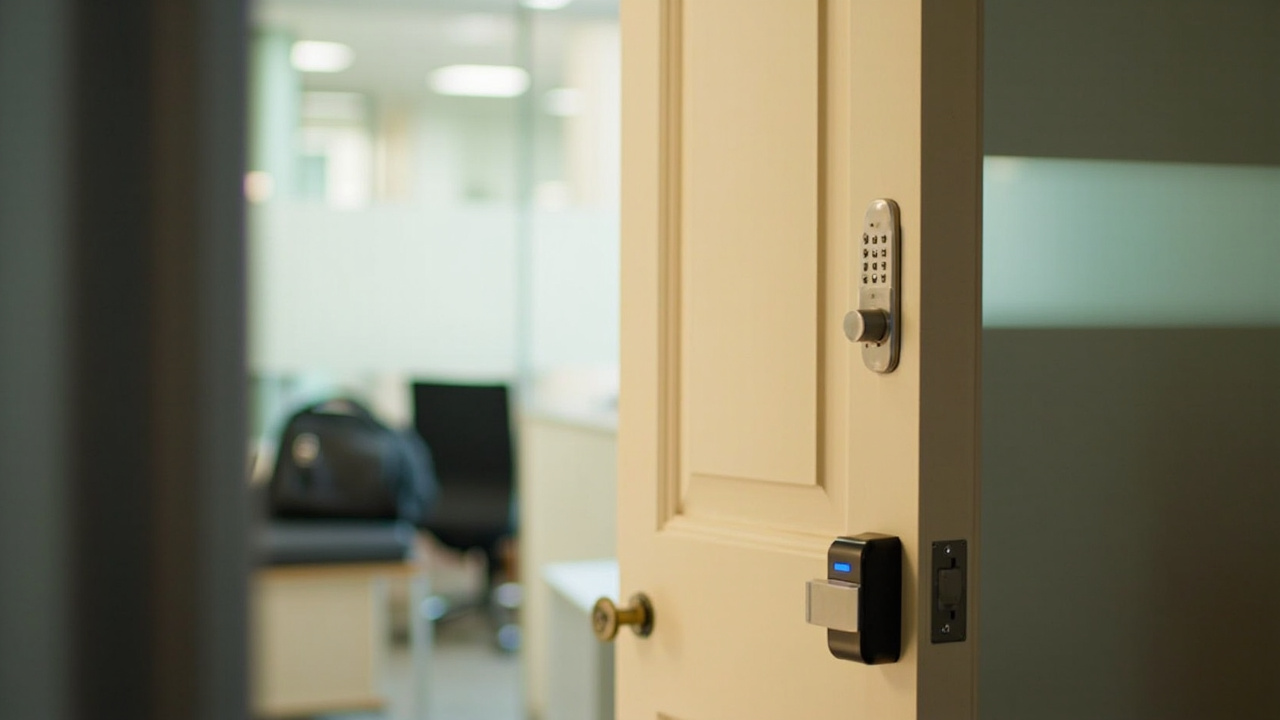 Small offices & staff doors For small offices and staff doors, fingerprint, keypad, RFID card, and mechanical override provide multiple access methods with user and access-record management. |
Related resources for your project
- smart lock manufacturing capabilitiesReview how SLK-508 configuration and OEM requirements fit a distributor or project sourcing program.
- hotel access-control applicationsAssess the six access methods for guest-room and servicing workflows.
- private-label smart lock optionsScope logo, finish, packaging, manual, and product-configuration requirements for channel orders.
- request a lock sampleArrange an SLK-508 sample for physical inspection and door-fit preparation.
Configure the SLK-508 for your project Send door dimensions, quantities and finish — we return a fitted configuration, packing and a project quotation.
|
| Access Methods | |
|---|---|
| Fingerprint Access | Standard |
| Passcode / Keypad Access | Standard |
| RFID / IC Card Access | Standard |
| 3D Face Recognition | — |
| Finger Vein Recognition | — |
| Mobile App Access | Standard |
| Mechanical Override Key | Standard |
| Remote Control / Fob | — |
| Smart Platform & Connectivity | |
| Smart Platform / Management | TTLock and Tuya (Bluetooth) |
| Connectivity | Bluetooth |
| Management Functions | Remote unlock, temporary/periodic passcodes, user management, access records |
| Mechanical | |
| Product Style | Wooden Door Fingerprint Lock |
| Finish / Color Options | Black / Silver / Red Bronze |
| Documentation & OEM Service | |
| Documentation | Dimension drawings, installation guide and full datasheet available on request |
| OEM / ODM | Custom logo, finish, packaging, manuals and product configuration for distributor and project orders |
You may also like
Take it to your cart